New in CLO-SET: Meet CLOFAB, Your Built-In Fabric Digitization Tool
Accurate digital fabrics are the foundation of every reliable 3D garment — and building them should be simple for everyone in the supply chain, not just 3D specialists.
 Accurate digital fabrics are the foundation of every reliable 3D garment — and building them should be simple for everyone in the supply chain, not just 3D specialists.
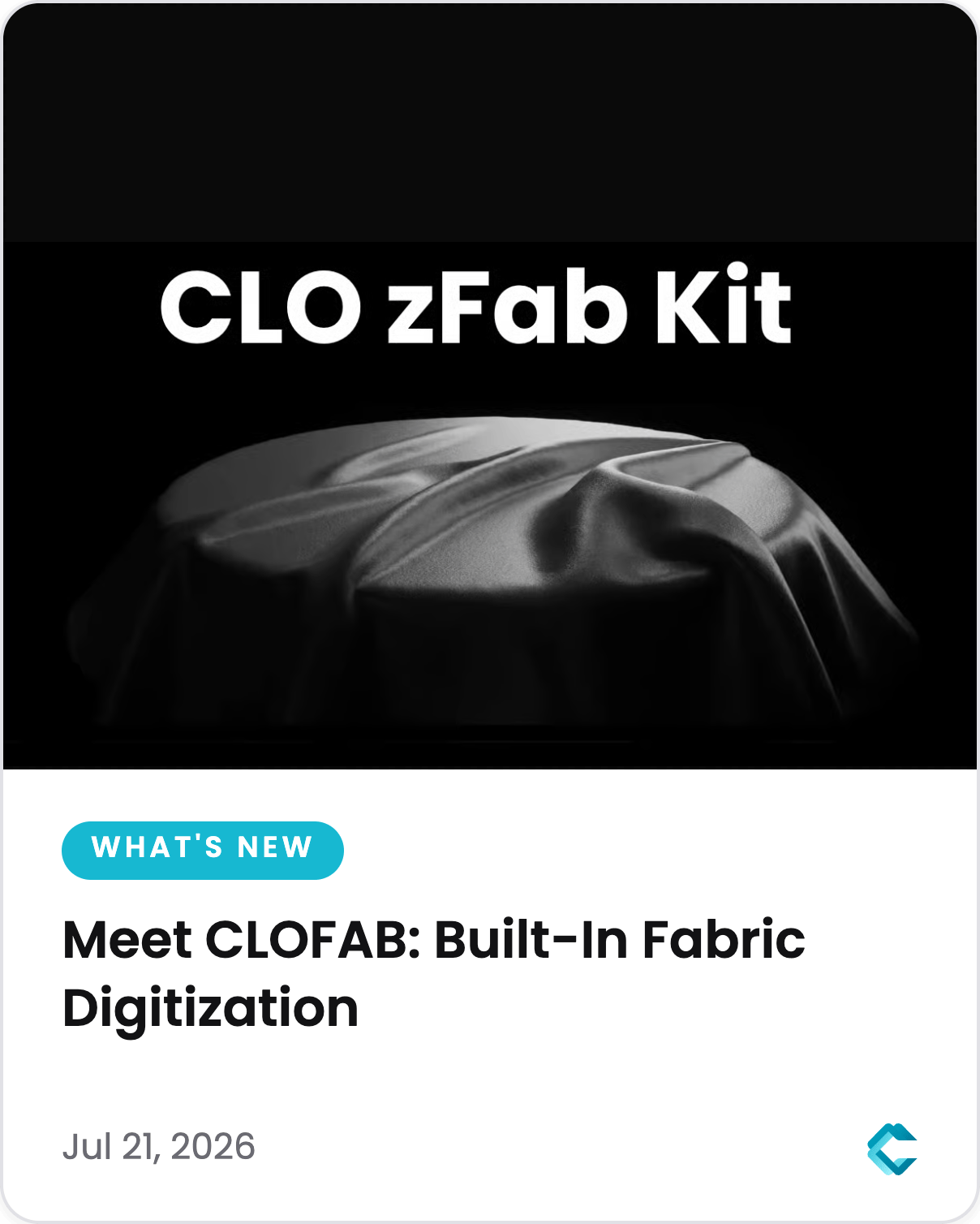
Today we’re introducing CLOFAB in CLO-SET: a web-based fabric digitization tool that lets you create, register, and share digital fabric assets right in your browser. No separate software installation, and no CLO license required. Scan physical samples with the AI-powered CLO zFab Kit, or start from fabric images you already have — either way, CLOFAB turns them into simulation-ready digital fabrics in minutes.
Whether you’re a fabric mill building a digital library for your buyers, a vendor responding to digital-first RFQs, or a brand digitizing seasonal materials, CLOFAB works right inside the platform your team already uses.
Why We Built CLOFAB into CLO-SET
If you’ve tried digitizing fabrics before, you know the frustrations: results that vary from operator to operator, equipment that takes training to run, and outputs trapped in specialist tools your partners can’t open. Meanwhile, suppliers and mills face growing pressure to deliver digital fabric data alongside physical samples — and adopting a whole new toolchain just for digitization creates friction for everyone.
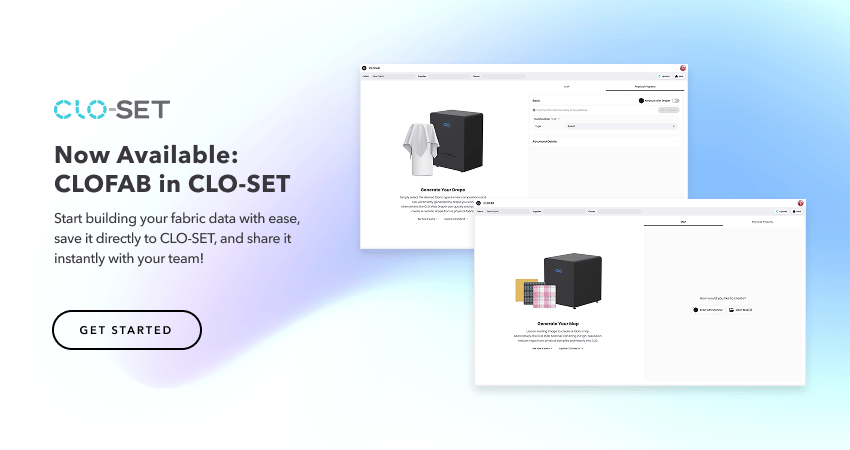
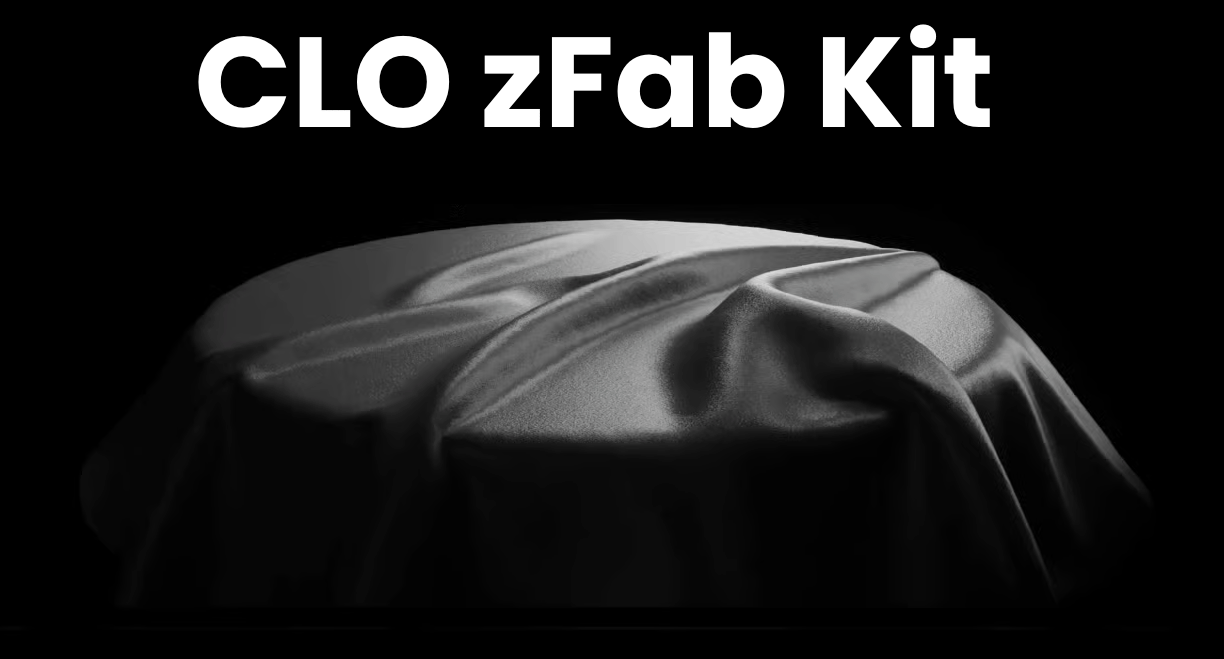
CLOFAB was built to remove exactly that friction. It runs on the web inside CLO-SET — no CLO license needed — so anyone with a CLO-SET account can digitize fabrics and share them instantly with design teams, buyers, and partners. Behind it sits the CLO zFab Kit: the zFab Cutter, Scanner, and Draper work together to measure how a fabric looks and behaves from one small round swatch, guided by AI models built on fabric data from CLO and swatchbook. For your team, that means shipping fewer physical swatches, approving materials sooner, and making decisions on data everyone can trust.
What You Can Do with CLOFAB
Generate Seamless Fabric Maps with AI Auto Tiling
Capture high-resolution PBR maps — including Diffuse, Normal, Roughness, Opacity, and Displacement — from physical samples with the CLO zFab Scanner, or open your existing map images.
From there, CLOFAB’s Auto Tiling uses AI pattern recognition to do the hard part for you: click and drag to select a repeat area on your map, and CLOFAB automatically finds the optimal repeat region and previews the seamless, tileable result. Need more control? Switch to Manual Mode to define the repeat area yourself, and use the Equalize option to smooth out uneven brightness across the tiled result.
Generate Accurate Drape from Fabric Specs
A digital fabric isn’t complete without physical properties. With CLOFAB’s drape generation, simply enter your fabric type, composition, weight, and thickness — and CLOFAB computes the physical property data and previews the drape instantly. You can review the map and physical properties side by side, then fine-tune individual values in Advanced Details when needed.
Upload and Share Fabrics Instantly
Once your maps and physical properties are ready, upload them to CLO-SET as a fabric file in a few clicks. Add the fabric name, supplier, and owner information, choose a Workroom or Company Library, and your digital fabric is immediately available to your entire team — versioned, searchable, and ready to use in 3D garments, with no conversions or cleanup in between.
Built for Suppliers, Loved by Brands
For fabric suppliers and mills, CLOFAB is the fastest way to build a digital fabric library your customers can actually use — without investing in new software or training. For brands and design teams, it means receiving accurate, simulation-ready fabric data from partners directly in CLO-SET, cutting out file conversions and back-and-forth emails.
The result: a faster, more connected 3D workflow across your entire supply chain.
How to Get Started
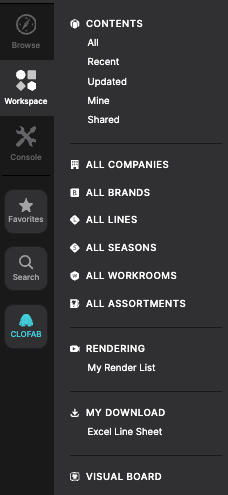
CLOFAB is available now in CLO-SET. To try it, click the CLOFAB button in the bottom-left corner of your dashboard, or select + NEW → Create New Fabric in any Workroom or Company Library.
For step-by-step instructions, check out the CLOFAB in CLO-SET guide in our Help Center. The CLO zFab Kit is now available for order worldwide — pricing, configuration, and demo requests at zfabkit.clo3d.com. You can also read the full announcement on the CLO Newsroom.
FAQ
What is CLOFAB? CLOFAB is a web-based fabric digitization tool in CLO-SET that turns fabric data captured with the CLO zFab Kit — or your existing fabric images — into digital fabric assets you can register and share, with no separate software installation.
Do I need the CLO zFab Kit to use CLOFAB? The zFab Kit (Cutter, Scanner, Draper) is at the core of the CLOFAB workflow — it captures high-resolution PBR maps and physical property data directly from physical fabric samples. That said, if you already have fabric images, you can generate seamless maps from them using AI Auto Tiling without the hardware.
Do I need a CLO software license? No. CLOFAB runs entirely on the web in CLO-SET, and the zFab Kit operates as a standalone solution — no CLO license is required.
Who is CLOFAB for? Fabric suppliers, mills, and brand design teams — anyone who needs to create or work with accurate digital fabrics in a 3D fashion workflow.
Where do my digitized fabrics go? Fabrics upload directly to the CLO-SET Workroom or Company Library you choose, where they’re instantly shareable with your team.
Ready to digitize your first fabric? Log in to CLO-SET and open CLOFAB today.
Continue lendo
Ver tudoHow to Optimize Fashion Product Development with Practical 3D Workflow Tips - 2026 CLO-SET Webinar
Fashion product development involves much more than creating 3D garments. Teams collaborate across design, development, merchandising, and production, and the workflow connecting them determines how m
2026 Q2 Updates in CLO-SET: Better Product Reviews, Smarter Tech Packs
Q2 updates cover the full stretch between product reviews and production documentation: better vendor communication, more confident quality reviews, and more complete tech packs. Explore what's new in
2026 Q1 Updates in CLO-SET: Streamlining Product Development Workflows
Q1 updates support fashion teams at both ends of product development: shaping concepts earlier and preparing production documentation with less manual work. Explore what's new in CLO-SET . [Moodboar