For Brands
CLO-SET connects every stage of the product lifecycle, from planning to production. Manage and review your brand's designs and assortments with 3D assets, in one centralized workspace.
Why CLO-SET
- Connected, up-to-date data from design to production
- Reduced sample costs
- Digital asset management in one platform
Bring design, buying, and production onto one 3D source of truth.
3D Asset Management
Manage 3D assets in one place. A single source of truth for your whole team.
Communication Tool
Comment, annotate, and track versions directly on 3D designs. Feedback stays where the work is.
Web Tech Pack
Data syncs automatically from your CLO files. Tech packs come together with no manual entry.
Visual Board
Build mood boards and product catalogs with 3D assets. Share them with your team and clients.
3D Asset Management
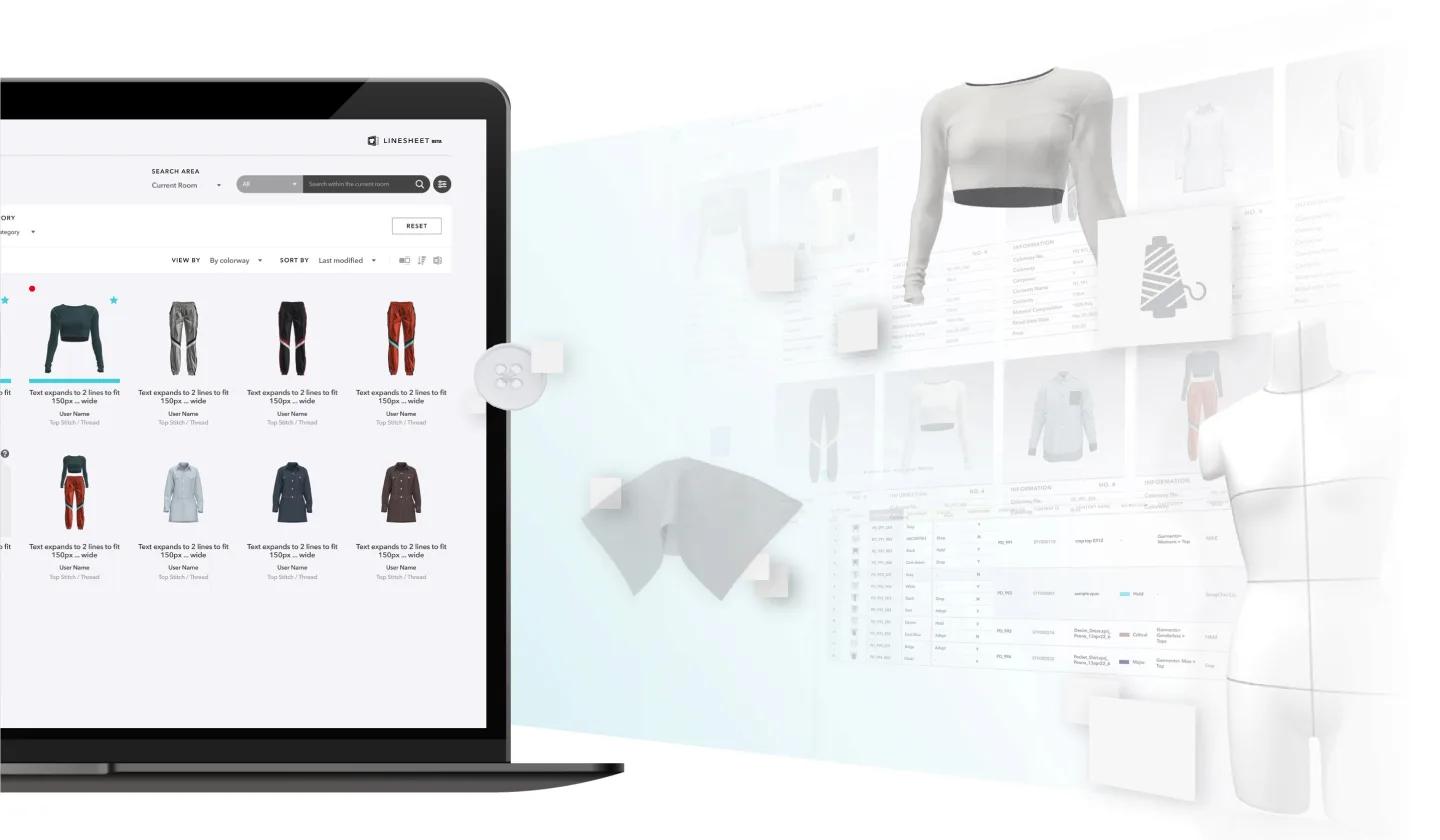
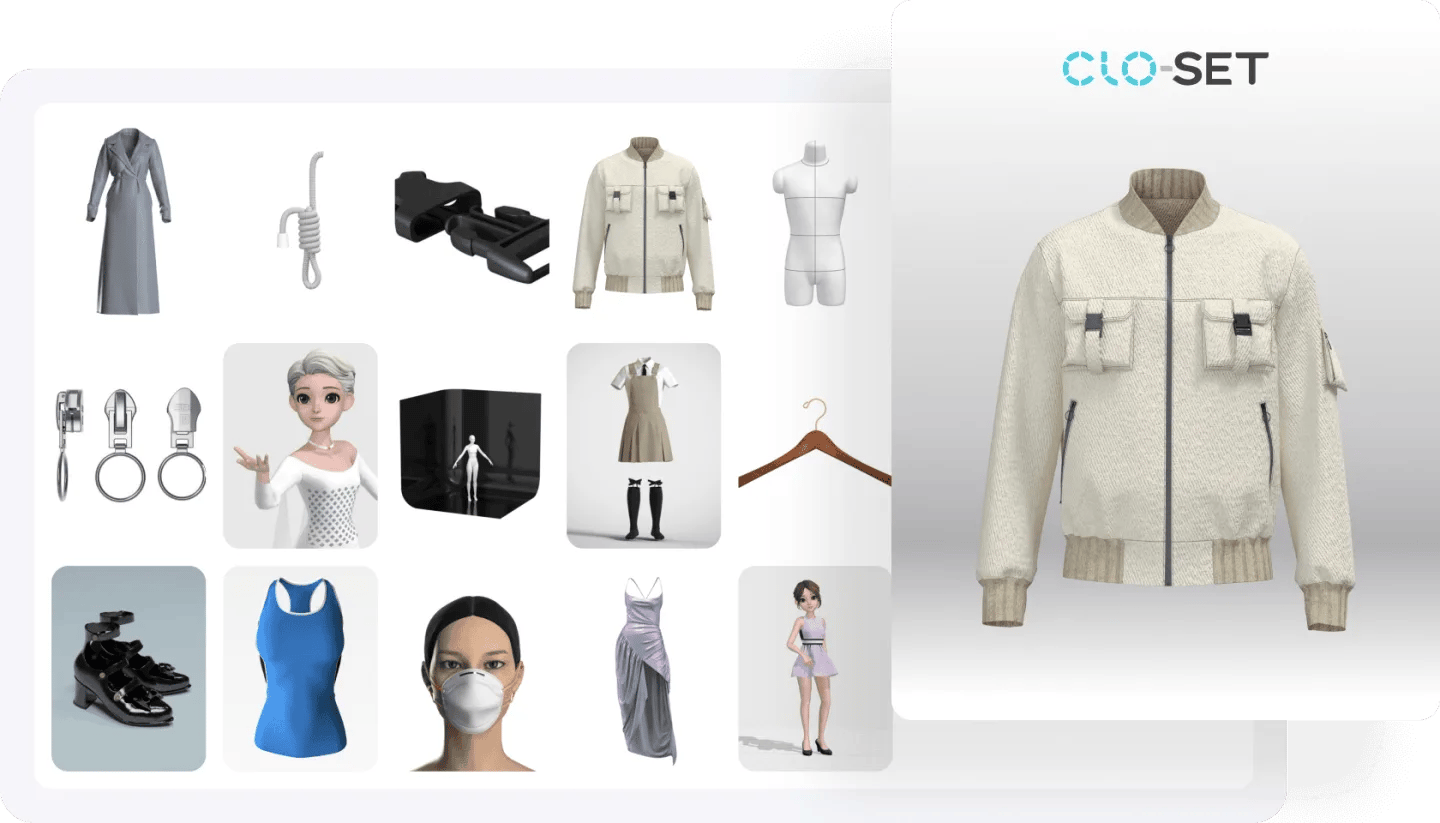
Store and manage every 3D asset in one secure, centralized library. It connects directly with CLO, so design components stay organized where the work happens, and sharing with your team takes a link, not a file transfer.
3D Component Library
Keep all your 3D assets in one place, with support for formats like GLB, OBJ, PDF, MP4, and JPEG. A built-in 3D viewer lets anyone easily open and share assets without extra software.
Single Source of Truth
All your product data (Style, Fabric, Trim, and Avatar) lives in a single source of truth. Every team works from the same up-to-date information, which removes duplicate files and version conflicts across design, development, and production.
Communication Tool
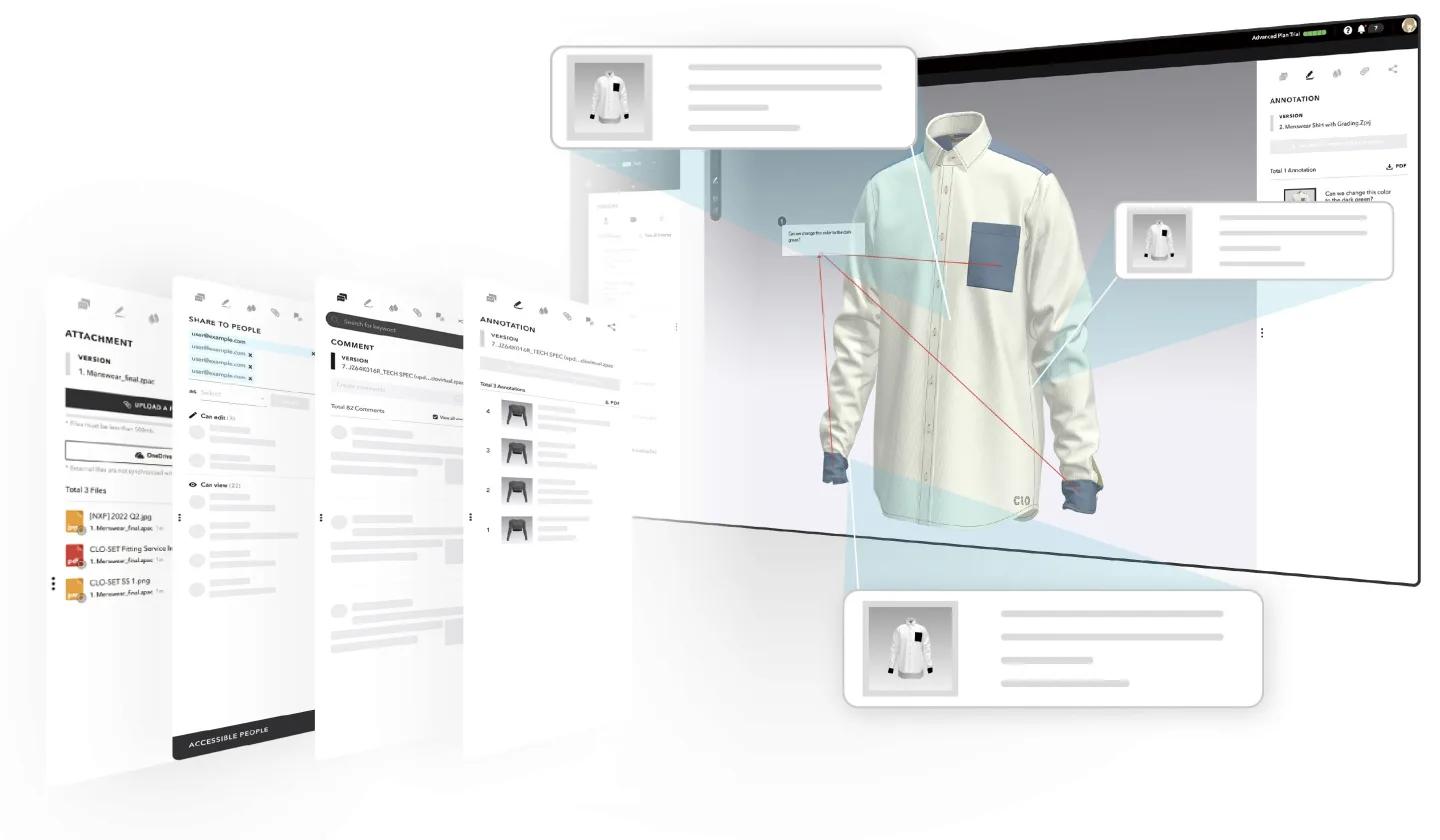
Communicate with vendors and buyers directly on your 3D designs. Feedback stays on the design itself instead of scattering across email and chat threads.
Comment, Annotation, Sharing, Attachment
Annotations and comments attach directly to the 3D asset. There's no need to capture multiple angles and comment on each screenshot separately.
Version Upload
Every version, along with its project files, attachments, and comments, stays on one Content Page. The product's full history is always in one place.
Role-based Access Control
Sharing permissions grant access to specific individuals or teams. External partners and collaborators see only what's shared with them, and feedback reaches the right people without extra coordination.
3D Web Tech Pack
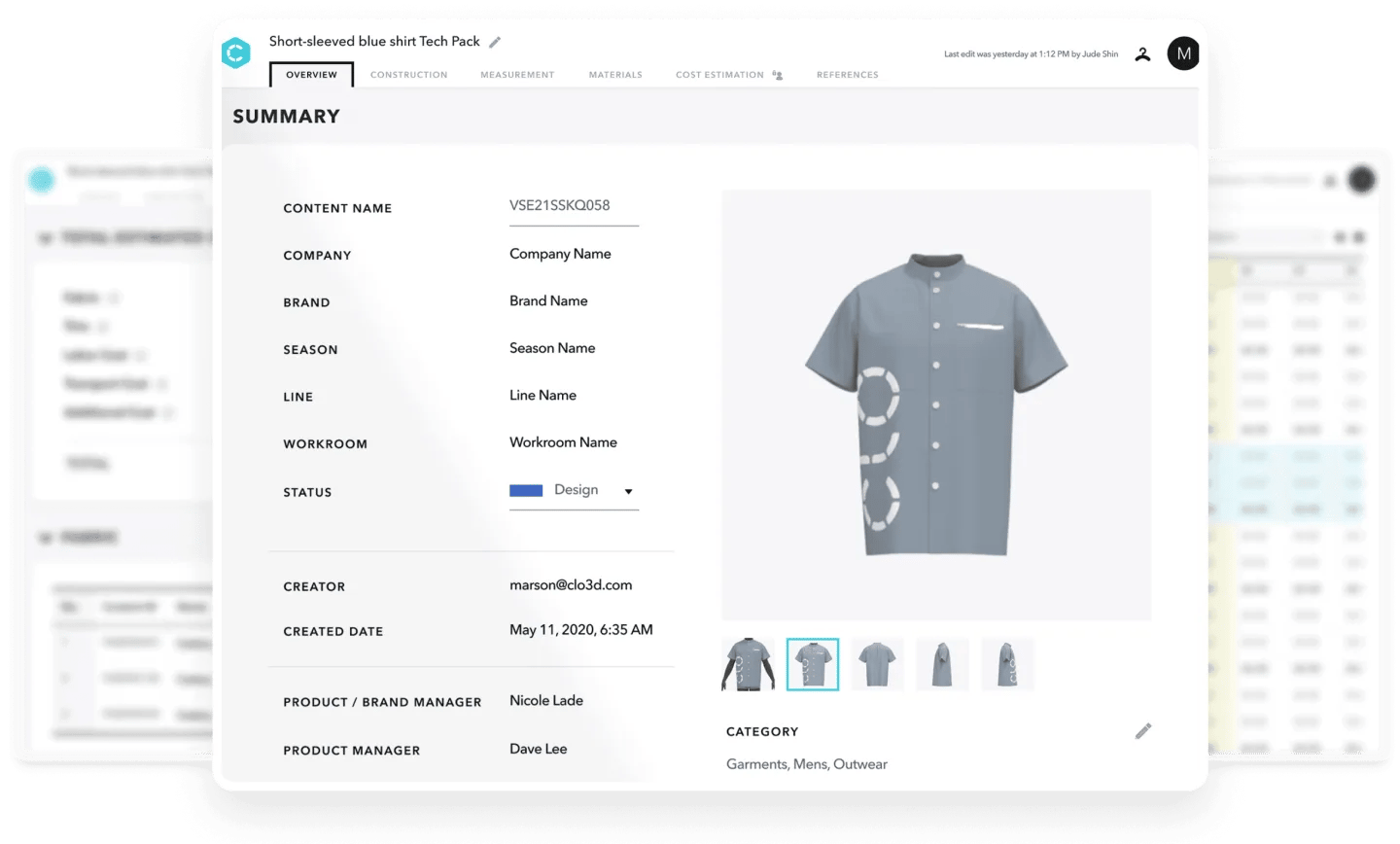
Create interactive product specifications with the 3D garment inside. Rotate it, zoom in on details, and review the product together with your team.
Overview, Cost Estimation, Measurement
The Overview feature brings 3D style information and schedules together. Measurements fill in automatically from the 3D garment, and cost estimation calculates the total production cost.
Construction, Bill of Materials
The Bill of Materials fills in automatically from the 3D garment data created in CLO. Bill of Materials by Colorway and Grading lets you customize the BOM for each colorway and each grading. Adding the details for fabrics, patterns, trims, and sewing techniques keeps communication with your team and vendors clear.
Interactive 3D Line Sheet
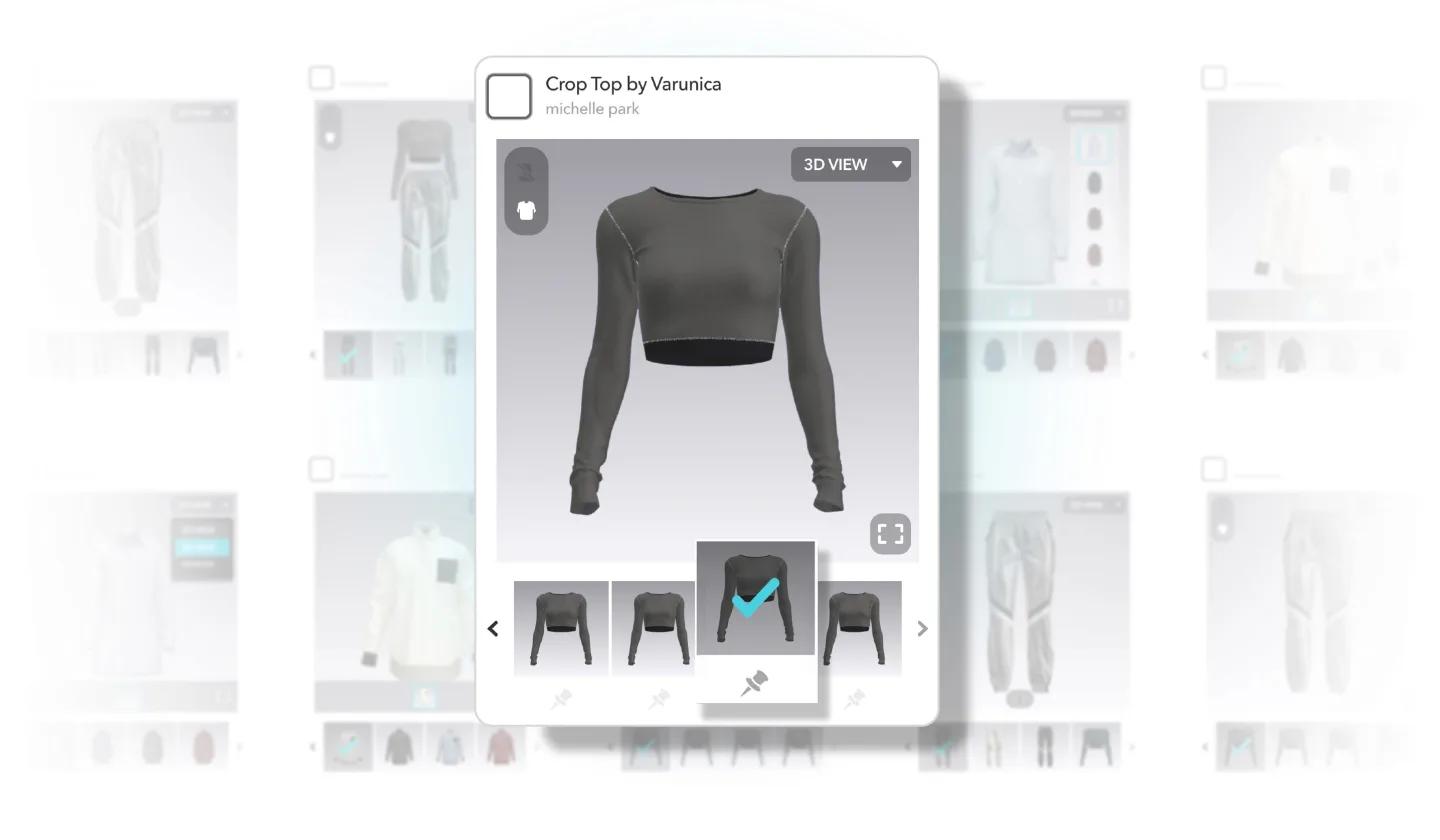
Replace static spreadsheets with a web-based line sheet. Contents update automatically, and merchandising teams can customize fields for a tailored presentation.
Thumbnail Mode
3D Thumbnail view shows products visually instead of rows of small text in Excel. Merchandisers browse the collection as it actually looks.
Customize Line Sheet Fields
Custom Line Sheet fields carry essential sales data alongside the 3D designs. Merchandising and sales teams add details like Carryover, Development Cost, and Sales Channel, driving data-informed decisions for the assortment.
3D Configurator
Preview design variations in real time. Switch colorways and materials on your 3D designs, so teams can review options and align before production.
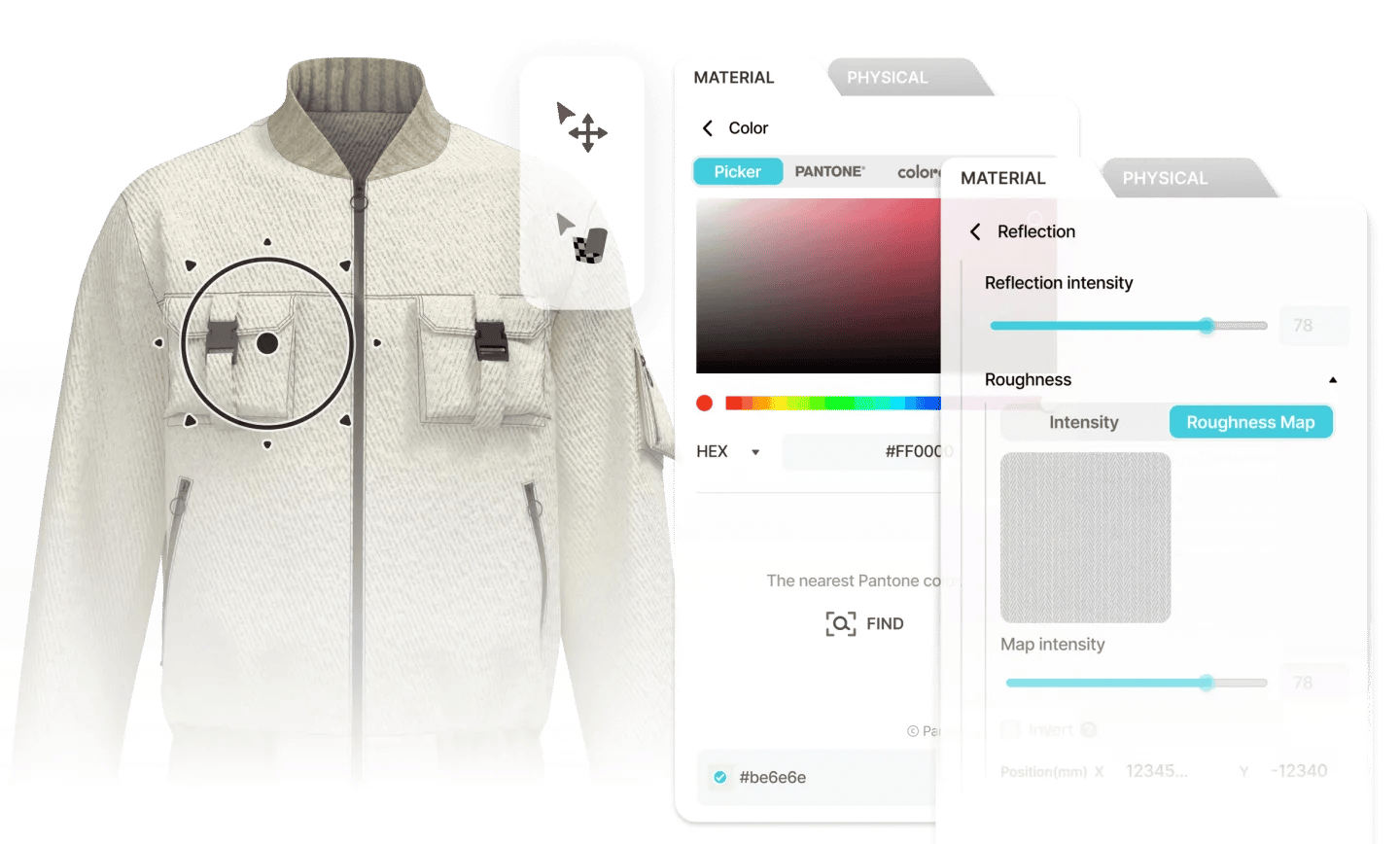
Colorway Configurator
Instantly apply colorways to your 3D designs in a single click using standard colors, Pantone, or custom palettes.
Property Editor
Material properties like color, basic parameters, and reflection settings can be edited right in the Configurator. Anyone can achieve realistic material finishes without professional software expertise.
Rendering
Create realistic renders of your 3D designs. Provide your team and clients true-to-life visual detail.
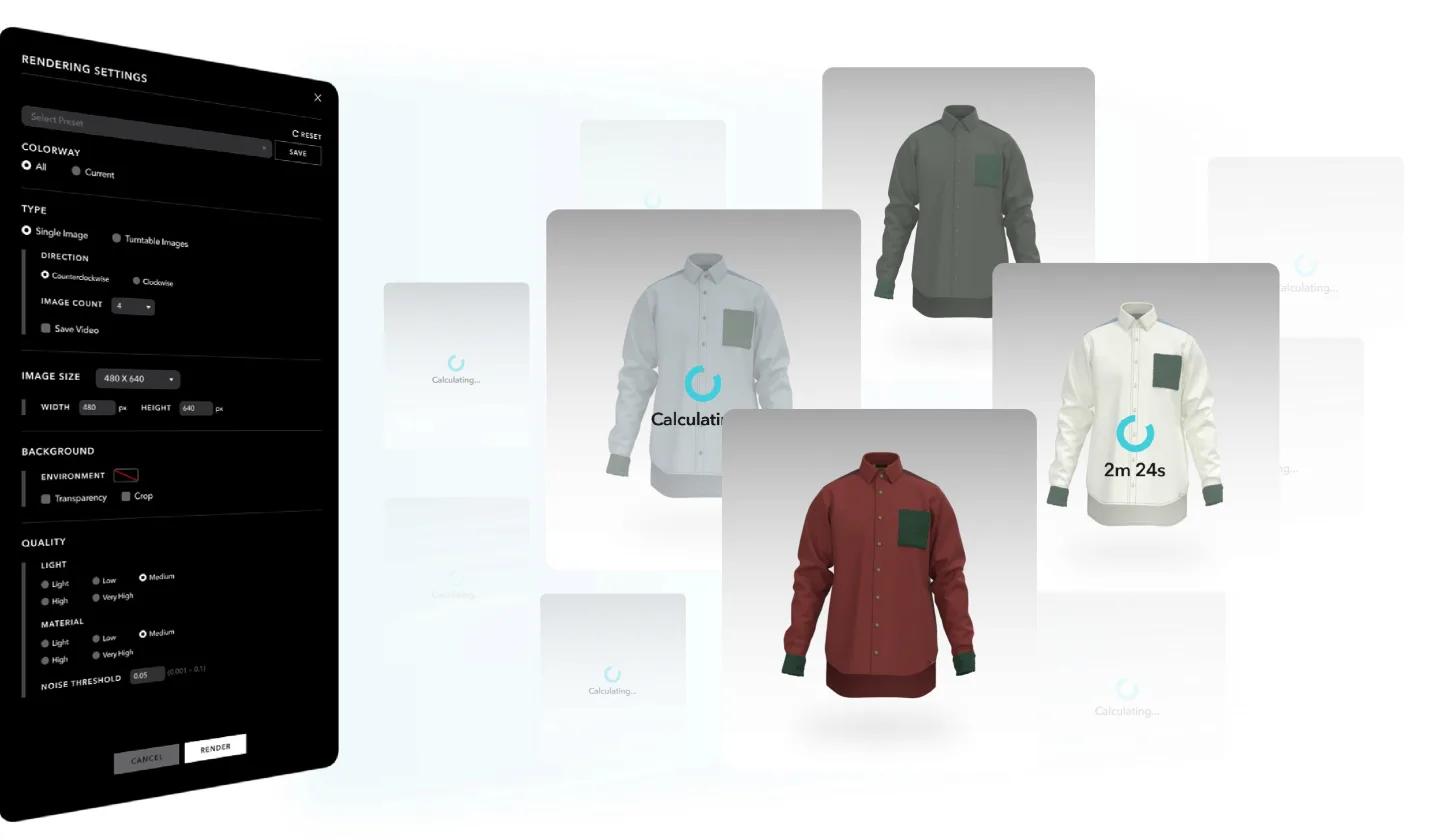
Render via CLO-SET
Rendering takes place entirely inside CLO-SET, with no external software or file transfers. CLO-SET renders in the background while adjustments continue in CLO, delivering realistic results in real time.
High-Quality Visuals, Realistic Results
CLO-SET delivers photorealistic images effortlessly. Capture every detail of your 3D designs created in CLO in high resolution, ready for client presentations and internal reviews with zero complex setup.
Embed 3D Viewer
Share the 3D view of your designs with the public. The viewer embeds wherever you sell or present, and customers explore the product in interactive 3D.
Embed URL
The embed URL puts the 3D viewer on your portfolio, website, or online store. Customers and partners see the design exactly as you see it.
Link & QR Share
A link or a QR code shares the 3D viewer just as well. Customers open it with a click or a scan.
Visual Board
Build boards that bring design inspiration, color palettes, and fabric choices together around your 3D assets. Drag and drop to create mood boards, range boards, or product catalogs.
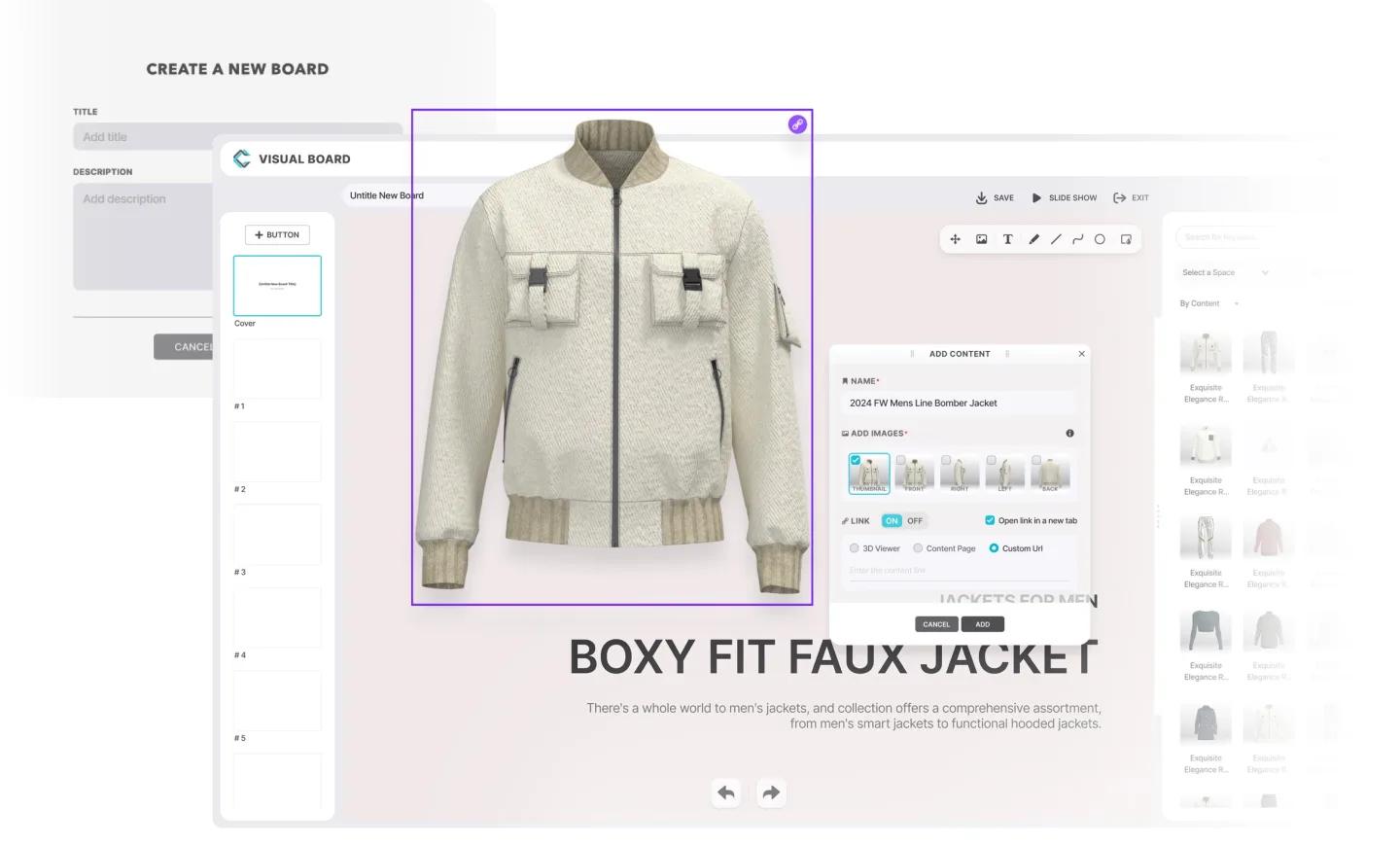
Interactive UI Tools
Drag and drop the 3D files in your CLO-SET space to insert thumbnails from multiple views, along with a link to the 3D viewer. Use editing tools like color palettes and toolbars to refine the board.
Invite, Share & Publish
Build boards together within your internal team. Finished boards can be presented as a slideshow, or published as a link for external clients
Quality Check
Set quality standards for trims, seamlines, stitches, avatars, and grading. Every 3D garment goes through the check before physical sampling or production.
2D Pattern Viewer
Inspect pattern shapes and construction details right in your browser, without opening CLO. Each piece shows where it sits on the 3D garment.
Mix & Match
Combine 3D garments, accessories, and colorways into complete looks. Compare styling options and share the best combinations for review.
Your entire supply chain works from one 3D file.
- Design
Designer
Build the garment in CLO and push it to CLO-SET, every detail intact.
- Review
Brand
Review, comment, and sign off on the same 3D asset, not five versions of a deck.
- Produce
Manufacturer
Cost, measure, and quote straight from the 3D file, without waiting on a sample round-trip.