How to Use 3D Sample Reviews for Line Planning
Learn how teams can use CLO-SET 3D reviews to move styles toward assortment consideration, revision, physical confirmation, or hold, with clear owners and next steps.
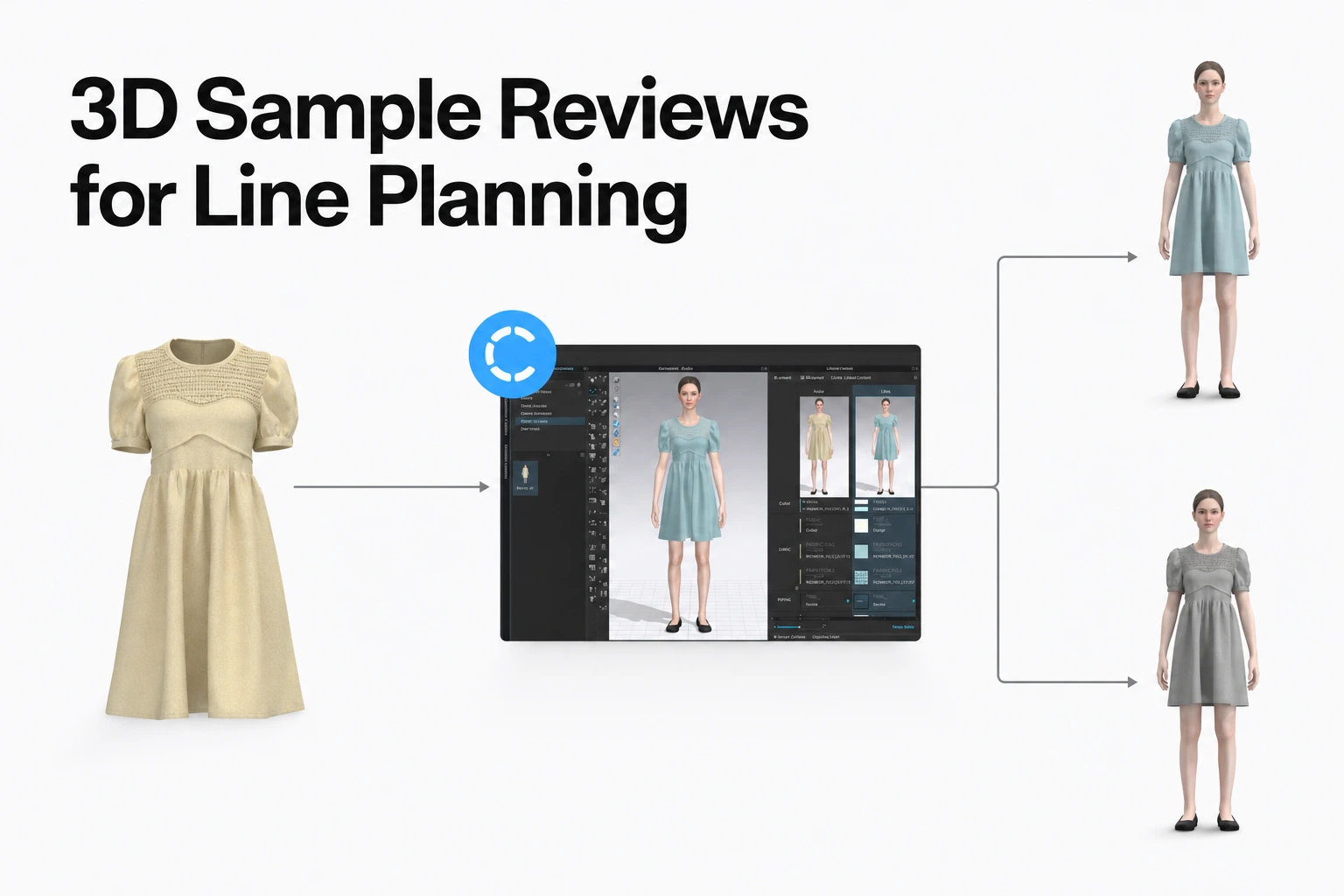
A 3D line review should end with a clear next decision for every style.
- Advance a style for assortment consideration when it fits the season’s range and its review questions are resolved.
- Return it for revision when reviewers identify a change they can describe and assign.
- Route it to physical confirmation when fit, material, or construction evidence depends on a real garment.
- Hold it from the current line when it does not fit the assortment brief or lacks a decision-ready version.
A 3D sample review can support faster, more structured line-planning decisions when reviewers use the digital garment to resolve visual and product questions before making the assortment decision. Teams can use CLO-SET Workflow and Status, Comments, Content Versions, and other product information to keep review context and next steps connected throughout the process. As a team practice, assign an owner, an outcome, and a next action for each style, and route physical checks only to the styles and questions that need them.
CLO-SET supports this workflow at connected stages. Visual Board supports moodboards, lookbooks, presentations, and seasonal visual review using CLO-SET assets. CLO-SET organizes work across Company, Brand, Line, Season, Workroom, and Assortment spaces. CLO-SET supports 3D Annotations for location-specific visual feedback and Content Comments for ongoing discussion around the content and its versions. Its Tech Pack connects BOM, POM, and cost information with product development. Together, these capabilities help teams prepare seasonal context, review styles, record decisions, and carry product information into the next handoff.
1. Decide what each style must leave review with
Set the exit decision before inviting reviewers. For each style, record one of four outcomes: advance for assortment consideration, revise and return for another review, route to physical confirmation, or hold from the current line. That common set of outcomes makes the review useful to merchandising, design, development, and production without treating their decisions as identical.
A line decision asks whether the style belongs in the planned range. A garment-level technical review asks whether its construction, measurements, fit, materials, or details are ready for the next development stage. The Oracle Retail assortment-planning guide describes assortment planning as setting the breadth and depth of products, including color and size, for a place and a period. A digital fit assessment answers a different question about how a garment is expected to fit.
Name one person to record the line decision and one person to own each technical question. A merchandiser or line planner can recommend whether a style fills a range need. A designer or technical designer can own a silhouette, proportion, measurement, or construction revision. A materials or sourcing lead can take an open fabric or trim question to the right physical evidence. Your organization can assign these roles differently; what matters is that each decision has a named owner and a next action.
Agree on a small set of exit fields before the meeting. Include style name or identifier, season and line, version reviewed, outcome, unresolved question, owner, and next review point. A style with a useful comment but no outcome remains in the queue. A style with a decision and no version reference can send the team back to an earlier garment, so attach the review to the actual version under discussion.
CLO-SET allows Company Admins to customize Workflow and Status names to match the team’s process. Workflow applies at the Content level, while Status can be managed by Colorway. Teams can use these fields to represent stages such as range review, revision, physical confirmation, hold, or other internal decision states. Choose names and owners that make the next action clear to everyone involved.
2. Organize the season and review materials
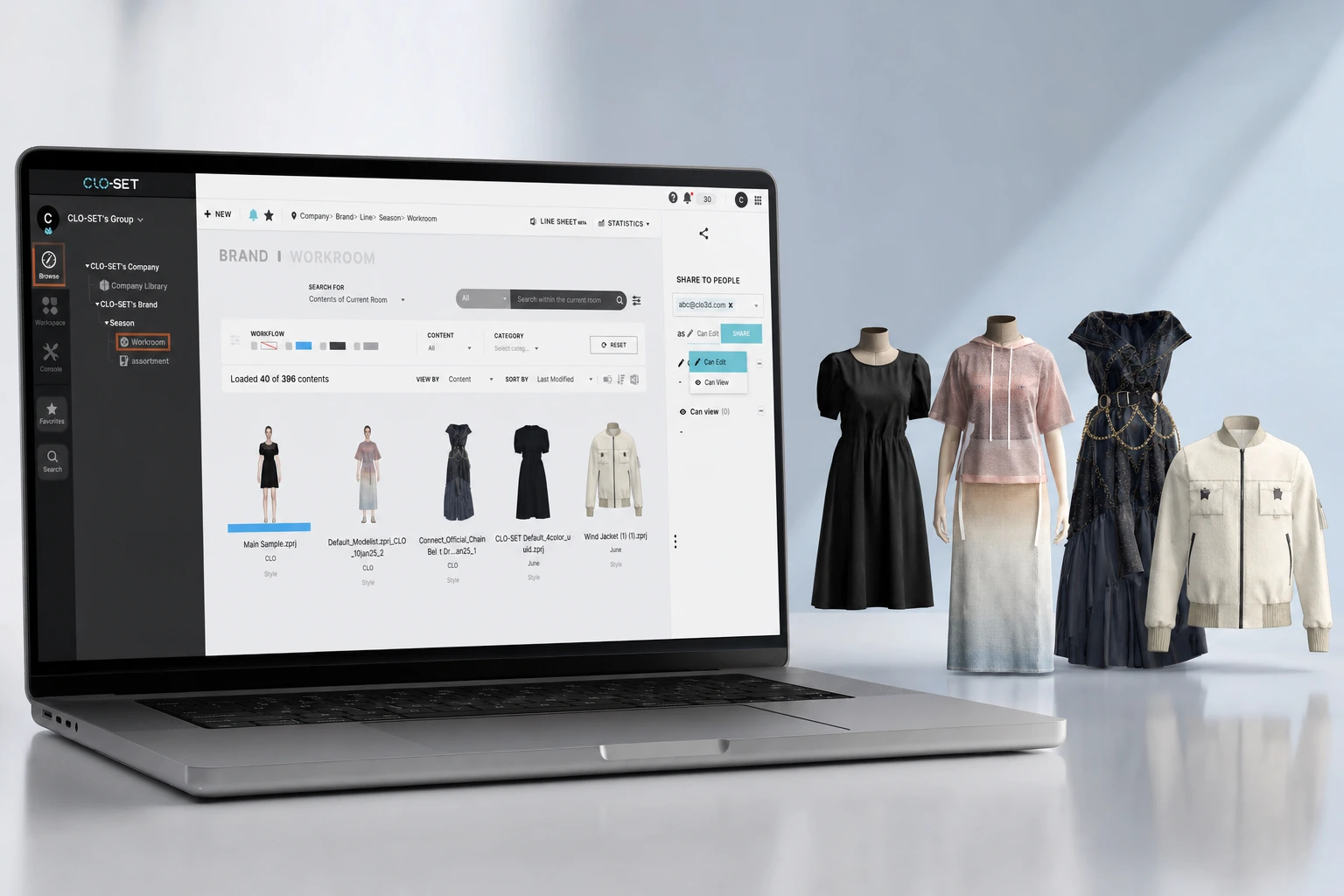
Prepare a single seasonal review set so reviewers see styles in the same context and can compare them against a shared direction. Visual Board supports moodboards, lookbooks, presentations, and seasonal visual review using CLO-SET assets. CLO-SET organizes work across Company, Brand, Line, Season, Workroom, and Assortment spaces, helping teams prepare the context and materials for a seasonal review.
CLO-SET plans to introduce Page Editor in late November 2026. Page Editor will let teams build flexible, sheet-based views around their own planning needs, product information, and workflow criteria rather than relying on one fixed sheet format.
- Set the range context. State the season, target customer, key delivery or selling period, and the line or category under review. Include the approved creative direction and any known range boundaries, such as intended price points, product categories, or required color options.
- Gather the current style versions. Attach or link the version that reviewers should assess. Include the style name, category, planned colorways, key graphic or trim placement, and the product information needed to understand the design. If a style is still changing, mark which version is current for this meeting.
- Arrange references for comparison. Put the seasonal direction, reference imagery, and relevant styles where reviewers can compare them together. Include the relevant category and price architecture in the review materials so a visually attractive style is assessed as part of the range, rather than alone.
- Publish the review packet. List the review date, decision owner, reviewers, decision fields, and the next point at which revised styles will be considered. Ask reviewers to add their questions to the style version before the meeting when possible.
A concrete example helps clarify the preparation. If the line review covers outerwear for a cold-weather delivery, the packet might group styles by category and intended price tier, show the seasonal direction, and identify the versions carrying the proposed colorways. Reviewers can then discuss whether each silhouette expresses the direction and fills a range role, while keeping material performance and physical fit questions on a separate follow-up list.
The Oracle planning guide also notes that assortment choices can account for customer expectations, lifestyle, climate, seasonality, and price point, and must fit inventory and available presentation space. For an apparel line review, translate those planning dimensions into the brief your team actually uses. They help reviewers assess the intended assortment context. Physical fit and construction readiness may still require separate evidence.
3. Check whether a style is ready for virtual review
Put a style on the review agenda when the team has a current, understandable digital version and enough product context to make the decisions planned for that meeting. A virtual review can be useful for assessing visual direction and asking structured fit questions.
Use this readiness checklist before the session:
- Current version: The style has a clear version identifier, and reviewers know this is the version under discussion.
- Range context: The season, line, category, intended customer, and target use are attached to the style or review packet.
- Visible design choices: The silhouette, key proportions, colorways, graphic placement, and visible trims can be viewed at the angles needed for the planned discussion.
- Product information: Relevant measurements, material details, construction intent, and the questions already raised are available to the people reviewing them.
- Review scope: Identify which questions the team intends to resolve in the digital review and which questions should move to later physical confirmation when needed.
Use the digital review to evaluate visual direction, proportion, colorway, and other questions that can be assessed from the available 3D and product information. When a decision depends on physical fit, material hand, movement, workmanship, or another property that requires physical evidence, route that specific question to physical confirmation.
4. Turn each review comment into a revision decision
Run the review in a consistent order so feedback becomes a manageable set of actions rather than a collection of opinions. Start with the current version, identify the exact issue, assign its owner, and state what evidence will close it. Then record whether the style advances, returns for revision, or needs a physical check.
- Open the identified version. Confirm the style, version, colorway, and review context before discussing details. Reviewers need to agree on the garment they are seeing before they can interpret differences.
- Describe the observation. State the location and the visible issue in direct language. For example, “Move the pocket opening 15 mm toward the side seam” is actionable when that measurement is part of the design instruction; “the pocket feels off” needs a clearer location or reference.
- Separate observation from decision. A reviewer may note that a shoulder looks narrow, while the decision owner determines whether the style should change, advance for range consideration, or be checked on a physical fit model. An annotation records the observation. It does not automatically make the formal decision.
- Assign the next action. Name the function or person responsible, the change or test needed, and the event that will bring the question back. Avoid assigning one vague “revise” action to several teams when the design and material questions require different owners.
- Close the round. Record the review outcome and the version against which the next review will be compared. If the change affects fit, color, or construction, identify that specific question for the next assessment.
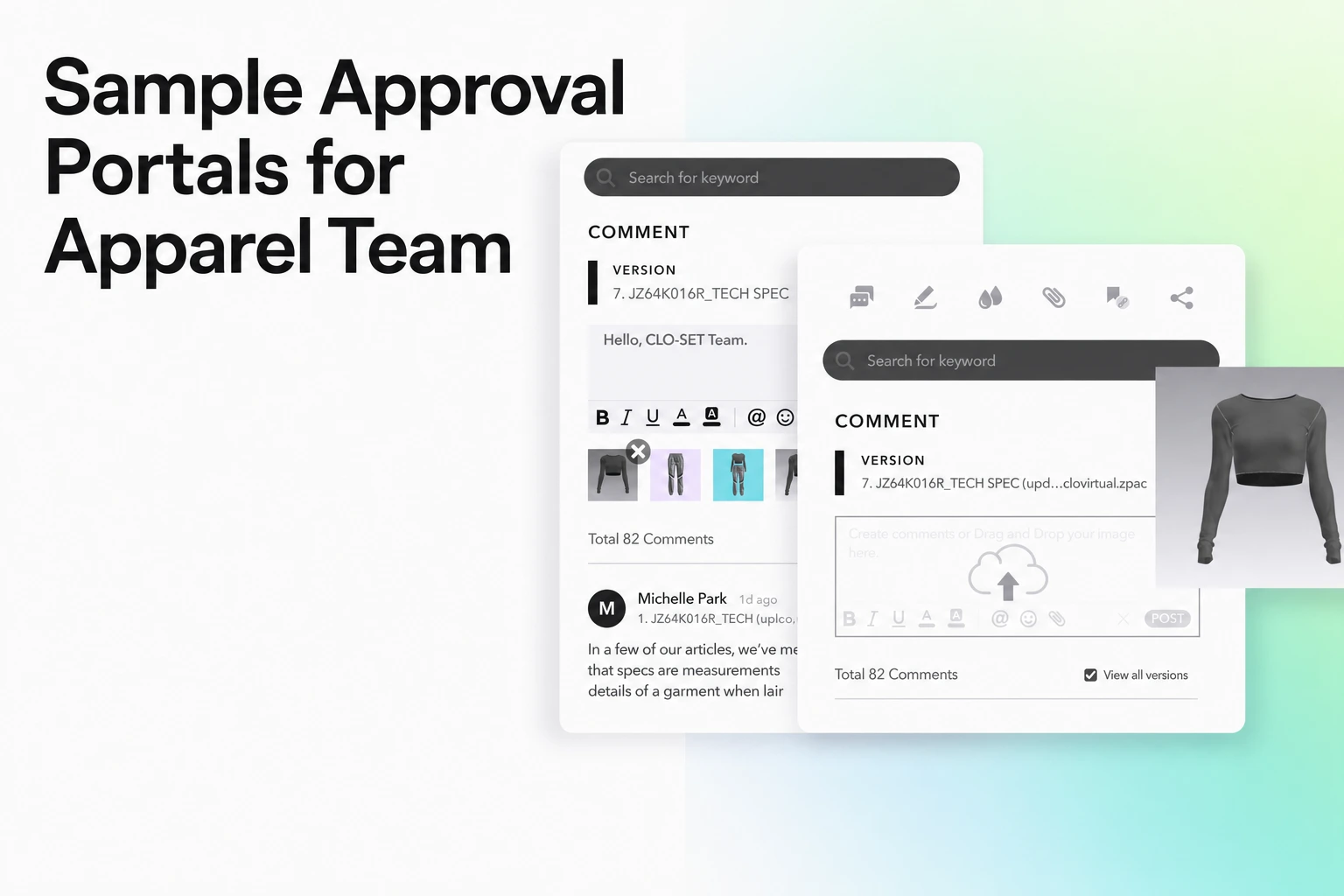
CLO-SET Annotations let reviewers place comments, drawings, and visual notes directly in the 3D review context. Content Comments keep discussion associated with the Content and can be viewed across versions or filtered to the current version. Together, these tools give reviewers a shared reference point for revisions and follow-up actions.
Keep the review record concise enough to use. A helpful entry might read: “Version 04; front waist seam; raise the seam to align with the approved proportion reference; owner: design; return for review after updated version.” A separate line can capture the assortment decision, such as “advance to line balance review, conditional on updated silhouette.” That makes the technical revision and the merchandising next step visible as distinct actions.
5. Decide whether the style advances in the assortment
Advance a style when it serves a clear role in the planned range and the review team has enough evidence to support the next step. Compare the style with the brief and the rest of the line, rather than treating visual polish as the only test. Oracle’s assortment-planning guidance frames assortment as a mix of products with breadth and depth across color, size, material, styling, seasonality, and price point. Use the seasonal brief and range context to decide how each style contributes to the planned assortment.
Use a decision table to keep the discussion consistent. The dimensions below are prompts for your own range brief, not a universal scoring formula.
| Decision dimension | Question for the line review | Evidence to record |
|---|---|---|
| Customer and use | Does the style serve the target customer, occasion, or use stated in the brief? | Customer need, occasion, or seasonal role it addresses |
| Category and silhouette | Does it add needed breadth, or repeat a silhouette already covered by another style? | Category, key silhouette, and relevant overlap |
| Color and graphic direction | Do its proposed colorways or graphics support the planned palette and visual story? | Colorway and placement reviewed, plus unresolved physical color questions |
| Price architecture | Does the planned price point support the intended range structure? | Target price tier and any open cost question |
| Size and delivery context | Does the style fit the planned size offer, channel, delivery period, and available quantity? | Planned size or channel assumptions and any range dependency |
| Technical readiness | Are the visual and product questions resolved enough for the next gate? | Open fit, material, measurement, construction, or trim question and owner |
Use the decision dimensions above as range-level prompts. A style can duplicate an existing role or miss the intended price tier while still needing technical revision before it progresses.
Where the assortment varies by store or channel, preserve that context in the decision. Oracle’s guide notes that different points of commerce can require different assortments and size ratios. For your team, a single line-review outcome may need an additional allocation decision by market, store group, or channel, depending on how your assortment is planned.
End the conversation with a decision and reason. For example: “Advance for the core outerwear range because it fills the planned mid-price layer; retain physical confirmation for the final fabric drape and wearer movement.” Or: “Hold from the current range because it duplicates an existing silhouette and does not fill the identified color gap.” These statements let assortment owners see the line logic without turning technical comments into a commercial sign-off.
6. Route unresolved questions to physical confirmation
Route a style for physical confirmation when the decision depends on the behavior or construction of the finished garment or actual material. Make the request specific: state the question, the sample or material evidence needed, who will assess it, and the decision that depends on the result. A physical sample then answers a defined question instead of restarting the full visual review.
Use these triggers:
- Fit and movement: Use physical confirmation when the decision depends on wearer movement, comfort, balance, or fit on the intended body.
- Material hand and drape: Use a swatch, panel, or sample when the decision depends on softness, weight, drape, recovery, or movement of the actual material.
- Construction and workmanship: Use a sewn sample when the team needs to evaluate seam execution, stitching, reinforcement, or finish quality.
- Component behavior: Use physical confirmation when the decision depends on how a zipper, button, snap, trim, or other component functions in use.
- Appearance under real conditions: Use the actual material or sample when a decision depends on final color, print, surface, or interaction with light.
A physical check does not need to reopen decisions that are already settled. If the silhouette and line role are clear but the fabric hand remains open, record the approved visual direction and send only the fabric question to the sample stage. If movement in a jacket is unresolved, define the wearer movement and fit point to examine. This keeps the next sample focused on the evidence that the team needs.
7. Carry the decision into the next version and product-data handoff
Close the current review record before a revised version enters the line review. The review record should make it clear which feedback was addressed, which decisions remain open, and what changed between versions. That gives a reviewer a way to assess the intended change without confusing it with a new or unrelated design update.
- Record the decision and open items. Attach the outcome, version reviewed, unresolved questions, and assigned owners to the current review record.
- Revise the identified items. The responsible design or development owner updates the garment and notes which requested changes are included. When a change affects fit or construction, carry its specific confirmation criteria forward.
- Upload and identify the next version. Tell reviewers what changed and which questions need another look. Keep the review focused on those questions, then record a new outcome for the new version.
- Recheck product data. Verify the information used for the next handoff, especially measurements, materials, component details, and cost inputs that changed with the design.
- Route to the next stage. Send styles to the next development, physical confirmation, or production-data step according to the decision and your organization’s formal gates.
CLO-SET connects BOM, POM, cost information, and Content Versions within the product-development workflow. This helps teams carry reviewed design changes into the related product-data handoff. Teams should review the relevant product data when a new version is prepared for the next stage.
Keep assortment status separate from version status. “Advance for assortment consideration” describes the range decision; “version 05 uploaded” describes the digital artifact; “physical fit confirmation pending” describes an open technical check. Combining all three in a single status can make it harder for the next person to tell what is approved, what changed, and what evidence is still due.
8. Measure whether the workflow is moving decisions faster
Measure the interval your workflow is designed to improve: the time from a style becoming ready for line review to a recorded line decision. Track the stages around that interval separately so the team can tell whether delay comes from an incomplete review packet, waiting for feedback, revision work, or a physical confirmation dependency.
For each style, capture a small set of dates and counts:
- Review-ready date: The date the style has a current version and the required review context.
- First-review date: The date the review begins.
- Decision date: The date the outcome and owner are recorded.
- Revision round count: The number of times the style returns for a new review version.
- Waiting time: Time between a review request and the next action, recorded separately from the time spent making the revision.
- Physical-confirmation route: Whether a physical check was requested, what question it answered, and when the result returned.
Calculate review decision time consistently: decision date minus review-ready date, using the same calendar or business-day rule throughout the season. Also record waiting time and active revision time separately. For instance, a style may receive a decision after five business days, including three days waiting for feedback and two days for design changes. That breakdown points to a different improvement from a style that waited for a physical fit session.
Keep this measure separate from total product-development lead time. Development includes work before the line review and after the assortment decision, such as technical refinement, sourcing, sampling, and production preparation. A shorter review interval means the line decision moved faster within that interval; it does not by itself establish a shorter total development cycle or a specific number of physical samples avoided.
Compare like with like across seasons. Separate styles by category, complexity, number of colorways, and whether the style needed physical confirmation. A simple top that needed a color-direction decision should not set the same expectation as a tailored jacket with fit, lining, and construction questions. Review median times and the range of outcomes within each group, then inspect styles with repeated revisions or long waits to see which question kept reopening.
After the review period, choose one process change based on the pattern. If styles arrive without current versions, tighten the readiness check. If comments lack owners, require an owner and next action in each entry. If physical confirmation is routinely requested for the same material question, add that evidence earlier to the review packet. Teams can use recorded outcomes to adjust the next seasonal workflow.
FAQS
FAQ
Can 3D sample review replace physical samples?
No. 3D review can help assess visual direction and fit questions when the garment inputs are well prepared, while physical confirmation supplies evidence about the actual fabric, fit on a wearer, movement, and sewn construction. Route the sample only to the unresolved question.
Does a positive 3D review mean the style is approved?
No. A positive review is evidence for the next decision your process defines. Record whether the style advances for assortment consideration, needs revision, or still requires technical or formal approval.
Who makes the assortment decision after the 3D review?
The designated line or assortment owner makes that decision using the seasonal brief and range context. Design, development, materials, and other reviewers provide their evidence and own their assigned follow-up questions.
What should reviewers do when a new 3D version is uploaded?
Review the version identifier and change summary, then revisit the questions affected by the update. Check the related product data and handoff information so the next review and downstream workflow use the intended version.
How should we tell whether the review process is getting faster?
Track business or calendar time from review-ready status to recorded decision, along with waiting time, revision rounds, and physical-confirmation routes. Compare similar styles and keep that interval separate from total product-development lead time.
Use the CLO-SET feature overview to explore how seasonal planning, 3D review, and product-data workflows can support your line-review process.
Learn More
See how these criteria hold up on the real thing.
Source note
Product capability descriptions in this guide are based on publicly available CLO-SET website and Help Center documentation reviewed in September 2026. External planning, fit, material, and construction references are used as contextual guidance rather than as universal performance benchmarks. Research findings should be interpreted within the scope of the garments, methods, and conditions examined in each source.
Official CLO-SET sources reviewed:
- CLO-SET: official website and Help Center documentation for Visual Board, Digital Workspace, 3D and 2D review, Annotations and Comments, Workflow & Status, Content Versions, Tech Pack, BOM, POM, and product-data workflows
- Page Editor: planned for late November 2026
Planning and research references reviewed:
- Oracle Retail: official assortment-planning guidance on assortment breadth, depth, customer context, seasonality, price, and channel
- Hohenstein Digital Fitting Lab / Zangue et al.: research comparing virtual and physical garment fit and the inputs that affect virtual fit assessment
- International Journal of Fashion Design, Technology and Education: garment-fit research covering the relationship between garment measurements, body measurements, ease, and movement
- Hu et al.: textile research on fabric hand, drapeability, and physical material properties
- Oregon State University 4-H: clothing-construction guidance covering observable sewing and workmanship checks
- Info-Tech: assortment-planning research covering channel/store clustering and ongoing assortment refinement
Product features, research findings, and planning practices may change or vary by workflow. Teams should confirm current product documentation and apply external research according to their own garment category, market, and development process.