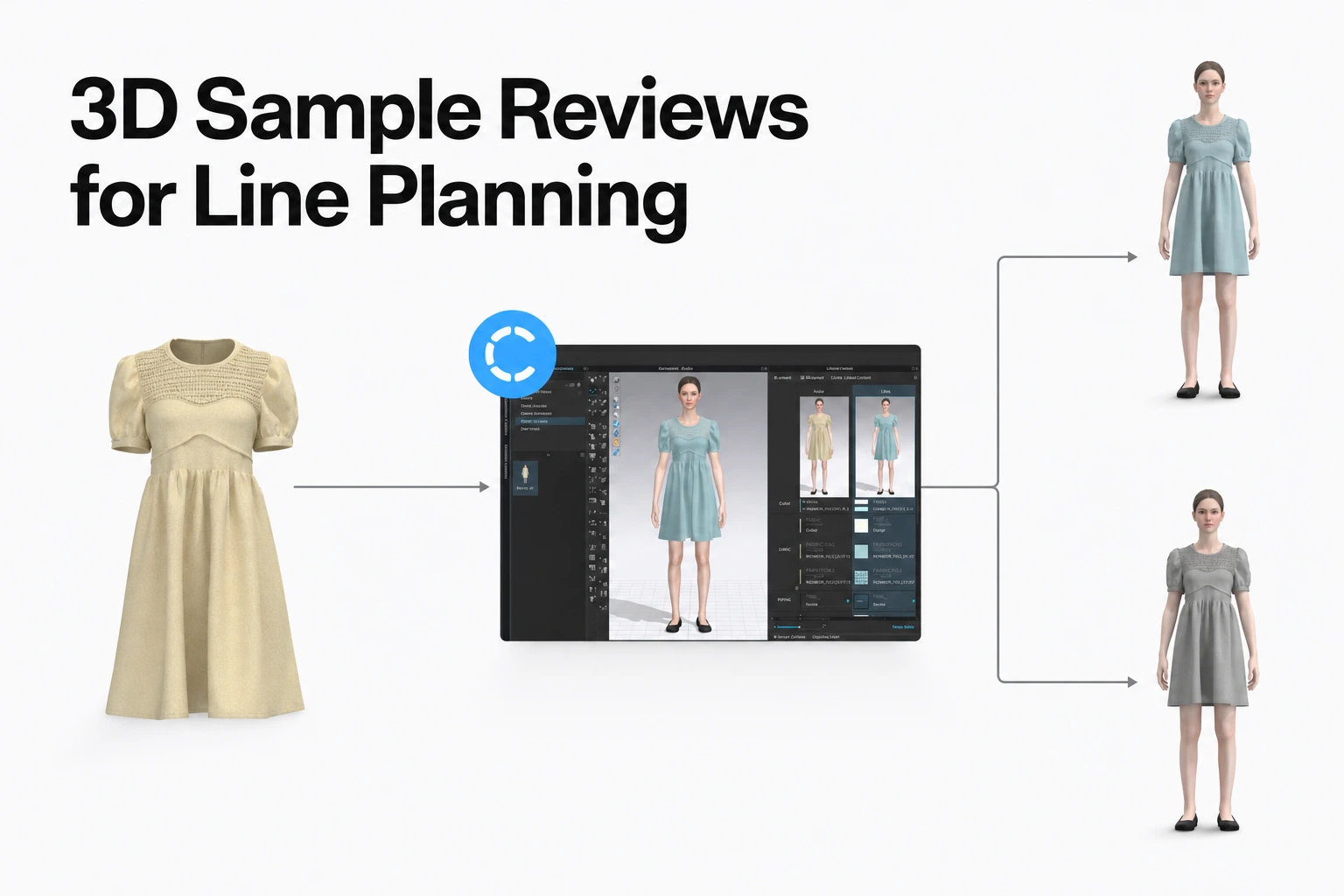
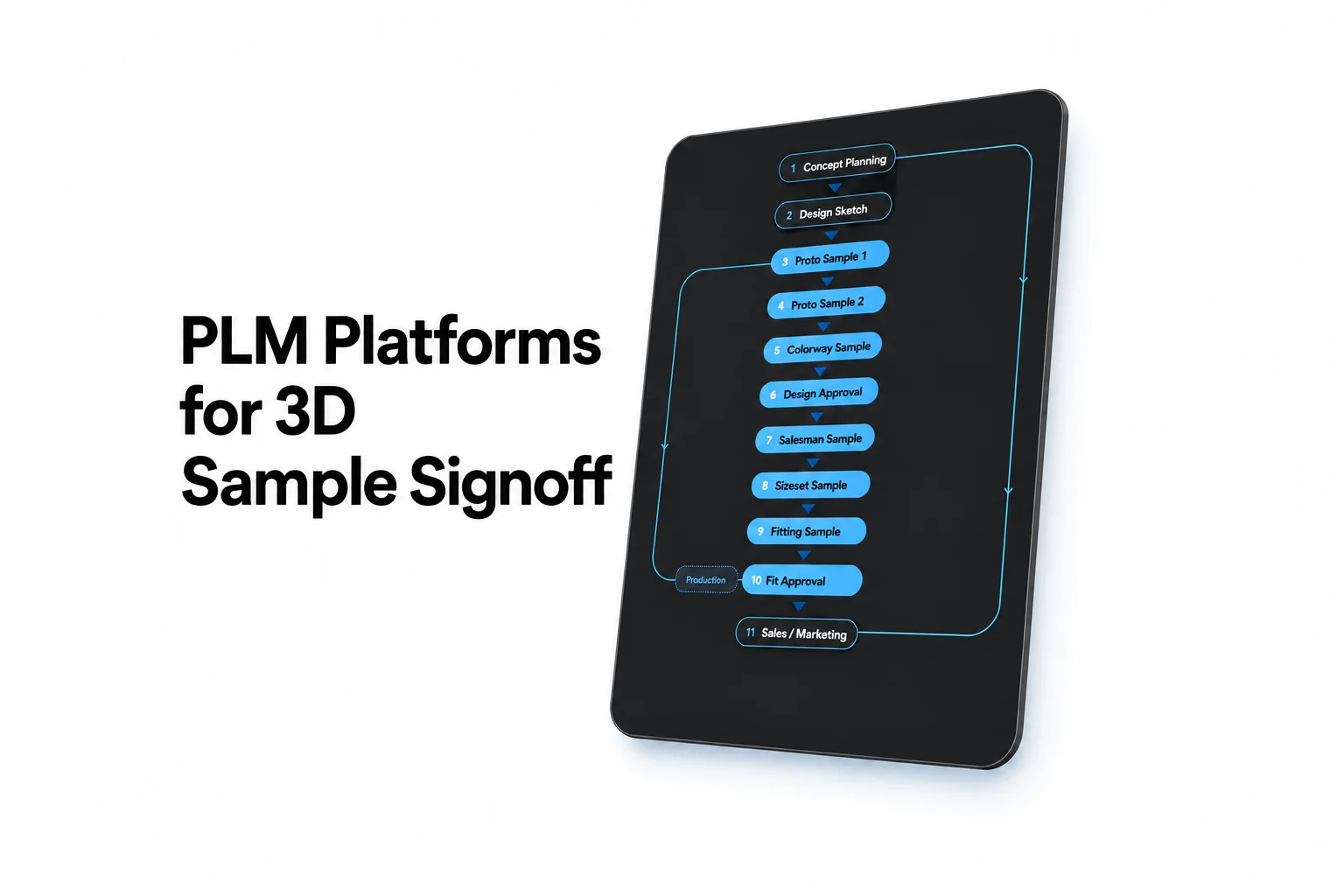
How to Define an Apparel Pre-Production Sign-Off
See what a practical apparel pre-production sign-off should capture: sample and specification IDs, review evidence, decisions, conditions, and supplier acknowledgment.
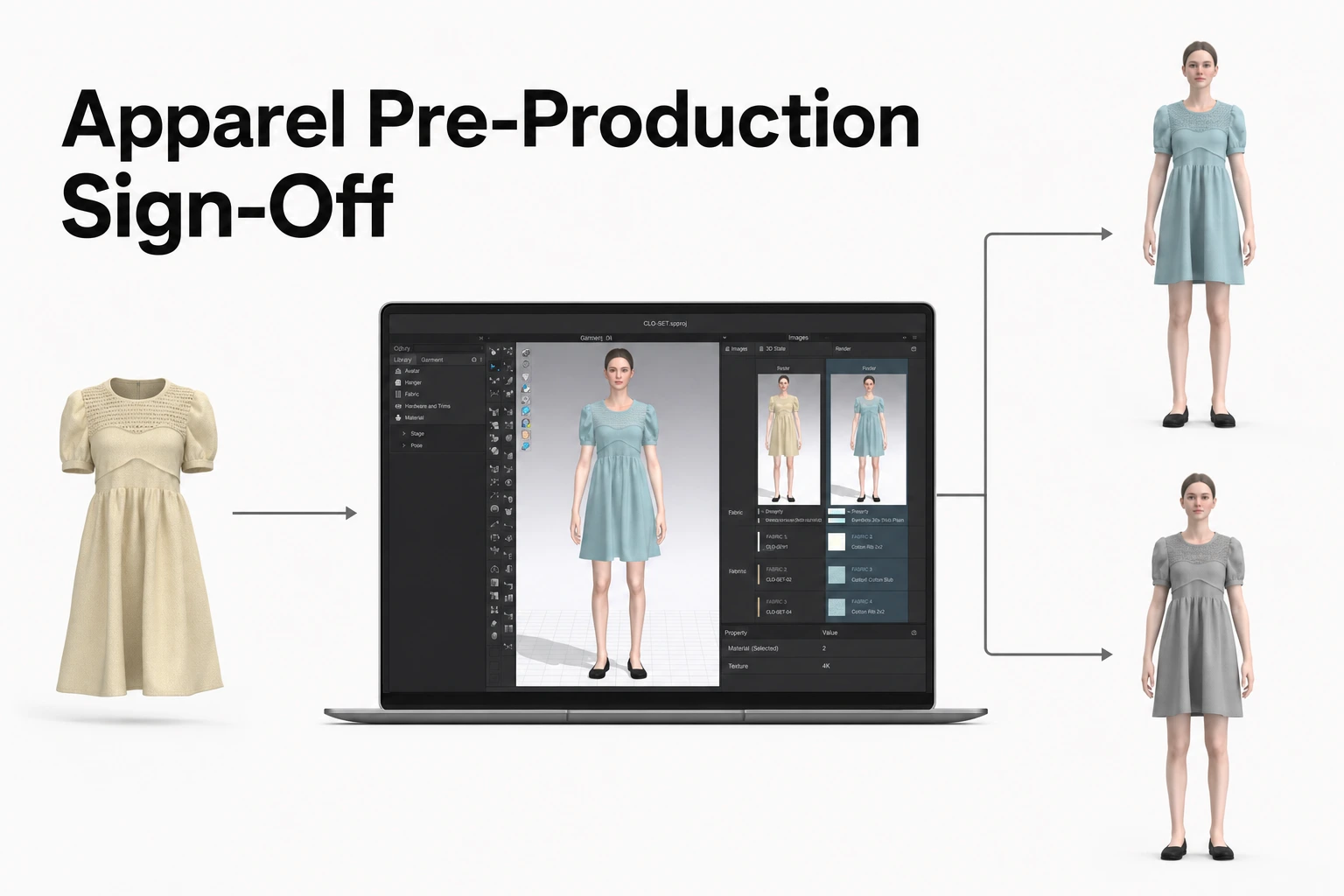
A pre-production sign-off records whether an identified sample and specification are released as the production reference.
- Identify the physical and/or digital reference, style, colorway, review round, and specification revision.
- Name one person who owns the release decision and record the evidence from other reviewers.
- Write the decision, its conditions, and the action that closes each condition.
- Record which supplier contact received and acknowledged the decision.
- Use CLO-SET to keep visual review, product versions, technical product information, attachments, comments, and workflow visibility connected to the garment being reviewed. Teams can use this shared product context from design review through technical documentation, while the formal authorization to begin bulk production follows the approval and governance process defined by each organization.
1. Define the production gate
A pre-production sign-off answers one operational question: may the supplier use this identified sample and specification as the reference for the defined bulk-production release? A practical sign-off should name the style, colorway or colorways, size range, supplier or factory, and purchase order or production lot when those details define the release. It should also state what action follows, such as issuing the production instruction or keeping the order on hold for a revised sample.
A sample’s stage determines the decision it can support. The Arcus sample approval checklist distinguishes development samples for confirming direction, fit samples for reviewing fit and pattern corrections, size-set samples for checking grading, pre-production samples for confirming final materials, trims, and construction, and top-of-production samples for checking the first bulk units against the approved standard. A fit approval therefore answers a fit-direction question; a pre-production approval defines the standard for starting bulk; and a top-of-production check examines output after production has begun.
For the PP decision, define what the reviewed sample or product revision is expected to represent. In common apparel workflows, PP approval acts as a transition point between sample development and bulk production. The reviewed reference is therefore most useful when it is connected to the applicable specification, materials, construction details, measurements, and tolerances that production is expected to follow.
Write the gate statement in a form the supplier can act on: “Release bulk production for [style and colorway] at [supplier/site], using PP sample [identifier] and specification revision [revision], for [defined size range or order].” The team can use its established language for release, but the scope should remain specific enough that a factory contact can distinguish this authorization from a fit comment or a request to make another sample.
Keep earlier sample decisions linked to their own review rounds. The PP sign-off may reference those outcomes while identifying the production reference under review.
2. Identify the sample and specification under review
The identity block should let a reviewer connect the garment or product revision under review—physical, digital, or both—to the supporting evidence and technical instructions. Record the style number and name, colorway, sample type and round, supplier or production site, date received, physical sample identifier, and the person who submitted it. Add a photo or other distinguishing description when two samples could share a style and colorway but differ by revision or construction.
Tie the sample to the exact technical baseline reviewed. Record the tech-pack revision and issue date, pattern or 3D asset revision where relevant, material and trim references, and any approved lab-dip, artwork, or labeling references that determine the garment. List the measurement sheet and tolerance revision used during review. If the factory submits a replacement sample, give that submission a new round identifier and link it to the earlier round rather than overwriting the earlier sample’s evidence.
A useful review pass follows the PP sample against those references. The Mekong Garment PP-sample checklist calls out fit and silhouette, bulk fabric and color, construction details, trims and accessories, and measurements against the specification. Translate those categories into the actual criteria for the style: for example, compare the submitted fabric and color reference, inspect seam and edge finishing, confirm zipper and label details, and measure the points with defined tolerances.
For each check, capture the result and its evidence location. A concise entry could name the measurement point, the measured value, the specification’s acceptable range, and a linked photo or measurement sheet. For a visual construction point, identify the area of the garment and attach a clear image or an annotation tied to the reviewed view. Keep the recorded result specific to the sample round so a later reviewer can tell which garment was examined.
CLO-SET can keep the visual and technical product context of the review connected. Teams can review the garment through 3D, 2D Pattern, and Render views and use annotations and comments to discuss specific areas such as seams, silhouettes, pattern details, colors, graphics, and construction points. Product versions, project files, attachments, measurements, BOM information, and other technical product data can remain connected to the Content being reviewed.
Keeping this information connected also helps reduce the gap between visual development and technical documentation. Instead of rebuilding product information after design review, teams can use the same evolving product context to streamline tech-pack creation and updates as the style develops.
When CLO-SET is used as part of the PP process, record the relevant Content and version so reviewers can identify the exact digital garment and product context that were reviewed.
3. Name the decision owner and evidence contributors
Assign one accountable owner to make and record the bulk-release decision. The owner should have authority within the team’s own approval process and enough context to reconcile technical, quality, product, and supplier inputs. A sample-room lead can coordinate the review, but the record should name the person who actually owns the release outcome when that is a different role.
Separate the decision owner from contributors. A technical designer may report measurements and construction findings; a product developer may confirm materials, trims, and design intent; a quality reviewer may report inspection evidence; and the supplier contact may clarify the submitted sample or planned production method. The team should set the required functions for each product category and risk level. Record each contributor’s name, role, input, and review date so the decision has an attributable evidence trail.
| Record role | What the person contributes | What the record captures |
|---|---|---|
| Release decision owner | Reconciles review evidence and chooses the gate outcome | Name, role, decision, date, and scope of authority under the team’s process |
| Technical design or pattern reviewer | Fit, measurements, construction, pattern, and specification findings | Reviewed revision, results, open points, and evidence references |
| Product or materials reviewer | Fabric, color, trims, artwork, and product-intent findings | References reviewed and any variance requiring disposition |
| Quality reviewer | Inspection observations and criteria-based results | Inspection method or checklist, findings, and supporting records |
| Sample-room coordinator | Sample identity, review routing, and record completeness | Physical sample ID, round, dates, and links to the evidence |
| Supplier representative | Submission details, feasibility response, and receipt of the decision | Name, company, response date, acknowledged revision, and next action |
Set review coverage before the sample arrives. For each product category, list required functions and their criteria, name an alternate reviewer where the team allows one, and set a review due date. Record an input as received when its named reviewer enters a finding or a clear no-issue result against the cited requirement; keep unsubmitted input visible as pending evidence for the decision owner.
If several functions have conflicting findings, route the sample back to the owner for a recorded disposition. Preserve the differing observations and their source rather than editing them into a single anonymous summary. The decision owner can then state which finding controls the outcome, what requirement it relates to, and whether a new sample or document revision is needed.
4. Write an outcome that directs the next action
Use decision labels that tell the supplier and internal team what happens next. A practical team-defined set can use Approved for bulk, Hold for correction and resubmission, Pending specified evidence, and Rejected for this round. Add a rationale and scope to every outcome, especially when a decision covers some colorways, sizes, sites, or orders and leaves others open.
For an approved release, identify the PP sample and specification that become the production reference, the styles and colorways covered, and the date from which the supplier may act under the team’s process. For a hold, describe each correction in observable terms, name its owner, set a due date or agreed next event, and state what the team will review to close it. “Fix quality” gives a supplier no testable action; “replace the zipper pull with the approved component in trim reference X, then submit PP round 3 for review” connects correction to evidence and a new decision.
For pending evidence, identify the missing item, the person responsible for providing it, the expected date or event, and the record the owner will review. Keep the outcome pending until the named decision owner reviews that evidence and records the disposition.
Use Rejected for this round when the owner declines to use that submission as the production reference. Record whether the next step is a replacement sample, a revised specification, or a stop decision, then assign an owner and due point. If the decision differs by colorway, state the approved and held colorways separately so the supplier can follow the scope.
Write every condition as a small action record:
- Finding: what the reviewer observed and which requirement or reference it relates to.
- Required action: the correction or evidence the supplier must provide.
- Owner: the person or organization responsible for completing it.
- Due point: a calendar date or a clearly named event agreed by the parties.
- Closure evidence: the revised sample, measurement record, image, document, or inspection result that will demonstrate completion.
- Closure decision: the named reviewer’s result and date after checking the evidence.
Close each item with a dated result. If a resubmission addresses one point but leaves another open, preserve both outcomes separately and keep the release on the status defined by the team’s rules. This keeps a closed correction from being confused with the overall production authorization.
5. Close the supplier handoff
A complete handoff shows what the supplier received, which exact sample and revision the decision covers, and what response or next action the supplier returned. Send the decision through the team’s established supplier channel and link the sent instruction or correspondence to the sign-off record. Record the recipient’s name and organization, date sent, sample and specification identifiers included, and the supplier’s acknowledgement or question.
Make the acknowledgement concrete. The supplier response should identify the decision received, confirm the PP sample and technical revision it will use, list any conditions it accepts or needs clarified, and name the next submission or production action. If the supplier disputes a measurement or material reference, capture that question against the same round and route it to the decision owner before treating the release as complete.
Set an acknowledgement due date in the supplier message and assign an internal follow-up owner. Attach or link the exact specification and sample references that were sent, so a reply can be matched to that package. When the supplier contact changes, record the person who actually received the instruction and the date of transfer.
Keep a revised sample as a new review instance. Give it a new submission date and round ID, record what changed, and link the new evidence to the previous decision. Keep the superseded sample’s review, comments, and disposition available as history; the new submission can then be judged against the current specification without erasing why the previous round was held.
Finish the exchange by recording the next owner and event. After approval, the next event may be the supplier’s written confirmation that production will follow the identified standard. After a hold, the next event may be receipt of PP round 3 or a corrected tech pack. If the supplier changes material, trim, construction, or another controlled point after approval, route that change through the team’s revision process and record whether it requires a fresh sample review.
6. Connect the evidence across the product-development workflow
A pre-production sign-off can involve several types of information: the garment being reviewed, product specifications, visual feedback, sample or revision history, supplier communication, workflow status, and the final production decision.
Different organizations may use different systems for these activities. For companies that already use PLM, sourcing, quality, purchasing, or other enterprise systems, those systems can continue to serve as the system of record for the processes they govern.
CLO-SET can complement that environment by keeping the working product context around the garment connected for the designers, technical teams, and product-development teams working directly with it.
How CLO-SET can support the workflow
Within CLO-SET, teams can work with:
- 3D garments and 2D patterns for visual development and review.
- Render views for visual review.
- Colorways, graphics, and other visual product details used during development.
- Product versions, project files, attachments, and reusable digital assets.
- Comments and annotations tied to the product being reviewed.
- Measurements, BOM information, and other technical product data.
- Tech-pack workflows that help teams turn evolving product information into production-ready documentation with less repetitive manual work.
- Workflow and colorway-level Status for shared visibility across the development process.
Keeping this information around the same product context can reduce the need to move repeatedly between disconnected 3D files, screenshots, spreadsheets, attachments, and communication threads.
For companies that already use PLM, sourcing, quality, or purchasing systems, CLO-SET does not need to replace those systems to add value. It can complement them by making the visual and technical development workflow easier for the people working directly with the product.
| Evidence or action | Possible system role | What should remain identifiable |
|---|---|---|
| Physical sample and sample rounds | Sample-management process, PLM, or established sample log | Sample ID, round, date, supplier/site |
| Technical product definition | CLO-SET product context, tech pack, PLM, or controlled product-data source | Applicable revision, measurements, tolerances, materials, trims, and other controlled references |
| 3D/2D visual review | CLO-SET | Content, version, relevant viewer, comments, annotations, and reviewer context |
| Product-development status | CLO-SET Workflow and Status, or another configured workflow tool | Current workflow stage and colorway-specific review state |
| Formal production authorization | Organization’s designated approval process | Decision owner, scope, outcome, date, conditions, and authorization record |
| Supplier handoff | Supplier communication, sourcing, purchasing, or PLM process | Recipient, decision sent, revisions, response, and next action |
Workflow and Status in CLO-SET
CLO-SET Workflow is applied at the Content level, while Status is applied at the Colorway level.
Teams can configure these fields to reflect their own development process. A Content-level Workflow can communicate the broader stage of product development, while Colorway-level Status can show that one colorway is approved, another remains under review, and another requires correction.
These fields provide shared workflow visibility across the team. If an organization requires a separate formal production authorization, the Workflow or Status value can reflect that stage while the accountable release decision continues to follow the organization’s defined approval process.
7. Run the sign-off as a release gate
Use this sequence for the next PP review. The order matters because reviewers need an identified reference before they can give attributable evidence, and the supplier needs the completed decision before acting on it.
- Open the review record. Identify the style, colorway, sample round, supplier or site, order scope, review date, and review coordinator. State that the requested decision is pre-production release into bulk.
- Identify the reviewed physical and/or digital reference. Record the physical PP sample ID, where applicable, and the CLO-SET Content and version, where applicable. Identify the tech-pack or specification revision, measurement and tolerance reference, material and trim references, and artwork or labeling references where relevant.
- Collect reviewer findings. Capture each result with its reviewer, date, finding, and supporting record. When the team reviews the digital garment in CLO-SET, keep the relevant visual feedback with the Content through comments, annotations, attachments, and version history.
- Record the decision and open conditions. The accountable owner records the outcome, scope, rationale, and date. For every open condition, add an owner, due point, and closure evidence. Match the production instruction to the recorded outcome and its scope.
- Send and record the supplier handoff. Send the decision and exact revisions to the named supplier contact. Record the recipient, sent date, supplier response, and acknowledgment or clarification against the same sign-off record.
- Preserve the next review round. Record the approved production reference or the next resubmission round. When the supplier sends a revision, open a linked review round and retain the previous record as history.
A copy-ready record can use these fields:
Use a separate entry for each colorway or open condition when outcomes differ. Copy revision labels and dates from the controlled source record, then link the source file rather than retyping its technical content. Mark a field that does not apply with a short reason, and reuse the sign-off record ID when linking the next sample round.
- Style or product: enter the style name and identifier.
- Decision scope: list colorways, size range, order or lot, and production site covered.
- Supplier: enter the supplier name and production-site identifier.
- Physical PP sample: record its distinguishing ID, round, received date, and submitter.
- Specification revisions: identify the tech pack, measurement sheet, tolerance, and pattern or specification revision, with issue dates.
- Controlled product references: list the material, trim, artwork, label, or other reference IDs that determine the sample.
- Digital garment reference: enter the CLO-SET Content and version when digital review is used, and identify the relevant technical product context or supporting files where needed.
- Review evidence: name each contributor and role, record the finding and review date, and link its supporting evidence.
- Decision owner: enter the person’s name, role, decision date, and authority under the team’s process.
- Outcome: state the decision, covered scope, rationale, and applicable production reference.
- Open conditions: for each item, record the finding, required action, owner, due point, and closure evidence.
- Supplier handoff: enter the recipient and organization, message date, and sample and specification revisions sent.
- Supplier response: record the respondent, acknowledgment or question, and response date.
- Next action: state the task, assigned owner, and due date or triggering event.
- Related sample rounds: link the prior decision and any subsequent submission record.
For example, a team reviews “Style 241, navy, PP round 2” against the applicable technical specification and a linked CLO-SET garment version. The technical reviewer records a sleeve measurement against the defined tolerance, the materials reviewer confirms the submitted shell-fabric reference, and the construction reviewer adds visual feedback to the cuff area. If the decision owner records “Hold for correction and resubmission” because the cuff uses a different trim reference, the record names the correct reference, the supplier contact responsible for the revised sample, the due point, and the evidence expected in PP round 3.
When round 3 arrives, the coordinator records its physical sample ID and received date, links it to the prior review rather than replacing it, and routes the cuff evidence for review. The owner records whether the cuff correction is closed and whether the PP gate is approved, remains pending, or is held for another stated reason. The supplier acknowledges the decision against the newly identified sample and specification.
A sign-off record is ready for release routing when a colleague who did not attend the review can identify the sample or digital reference, specification, decision owner, outcome, any remaining conditions, and the supplier’s acknowledged next action. If the record leaves one of those links unclear, return it to the coordinator or decision owner before sending the production instruction.
For teams using CLO-SET, keeping the 3D garment, product versions, technical product information, comments, annotations, assets, and workflow visibility together can make the review history easier for design, technical, and product-development teams to follow and act on.
FAQ
Can a 3D garment review replace the physical pre-production sample?
It depends on the product, material, supplier, review criteria, digital-workflow maturity, and the organization’s own approval process.
3D review can reduce or replace some physical review rounds when the required decision can be made reliably from the digital garment and supporting product information. It is particularly useful for reviewing areas such as silhouette, design details, pattern-related issues, colorway direction, graphics, and visual construction.
Some decisions may still require physical verification—for example, when the team needs to assess hand feel, material behavior, physical construction quality, or another characteristic that cannot be reliably evaluated from the digital asset alone.
The sign-off should therefore identify the exact physical and/or digital reference used for the decision rather than assuming that every workflow requires the same type of sample.
Does a CLO-SET Workflow or Status update authorize bulk production?
CLO-SET Workflow and Status are configurable fields that teams can use to reflect their own development and review stages.
Workflow operates at the Content level, while Status can be managed at the Colorway level. A team can therefore use these fields to communicate that a product or colorway has reached an approved stage, remains under review, or requires another action.
Whether that status also constitutes formal authorization to begin bulk production depends on the organization’s own approval and governance process.
For teams that require a separate authorization record, CLO-SET can provide the shared product and review context while the accountable release decision follows the organization’s designated approval process.
What should the team do when one colorway is ready and another is still under review?
Record the outcome separately for each colorway within the defined production scope.
Because CLO-SET Status applies at the Colorway level, a team can reflect different review states within the same Content—for example, one colorway can be marked as approved while another remains under review or requires correction.
The production decision should follow the same scope so that the supplier can clearly identify which colorways are released and which are not.
What changes when the supplier submits a revised sample?
Treat the revision as a new review round.
Record the new physical sample and/or digital version, submission or receipt date, and the specific points that changed. Link the new round to the previous one rather than replacing the earlier evidence.
This preserves the review history and allows the team to compare what was requested, what changed, and whether the correction has been closed.
When CLO-SET is used for the digital review, retain the relevant Content versions, comments, annotations, technical product context, and supporting files so the change history remains connected to the product being reviewed.
Learn More
See how these criteria hold up on the real thing.