What Is a Sample Approval Portal for Apparel Production Teams?
Explains what a sample approval portal replaces in apparel production — email threads, spreadsheets, and scattered file links — and the roles and steps involved from submission to signed-off sample.
What a sample approval portal is
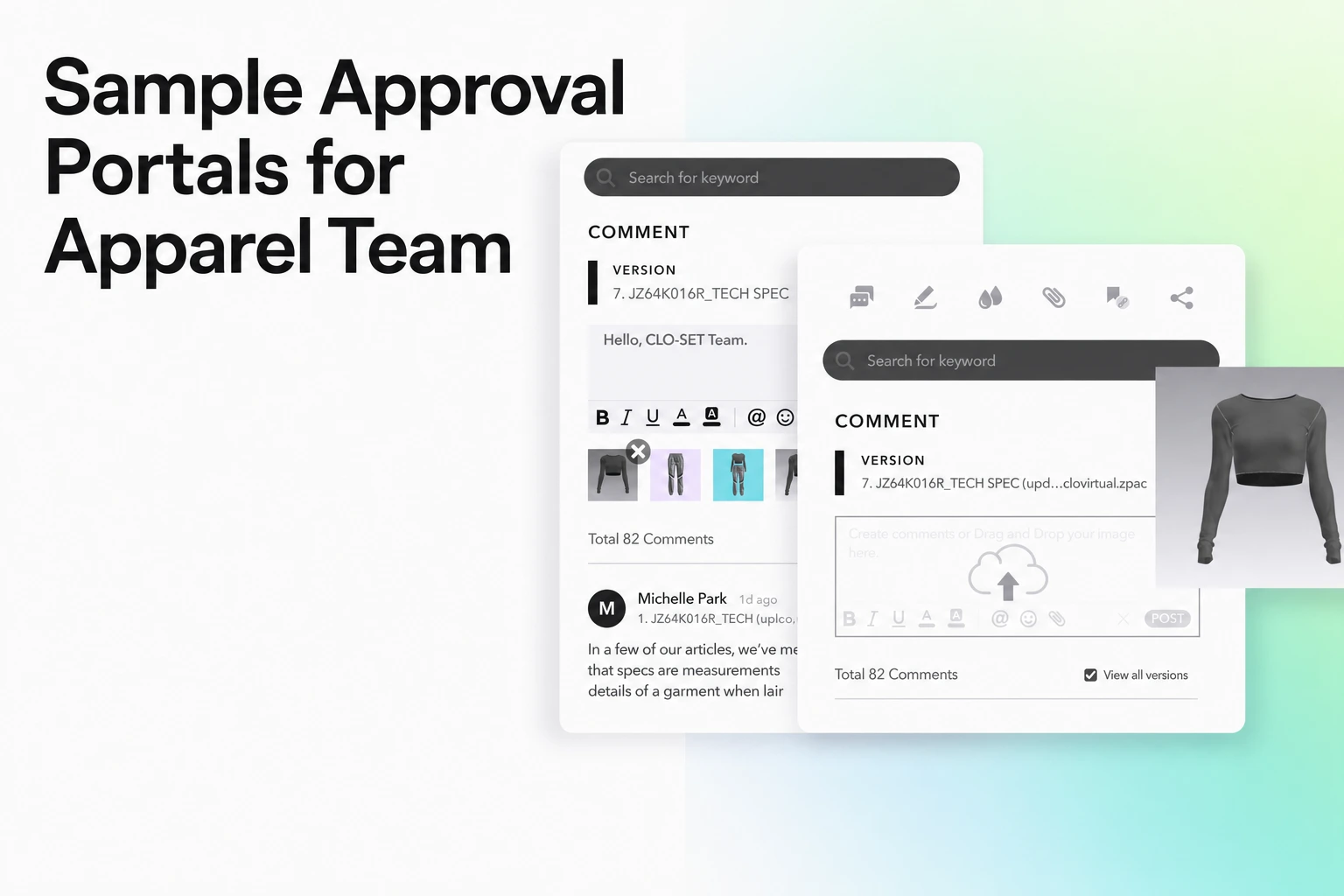
A sample approval portal is a shared system for requesting, submitting, reviewing and recording decisions about garment samples. For example, WFX documents sample requests, vendor submissions, annotated feedback, approval or rejection, and automatic vendor notifications after evaluation. Who can see or act on a record depends on the selected product and permissions.
In short
A sample approval portal helps brands and vendors request, submit, review, and approve garment samples in one place. Pre-production approval supports the decision to start bulk production; top-of-production checks assess samples taken after production has begun.
What it replaces
Without a portal, sample feedback tends to scatter across PDFs, spreadsheets and chat threads, and a brand can lose real time hunting down the latest version of a comment or a tracking number (Centric Software). The same pain shows up as chasing sample photos through email threads and chat groups, with no single place holding the current sample status (World Fashion Exchange). A portal replaces that scattered trail with one shared workspace: one submission, one thread of comments, one recorded decision.
Who is involved
A sample approval portal connects several roles around the same sample, each doing a different part of the job:
- Designer or product developer: designs the garment the sample is built from.
- Merchandiser or designated approver: may coordinate sample decisions alongside planning, costing, production schedules and buyer communication. The team should assign final approval authority explicitly.
- Vendor or factory: submits the sample and receives the brand's feedback so it can revise and resubmit.
- Quality reviewer: checks the sample against the specified quality requirements and records issues for the responsible decision-maker.
From submission to a signed-off sample
A typical workflow starts with a sample request, followed by submission, review, a recorded decision, and revisions where needed. The required sample types and approval gates depend on the brand’s process. Common examples include:
- Prototype: tests the initial concept.
- Fit sample: checks sizing.
- Pre-production sample: finalizes the specification.
- Top-of-production sample: a garment selected from the production line to check consistency against the approved pre-production sample. (Techpacker).
Where it sits between design and production
Pre-production approval connects design specifications with the decision to start bulk manufacturing. Reviews can continue during production: top-of-production samples check whether output matches the approved sample. Record which gate each decision covers.
Where CLO-SET's review tools fit
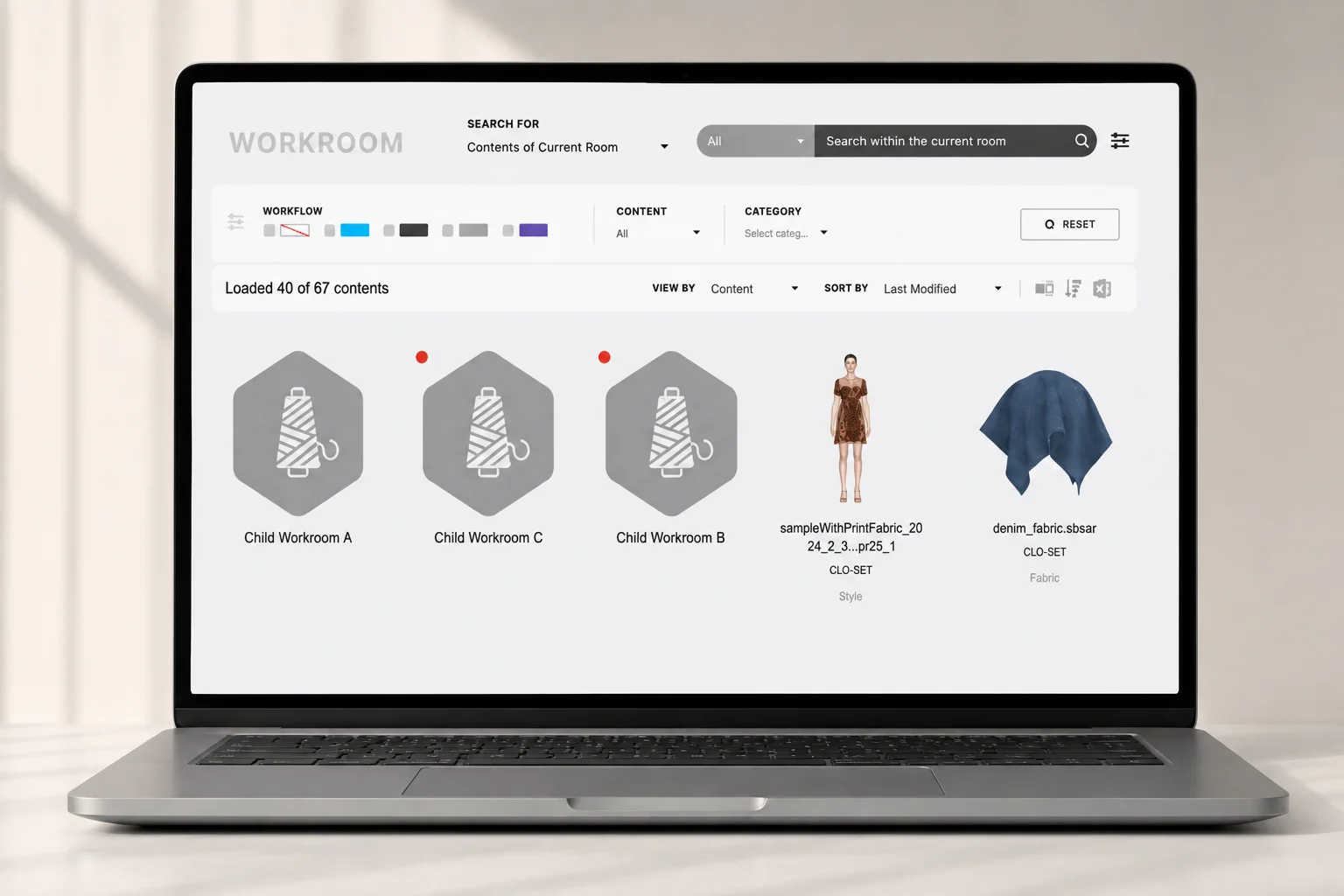
CLO-SET is a browser-based platform for product-development review and collaboration, organized under a hierarchy of Group, Company, Brand, Season, Workroom and Content (CLO-SET Support). Within that structure, a piece of content can be shared with a collaborator at Editor or Viewer permission, and a Group Admin can be required to approve that access before it takes effect (CLO-SET Support).
Several of CLO-SET's review surfaces map onto the workflow above (CLO-SET Support):
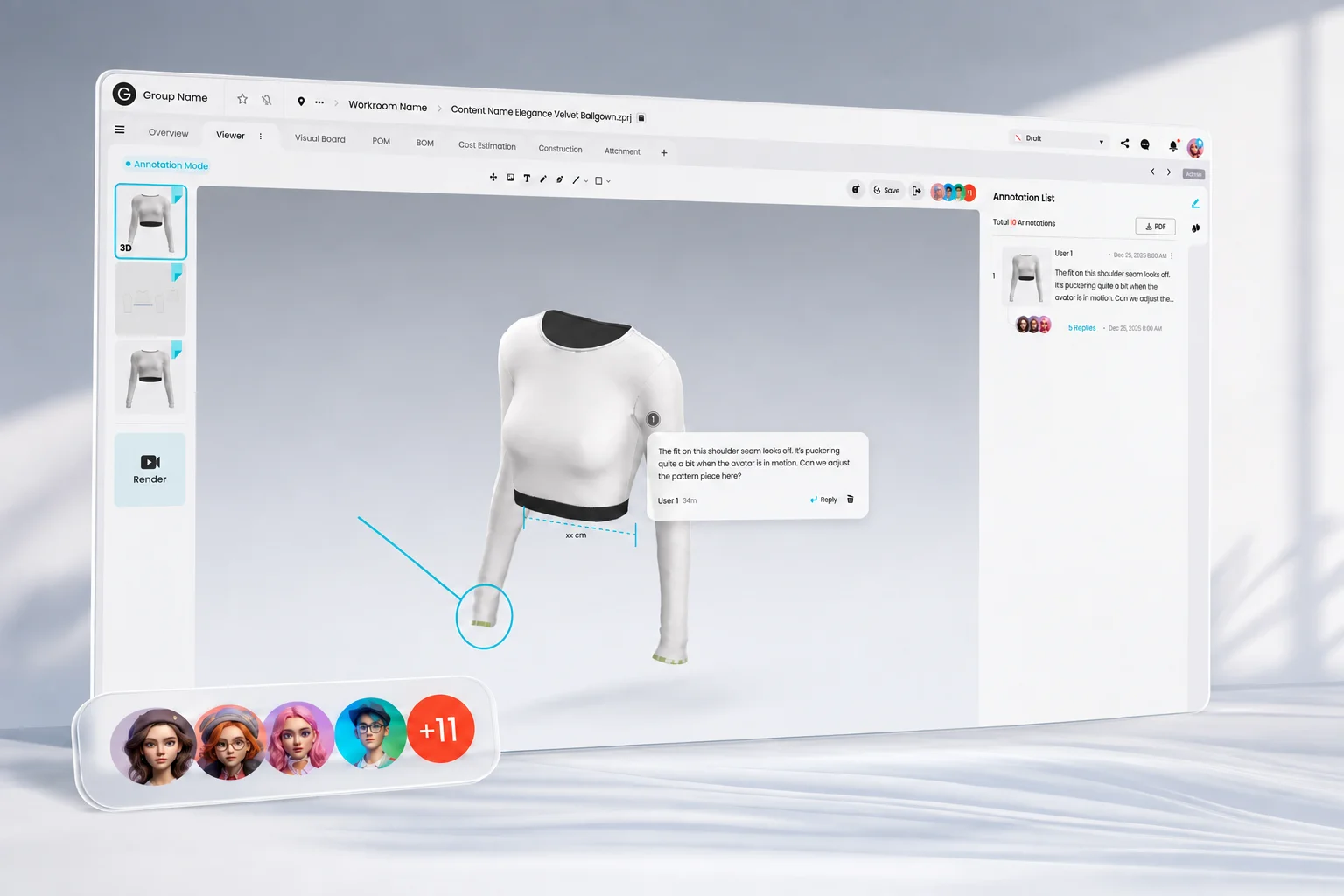
- 3D Viewer: explores and checks garment data directly in three dimensions.
- 2D Pattern Viewer: shows the underlying pattern data in two dimensions.
- Annotation: attaches feedback to a specific viewpoint on the garment, with replies and nested replies visible in the same panel.
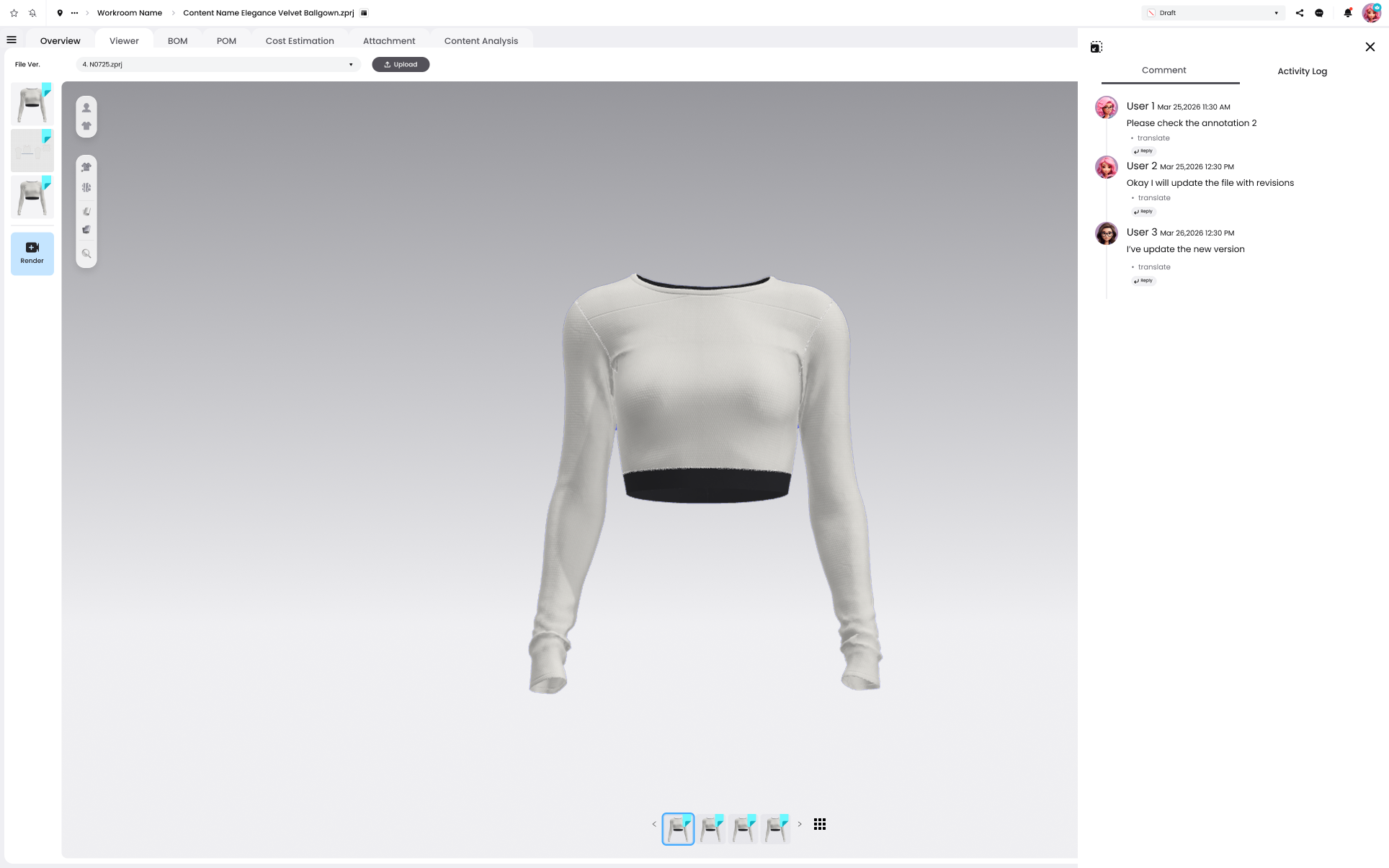
- Comment: content-level discussion tagged to a person or a team, with an activity log for Editor-level users and above.
- Workflow Status: a field on the content's overview, alongside its ID, type and creator, showing where the piece of content stands.
- Tech pack information and export: the Web Tech Pack guide covers Overview, BOM, Construction, Measurement and Cost Estimation; the new Content Page organizes this information into tabs. Excel/PDF tech pack exports can include Overview, BOM, POM, Cutter’s Must, Graphics, and Annotation & Comments. POM CSV export preserves the selected columns, their order and measurement units.
This covers the review and status-tracking side of a sample approval workflow, not the decision itself: comments, annotations and a workflow status field are not a formal, completed approval record. Whoever is responsible for the sample still has to make and own that decision; CLO-SET's role is to give everyone the same current view of the sample while they get there.
FAQS
Common questions
What is a sample approval portal?
A shared system where a brand and its vendors request, submit, review and approve garment samples in one place, instead of exchanging that information by email and spreadsheet.
What does a sample approval portal replace?
The scattered channels a brand would otherwise use to track a sample's feedback or status: email threads, spreadsheets, PDFs and chat messages.
Who uses a sample approval portal?
Designers or product developers, vendors or factories, quality reviewers and the people assigned to approve the sample. A merchandiser may coordinate that work, but final authority should follow the team’s defined process.
Where does sample approval fit in the production process?
Pre-production approval happens before bulk manufacturing starts. Top-of-production checks happen during production and compare the output with the approved sample. The portal should identify the sample type, revision, reviewer, and decision.
See how CLO-SET supports review
Explore the platform's 3D review, annotation and workflow tools.