How Apparel Teams Share 3D Assets With Vendors Without Shared Folders
A guide for product development and sourcing teams on giving factories and suppliers access to 3D styles in CLO-SET, with the right scope, role, upload and download settings, and Web Tech Pack version.
Key Takeaways
- Share only the work a vendor needs: In CLO-SET, users with Editor permissions or above can share eligible Workrooms, Assortments, or individual Content with other users.
- Choose the appropriate vendor role: Editors can perform supported editing and sharing activities within the scope shared with them, while Viewers can review shared Content.
- Manage upload and download separately: When sharing a Workroom or Style, Group members can grant eligible Viewers separate upload and download options.
- Check access conditions for each sharing method: Downloads through Share with Link are limited to Group members. Teams should confirm the appropriate access and download settings before sharing with external partners.
- Identify the correct working version: Tell vendors which Content Version to use and confirm that the related Web Tech Pack information reflects the current garment design.
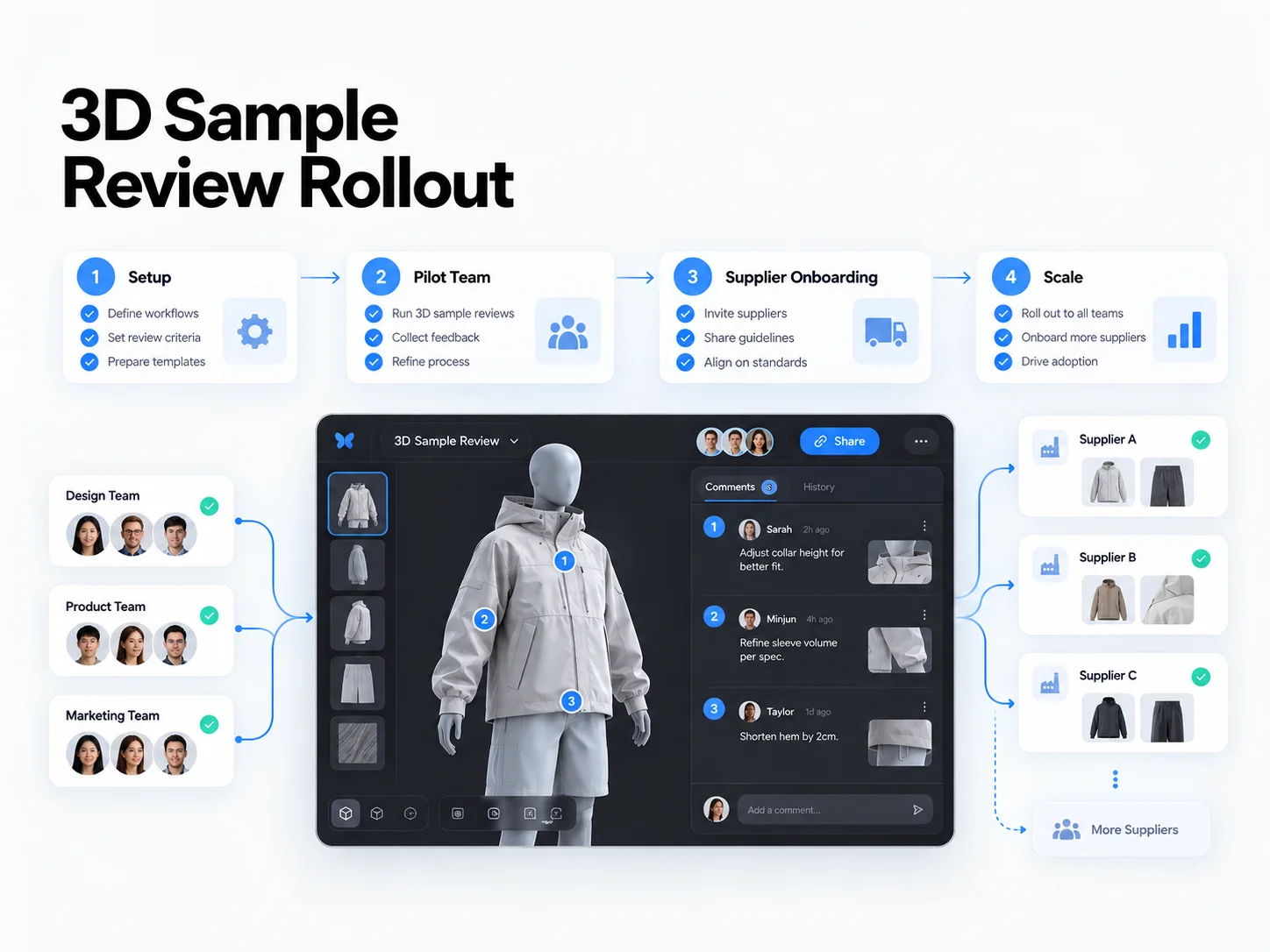
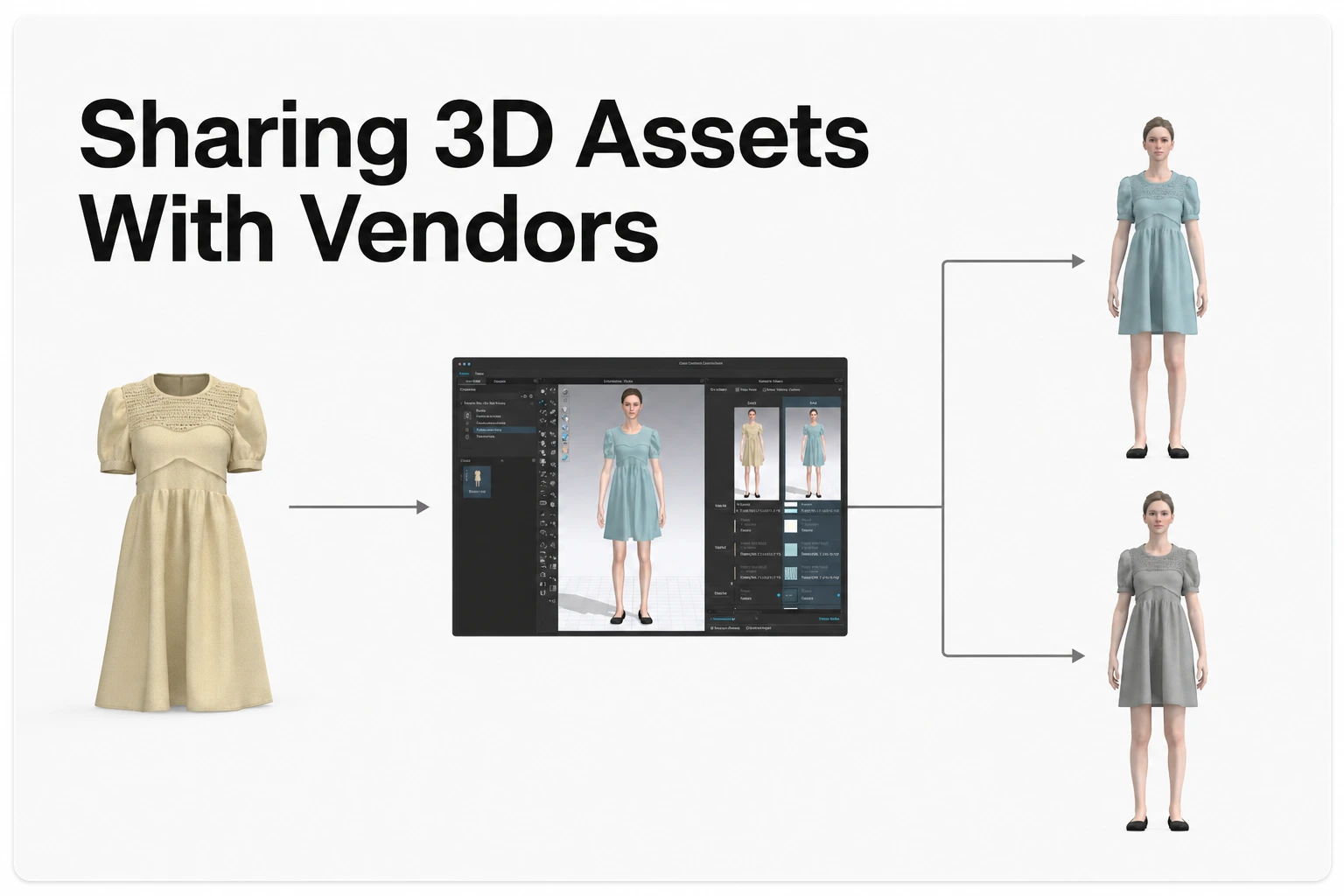
In CLO-SET, apparel teams can share specific Style Content, Workrooms, or Assortments with external factories and suppliers.
For example, a factory responsible for developing a single sample may only need access to that Style, while a manufacturer working on several Styles may need access to a relevant Workroom.
Teams can choose the appropriate sharing scope and assign Editor or Viewer permissions, with additional upload or download options where supported.
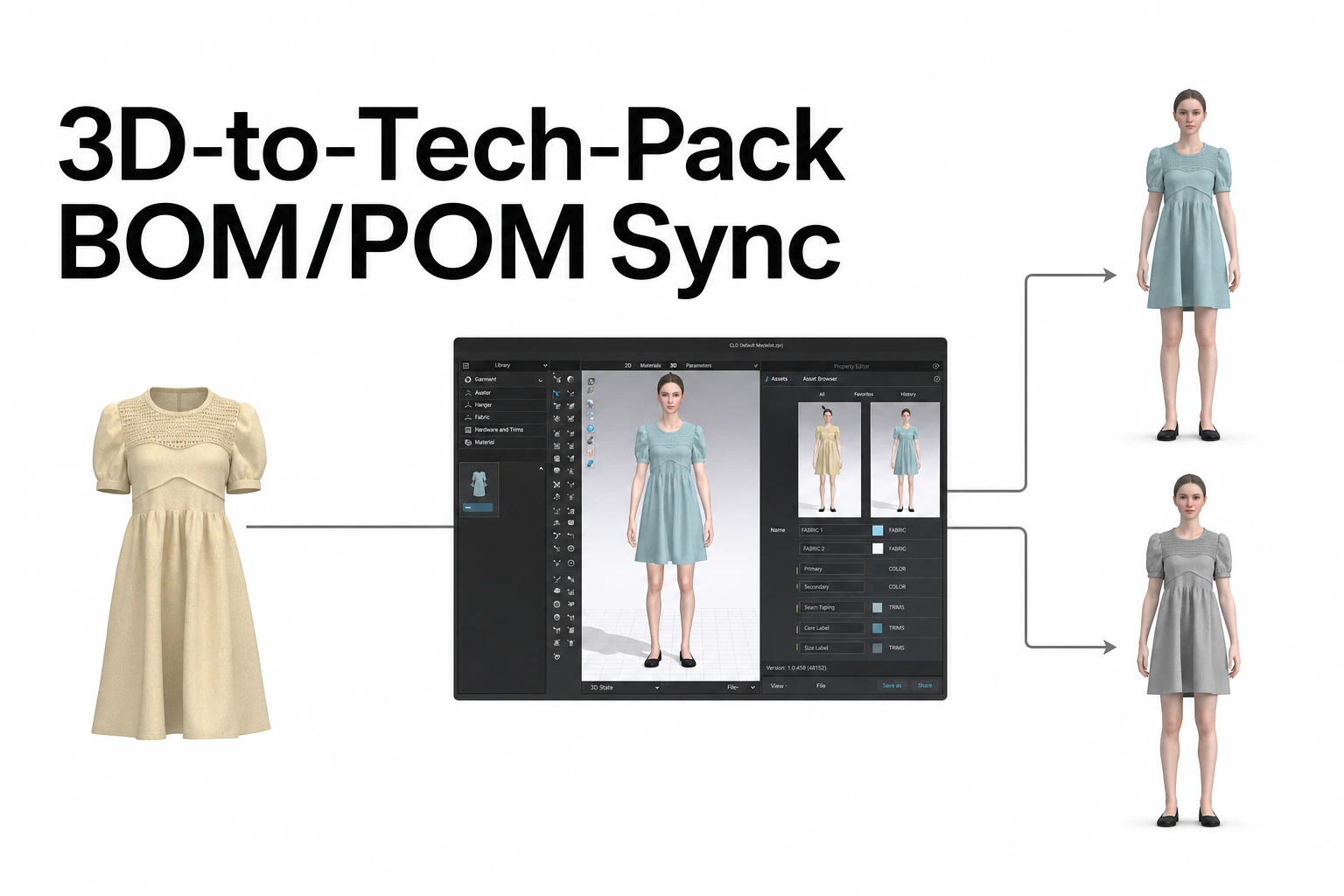
By identifying the correct Content Version and reviewing the corresponding BOM, POM, and Web Tech Pack information, brands and manufacturing partners can collaborate using the same garment design and related product data.
Why Traditional Shared Folders Can Be Difficult to Manage
Many apparel development teams exchange 3D files, tech packs, and rendered images through email or shared drive folders.
This can work when only a small number of Styles are involved.
However, when teams develop multiple Styles and Colorways with several manufacturing partners, keeping track of the files and feedback becomes more complicated.
For example, teams may need to track:
- Which files have been sent to each vendor
- Which file represents the latest design version
- Which version the manufacturer is currently using
- Where revision requests and related feedback have been recorded
CLO-SET supports the management of 3D assets, Content Versions, Comments, and related technical product information around Style Content.
Teams can grant access to the relevant Content and allow manufacturing partners to review garment designs or perform supported follow-up activities according to their permissions.
This allows brands and vendors to work from shared Content and related product information rather than relying on separately exchanged files.
Choose the Right Sharing Scope for Each Vendor
CLO-SET organizes work through a hierarchy of Spaces.
Group is the highest level, with Company, Brand, optional Line, Season, Workroom, and Assortment Spaces forming the relevant organizational structure.
Line is an optional space level.
Style Content is generally created and managed within Workrooms, while Assortment allows teams to organize and visually review selected Styles and Colorways.
When sharing work with external partners, choose a scope that matches the vendor's responsibilities.
| Vendor Assignment | Recommended Sharing Scope |
|---|---|
| Sampling or fit review for a single Style | The individual Style Content |
| Development of several related Styles | The relevant Workroom |
| Visual review of a selected group of Styles and Colorways | The relevant Assortment |
Share an Individual Style
For example, if a factory is responsible for developing one jacket sample, the team can share that Style Content.
The manufacturing partner can review the shared Style and perform activities permitted by the assigned role.
Share a Workroom
A Workroom can be appropriate when a manufacturer is responsible for several related Styles.
For example, if the same factory develops multiple knitwear Styles for a season, the team can share the Workroom containing those products.
Share an Assortment
Assortment can be useful when vendors need to review a selected group of Styles and Colorways together.
Assortment brings selected items from Workrooms into a shared space for visual organization and review.
For example, a manufacturing partner may need to compare garment combinations or discuss different Colorway options.
Start with the Scope Required for the Assignment
The scope of access should reflect the work assigned to the vendor.
For a manufacturer responsible for one Style, individual Content sharing may be sufficient.
When the assignment involves multiple Styles, the relevant Workroom may be more practical.
This approach helps teams manage access according to each partner's responsibilities.
Match Editor and Viewer Permissions to the Vendor's Work
CLO-SET manages access through Space-level permissions and user roles.
Admin and Collaborator permissions are available at Company and Brand levels, while Editor and Viewer are particularly relevant when sharing Workrooms, Assortments, or individual Content.
For external factories and suppliers working on specific assignments, the appropriate Editor or Viewer role will often depend on the work they need to perform.
Editor
An Editor can perform supported editing and sharing activities within the Workroom, Assortment, or Content shared with them.
This role can be suitable for vendors who need to:
- Edit relevant development information within the shared scope
- Update supported technical product information
- Share assigned work with other authorized members of their factory team
Because Editors can share items within their permitted scope, teams should agree with the manufacturing partner on who is responsible for distributing access.
Viewer
Viewer access is appropriate for manufacturing partners who need to review shared garments and related information.
Examples include:
- Factory representatives reviewing 3D garment designs
- Suppliers checking relevant Style and Colorway information
- External reviewers examining Content and providing feedback through supported Comments
Where supported, Group members may also grant Viewers separate upload or download options.
When Vendors Need to Edit Technical Product Information
Supported Web Tech Pack editing activities require appropriate permissions, such as Admin, Collaborator, or Editor.
If a vendor needs to modify relevant BOM or measurement information, teams can consider assigning Editor access within the required scope.
When the partner primarily needs to inspect a garment or review its information, Viewer may be the more appropriate role.
Choosing permissions based on the assignment helps teams provide access to the necessary information and supported activities.
Share a Style from the Content Page
Teams can share an individual Style directly from its Content Page.
Use Share with Email
To share a Style with a manufacturing partner:
- Open the Content that needs to be shared.
- Select the Share option on the Content Page.
- Enter the vendor representative's email address.
- Assign the appropriate Editor or Viewer role.
- Select Share to complete the invitation.
An email address can be entered even if the intended recipient has not yet registered with CLO-SET.
However, accessing Content shared through email requires a CLO-SET account, so the recipient will need to register or sign in to open the shared work.
Check People with Access
The People with access section allows teams to review users who can access the Content.
This may include users who received access directly and users whose access comes from permissions granted at a higher-level Space.
For example, a user with appropriate Brand-level permissions may also have access to Content within related lower-level Spaces.
Teams should review access when beginning work with a new vendor, changing manufacturing partners, or ending an existing assignment.
Use Share with Link
CLO-SET also supports Share with Link.
This method allows Content to be viewed through a shared link according to its sharing configuration.
Because a link can be forwarded to other people, teams should consider which Content is appropriate for link-based sharing.
When collaboration involves specific vendor representatives and assigned roles, Share with Email provides a way to share with identified users using Editor or Viewer permissions.
Configure Upload and Download Options for Viewers
Viewer is primarily a review-oriented role.
When sharing a Workroom or Style, CLO-SET allows Group members to assign additional upload and download options to Viewers where supported.
These options are managed separately.
Enable Download
Enable Download allows eligible Viewers to download supported files, tech packs, and rendering images.
For example, a manufacturer may need to download certain files to support sample development or technical review.
Whether downloading is available depends on the applicable sharing method and access conditions.
Enable Upload
Enable Upload allows eligible Viewers to upload 3D assets and Attachments to a shared Workroom or Style.
For example, a manufacturer may need to return a revised 3D garment file or upload documentation related to the sample-development process.
This allows teams to enable supported upload activities without necessarily granting the vendor broader Editor permissions.
Share with Link and External Group Members
CLO-SET updated its Share with Link download policy in December 2025.
Under the current policy, downloads from Content shared through Share with Link are available only to Group members.
Users outside the Group can view the shared Content through the link, but cannot download through that sharing method even when Enable Download is enabled.
If a manufacturing partner needs to download files, the team should confirm the recipient's Group membership and the applicable sharing method before starting the assignment.
Select Options Based on the Required Activities
Different vendor assignments may call for different access configurations.
- Garment design review: Viewer access
- Uploading revised garment files: Editor or supported Viewer access with Enable Upload
- Editing technical product information: Appropriate Editor permissions
- Downloading files: Applicable download permissions and sharing-policy requirements
This allows teams to align vendor access with the actual work required.
Tell Vendors Which Content Version to Use
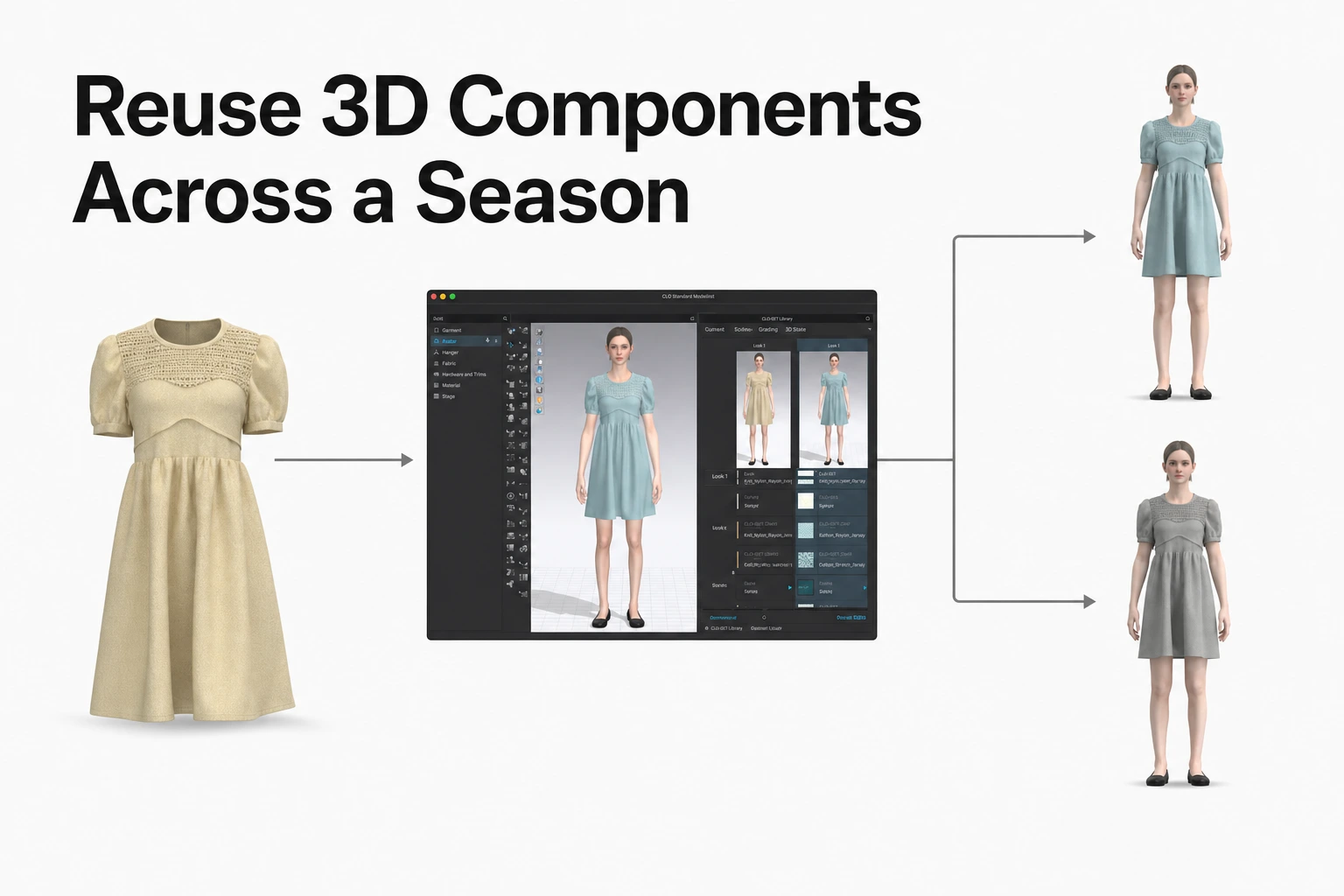
A Style Content item can contain multiple Content Versions.
For example, a team may upload an initial garment sample and subsequent revisions as separate Versions.
Supported files can be uploaded as new Content Versions through the Content Page.
Version information can then be used to organize garment reviews and follow-up development activities.
Identify the Working Content Version
When asking a vendor to develop or revise a sample, clearly identify the Content Version they should use.
For example:
"Please revise the sample using Version 3 of Jacket Style A."
This gives the manufacturing partner a clear reference for the requested work.
Review Web Tech Pack Information
CLO-SET's Web Tech Pack supports technical product information for compatible ZPRJ and ZPAC garment files.
On the current Content Page, teams can review relevant information through sections such as BOM, POM, and Cost Estimation, with Construction information accessible through the supported workflow.
The main Web Tech Pack information includes:
| Section | Main Information |
|---|---|
| Overview | Style and basic Content information |
| BOM | Fabric, trim, and related material information, including supported Colorway- and Grade-level data |
| Construction | Garment construction details, technical Annotations, and related specifications |
| Measurement (POM) | Measurement points, supported 2D/3D measurement information, and target dimensions |
| Cost Estimation | Fabric and trim costs and additional user-entered expenses, including labor and transportation |
This information helps manufacturing partners review technical details needed for sample development and product coordination.
Update Web Tech Pack Information Across Content Versions
When uploading a new supported CLO garment file as a Content Version, users can choose whether to update the related Web Tech Pack information.
If the update is selected, supported information from the new file can be reflected in the relevant Web Tech Pack data.
For example, if the fabric changes in a revised version, teams can review the BOM information to confirm that the updated material details correspond to the current design.
Supported BOM information is managed in relation to Content Versions and may include Colorway- and Grade-level material details.
Share the Correct Reference Information with the Factory
When requesting sample development or revisions, teams should communicate the relevant working information.
This may include:
- The Style Content to be reviewed
- The Content Version to be used
- Relevant BOM and POM information
- The applicable Web Tech Pack Version, when needed
- Key revision requests and follow-up responsibilities
For example, if the team agrees to use Version 3 for the next sampling round, it can direct the factory to that Version and ask the relevant representatives to review the corresponding material and measurement information.
This helps brands and manufacturing partners work from the agreed garment design and technical specifications.
A Checklist Before Sharing with Vendors
Before sharing 3D assets with a manufacturing partner, teams can follow this checklist.
- Choose the sharing scope: Share individual Content for a single Style, or use the relevant Workroom or Assortment for assignments involving several Styles.
- Choose the vendor role: Consider Viewer for garment inspection and information review, and Editor for supported editing or additional sharing responsibilities.
- Confirm upload and download settings: If the vendor needs to upload or download files, verify the applicable Viewer options and any restrictions associated with the sharing method.
- Identify the working version: Tell the vendor which Content Version to use and confirm that the related Web Tech Pack information reflects the current design.
- Review access: Use People with access to check which users can access the relevant Content.
- Confirm the vendor's next actions: Make clear which assets the manufacturing partner should inspect, revise, or upload.
By following these steps, apparel teams can share the necessary 3D assets and technical product information with vendors while managing access and coordination across sample-development rounds.
Frequently Asked Questions
Does a vendor need a CLO-SET account before we share a style?
A Style can be shared with an email address even if the recipient has not yet registered with CLO-SET. However, the recipient needs a CLO-SET account to access Content shared through email.
Who on our team can share a style with a vendor?
Users with Editor permissions or above can share eligible Workrooms, Assortments, or Content within the scope allowed by their permissions.
Can a vendor with Viewer access download the tech pack?
An eligible Viewer with the required download permission can download supported files and tech packs within the applicable access conditions. For Share with Link, downloading is restricted to Group members. Teams should check the sharing method and relevant permissions when a vendor needs to download files.
Can a vendor upload a revised 3D file?
Yes. A vendor with appropriate Editor permissions, or a Viewer with Enable Upload granted for a supported Workroom or Style, can upload 3D assets and Attachments within the permitted scope.
How do we see who has access to a style?
The People with access section on the Content Page shows users who can access the Content. This may include users who received direct access and users whose access comes from permissions granted at a higher-level Space.
Source Note
This article is based on official CLO-SET Help Center documentation covering sharing permissions, Content Version uploads, and Web Tech Pack functionality, reviewed on October 30, 2026.
The review focuses on sharing Content, Workrooms, and Assortments with external vendors, Editor and Viewer permissions, Viewer upload and download options, Share with Link download restrictions, and the management of Content Versions and related technical product information.
The vendor-specific sharing examples and checklist describe practical approaches to apparel product-development and supplier collaboration.
Official product and reference sources:
- CLO-SET: Group, Permission
- CLO-SET: Invite/Share, Share Contents, Share Space
- CLO-SET: Content Version Upload
- CLO-SET: Intro: Web Tech Pack, Web Tech Pack (WTP)
- CLO-SET: End of Support for the Legacy Content Page