How to Automatically Generate a Fashion Tech Pack from a 3D Garment
Most product teams create a tech pack after the design is finished. But what if your tech pack could grow naturally alongside your 3D garment instead?
 Most product teams create a tech pack after the design is finished. But what if your tech pack could grow naturally alongside your 3D garment instead?
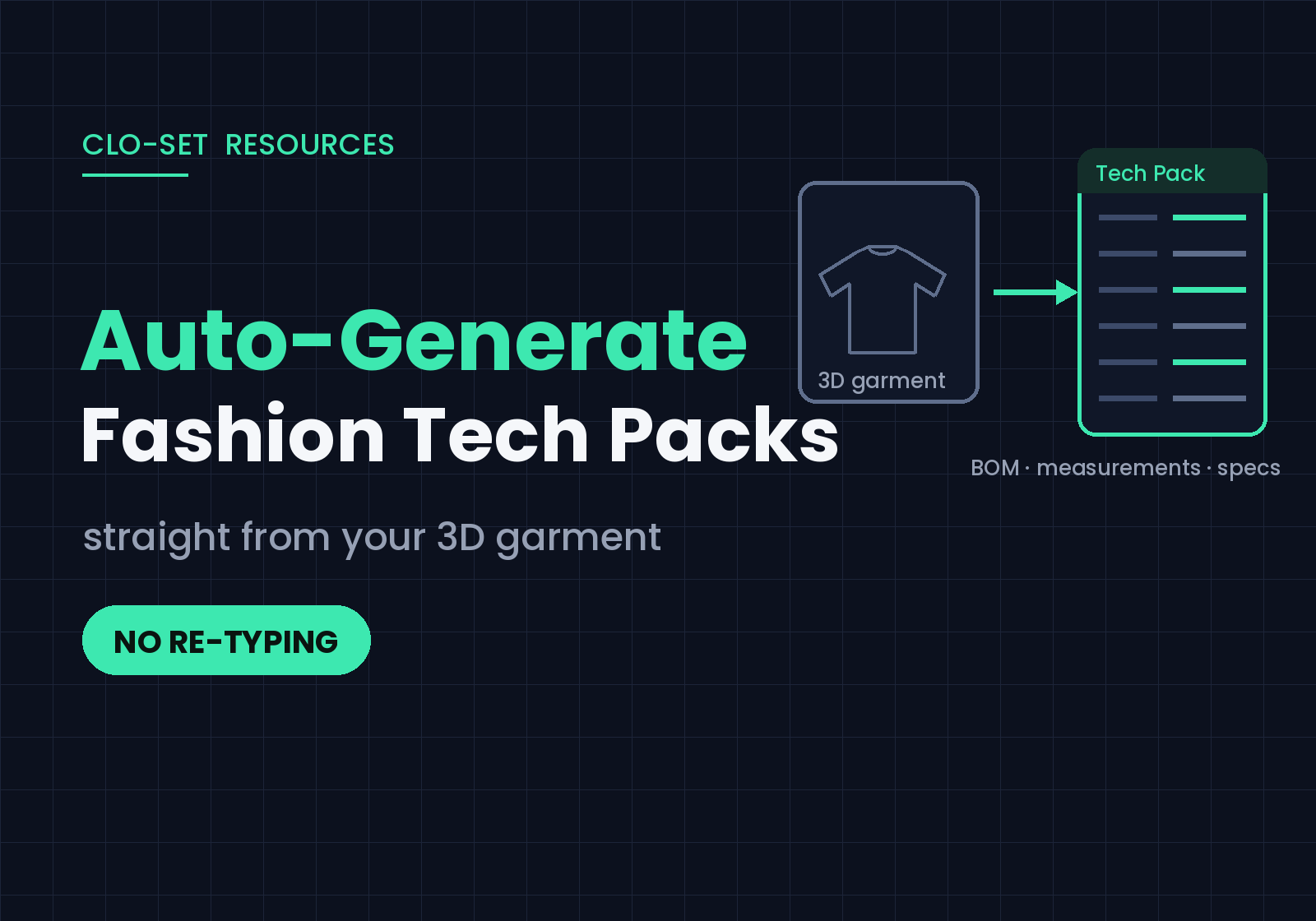
A tech pack can be generated automatically from a 3D garment: when patterns, materials, measurements, and colorways are defined during design, that data becomes the tech pack, with no separate documentation step required. Here's how that workflow works with CLO and CLO-SET.
Creating a tech pack shouldn't be a separate process
A tech pack is one of the most important documents in fashion product development. It communicates everything manufacturers need to produce a garment consistently, from materials and measurements to construction details, grading, and colorways.
Yet for many fashion brands, creating a tech pack is still treated as a separate task that begins only after the design is complete. Once a style is approved, product teams manually gather information from multiple sources. Bills of Materials are recreated in spreadsheets, Points of Measure are documented separately, product images are exported again, and every design revision requires another round of manual updates.
The problem isn't creating a tech pack. It's recreating product information that already exists.
What Is a Tech Pack?
A tech pack is a production document that communicates every detail needed to manufacture a garment accurately. A typical tech pack includes:
Bill of Materials (BOM)
Points of Measure (POM)
Size grading
Colorways
Product specifications
Construction details
Graphics
Production notes
Traditionally, all of this information is collected after the garment has already been designed. This workflow has become an industry standard, but it means teams spend their time recreating data instead of building products.
The information you need is already inside your 3D garment
Modern product development starts long before a tech pack is created. As designers develop garments in CLO, they're already defining the information required for production: they create patterns, assign materials, select trims, define measurements, complete grading, and prepare colorways.
In other words, the product information needed for manufacturing gets built throughout the design process. Instead of collecting the same information again later, a connected workflow lets that product data continue into production.
From 3D Garment to Tech Pack
Connect CLO with CLO-SET and the product information created during garment development flows directly into a connected digital workflow. Rather than creating a tech pack from scratch, teams keep working with information that already exists.
Design the garment in CLO
Create the garment while defining patterns, materials, trims, and construction details.
Build BOM and POM
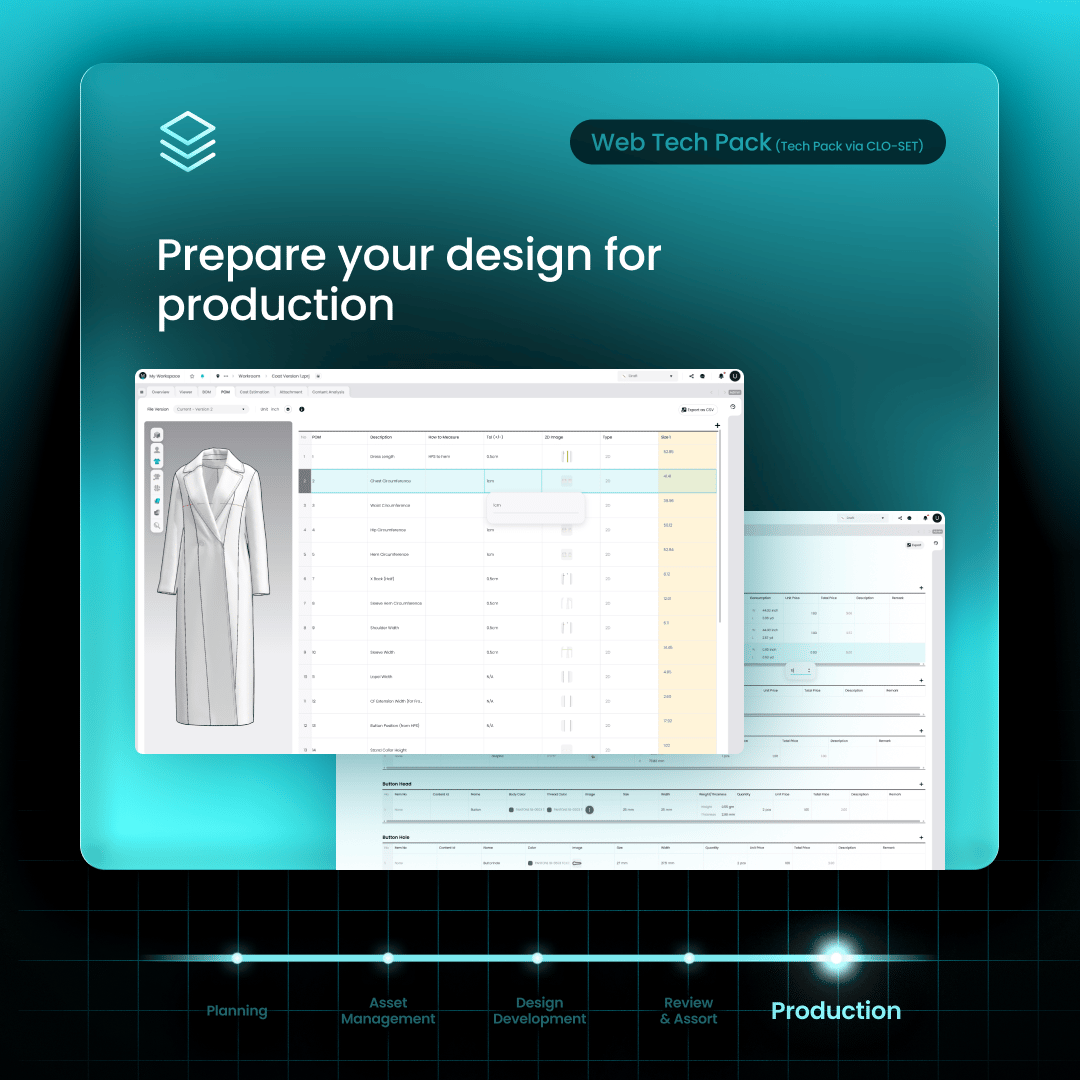
Instead of documenting production information after the design is complete, build it directly into your 3D garment as you work. In CLO, you can define the Bill of Materials and place Points of Measure directly on your 2D patterns. Once grading is applied, measurements are automatically organized across all sizes, and product information stays connected to each colorway. You're building accurate product information as part of the design process, so it's ready for production from the beginning.
Upload to CLO-SET
Once the garment is uploaded, BOM, POM, grading, and colorway data are automatically synchronized to CLO-SET. The latest product information stays connected and ready for tech pack generation, without anyone copying specifications into spreadsheets.
Export a production-ready tech pack
When the product is finalized, generate a production-ready tech pack directly from the latest synchronized product information. Available export sections include:
Product Overview
Bill of Materials (BOM)
Points of Measure (POM)
Graphics
Cutter's Must
Comments
Annotations
Nobody has to recreate product information by hand before handing products over to manufacturers.
Build BOM and POM once, not twice
One of the biggest sources of wasted time in product development is duplicate work. Teams create BOMs in one system, manage measurements somewhere else, and then recreate everything inside a tech pack. Every design revision repeats that work.
With CLO and CLO-SET, BOM and POM become part of the product itself. Production data stays connected to the 3D garment, so updates remain synchronized throughout development and teams maintain consistent product information with less manual work.
Why digital tech packs improve product development
A connected digital workflow helps fashion teams move beyond manually maintaining documents.
Instead of recreating information throughout development, teams can:
Reduce repetitive manual work
Keep BOM and POM synchronized with product updates
Reduce errors caused by duplicate documentation
Generate production-ready tech packs faster
Keep production information accurate and up to date
Create a more efficient product development workflow
The tech pack stops being another document to maintain and becomes the natural outcome of product development.
From product development to production, without rebuilding your tech pack
A tech pack shouldn't be something you create after product development. It should evolve with the product. Connect CLO and CLO-SET, and fashion teams create product information once, then generate production-ready tech packs from the latest synchronized data. The time that used to go into rebuilding information for production goes back into the products themselves.
Frequently Asked Questions
Is this an AI tech pack generator?
Not in the generative-AI sense, and that's intentional. Generative AI can draft documents, but production documents live or die on accuracy. CLO-SET generates tech packs from the structured data already inside your 3D garment: patterns, materials, measurements, grading, and colorways defined during design. The output is based on your actual product data, not a model's prediction.
What data syncs from CLO to CLO-SET?
BOM, POM, grading, and colorway data sync automatically when you upload your garment. Export sections include Product Overview, BOM, POM, Graphics, Cutter's Must, Comments, and Annotations.
Do I need a tech pack template if I work in 3D?
If your product data lives in your 3D garment, the tech pack is generated from it, so there's nothing to fill in from scratch. If you're still working in 2D, start with the fundamentals: [How to Make a Tech Pack]
See it with your own garment. Upload a 3D garment to CLO-SET and export a production-ready tech pack from your existing product data.
Keep reading
View all5 3D Product Collaboration Tools for Fashion Brands (2026)
Ask a fashion team why they are looking at 3D collaboration tools and the answer is rarely about 3D alone. The challenge often appears when multiple teams and external partners need to review the same garment, follow revisions, and keep feedback connected to the correct product version. 3D collaboration platforms approach that problem in different ways. Some focus on fashion product development,
3D Sample Review vs Physical Sample Rounds: Cost, Lead Time, and When You Still Need the Real Thing
The pitch for 3D sampling usually overshoots. Somebody demos a garment rotating in a browser and the conclusion lands as “we can stop making samples,” which isn’t true and sets the project up to be judged against a promise it can’t keep. The defensible version of the argument is narrower: some of your sample rounds exist to answer questions that don’t require fabric. Those are the rounds 3D takes,
Pre-Production Sample Review: What to Check, Who Signs Off, and When It Happens
By the time a pre-production sample arrives, the interesting decisions are over. The silhouette was settled at proto. The fit was settled two rounds ago. What’s left is the dullest and most expensive question in the whole calendar: can this factory, on this line, with these materials, make this garment correctly, over and over? Approve it and bulk fabric gets cut. Approve it carelessly and you