Free Tech Pack Template (Excel): A Production-Ready Format, No Email Required
A tech pack exists because a factory can't sew what it can't read. It's the document that turns a design into instructions: what the garment looks like, how it measures in every size, what it's made of, and how it ships. When a sample comes back wrong, the cause is almost always in this document. A measurement that lived only in someone's head, a trim that was discussed in chat but never written down. A good tech pack is the single place where none of that gets lost.
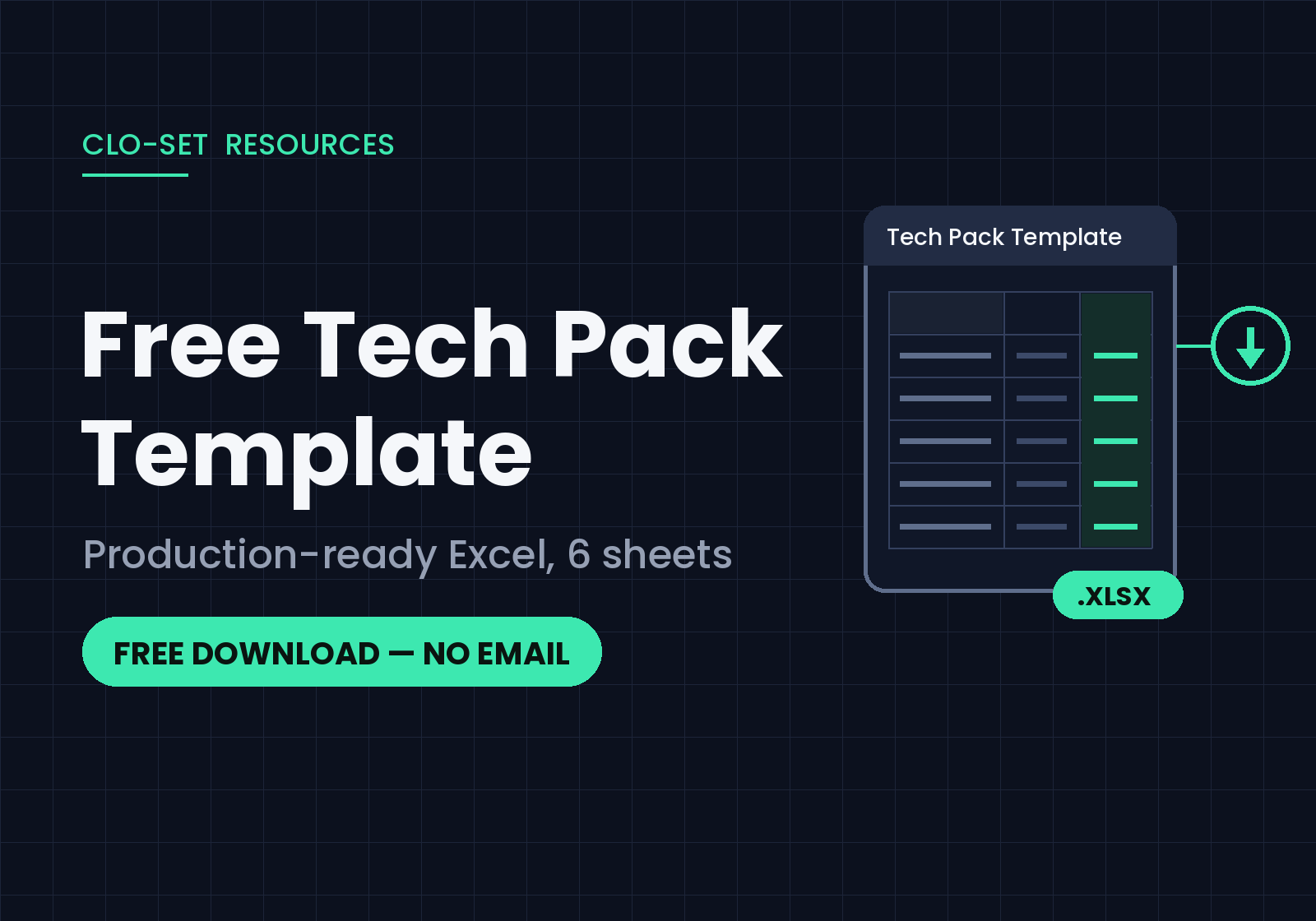
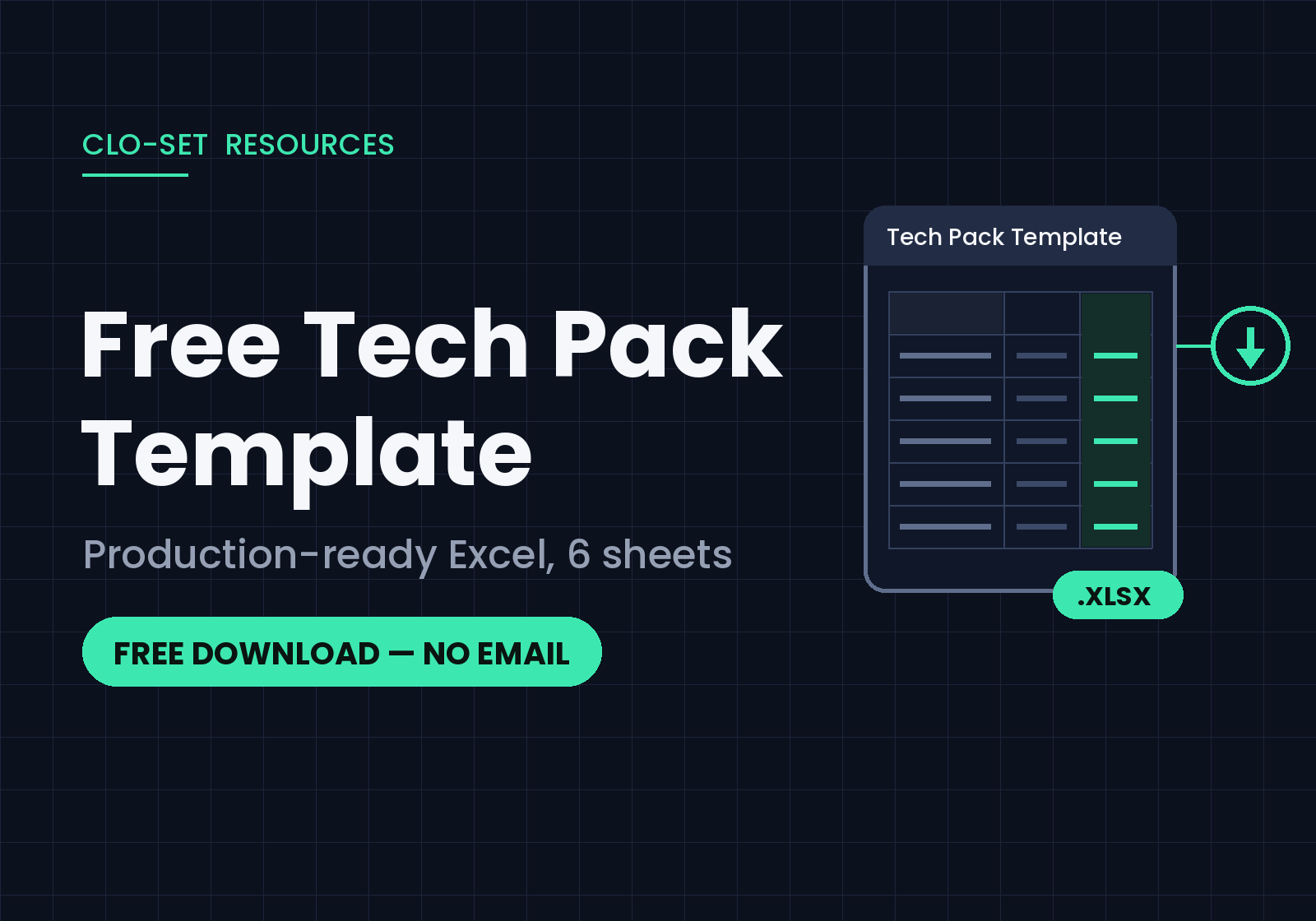
Below is a free Excel template with the structure production teams actually use, the same sheet flow a work order follows. Download it, replace the example data, and send it.
What's inside
Six sheets, in the order your factory reads them:
Main : Style information at a glance (brand, style number, season, colorways, size range) plus flat sketch space, so anyone opening the file knows what garment they're looking at.
Design : Detailed design views and construction notes: seams, stitches, and the details that don't survive a verbal handoff.
Measurement (POM) : Points of measurement across your full size range, with tolerances. The sheet your QC will live in.
Material (BOM) : Fabrics, trims, labels, and packaging in one bill of materials, with room for swatches and supplier details.
Package & Label : Care labels, hangtags, folding and polybag instructions. The part everyone forgets until the shipment is wrong.
Quantity : Color × size order matrix with totals that calculate automatically.
The file comes filled in with a complete example spec, so you can see how each sheet is meant to read before you overwrite it with your own style.
The Honest Part: Templates Take Work
A template gives you structure, but the labor is still yours. Every measurement typed by hand, every size graded manually, every revision re-entered and re-sent, and each of those touches is a chance for the sample to come back wrong. That's not a flaw in this template; it's the nature of building tech packs manually. It's manageable at ten styles a season and painful at fifty.
Where This Gets Easier: CLO and CLO-SET
If your team designs in 3D with CLO, most of what this template asks you to type already exists. The garment file knows its measurements, materials, and colorways. CLO-SET picks that up naturally: the 3D garment comes into your workspace, the team and vendors review it in a browser, and tech pack data flows from the file itself. Measurements only need a few clicks on screen instead of being re-typed into a spreadsheet. Tech pack editing in CLO-SET is also being strengthened, so more of the document work will happen right where the garment lives.
We've written up how the automatic side works here: How to Automatically Generate a Fashion Tech Pack from a 3D Garment.
Take the template (and a look around)
No email, no signup, no watermark. The template is yours to use for client work, production, anything. And if filling it in ever starts to feel like typing out data your 3D file already knows, that's your cue to see what CLO-SET does with a garment file.
DOWNLOAD LINK — Tech Pack Template_CLO-SET.xlsx
FAQ
Is this template really free?
Yes. No email, no signup. Download it and use it however you need.
What software do I need?
Microsoft Excel or any tool that opens .xlsx files. Google Sheets works too: upload and convert, and the quantity totals carry over.
Does it work for any garment category?
Yes. The example data shows one garment, but the sheet structure (specs, measurements, materials, packaging, quantities) applies to any category. Swap the measurement points and material lines for your product.
What should a tech pack include?
At minimum: style information, design views with construction details, points of measurement with tolerances, a bill of materials, packaging and labeling instructions, and order quantities. Each sheet in this template covers one of those. If you're new to tech packs, work through them in order.
Keep reading
View all5 3D Product Collaboration Tools for Fashion Brands (2026)
Ask a fashion team why they are looking at 3D collaboration tools and the answer is rarely about 3D alone. The challenge often appears when multiple teams and external partners need to review the same garment, follow revisions, and keep feedback connected to the correct product version. 3D collaboration platforms approach that problem in different ways. Some focus on fashion product development,
3D Sample Review vs Physical Sample Rounds: Cost, Lead Time, and When You Still Need the Real Thing
The pitch for 3D sampling usually overshoots. Somebody demos a garment rotating in a browser and the conclusion lands as “we can stop making samples,” which isn’t true and sets the project up to be judged against a promise it can’t keep. The defensible version of the argument is narrower: some of your sample rounds exist to answer questions that don’t require fabric. Those are the rounds 3D takes,
Pre-Production Sample Review: What to Check, Who Signs Off, and When It Happens
By the time a pre-production sample arrives, the interesting decisions are over. The silhouette was settled at proto. The fit was settled two rounds ago. What’s left is the dullest and most expensive question in the whole calendar: can this factory, on this line, with these materials, make this garment correctly, over and over? Approve it and bulk fabric gets cut. Approve it carelessly and you