New in CLO-SET: AI Visualizer Turns Your 3D Garments into Photorealistic Fashion Images (Beta)
Every 3D designer has hit this moment: the garment looks right in the viewer, and the person you need to convince wants to see it on a street, on a body, next to the bag it will be sold with. Until now that meant a render setup, a photoshoot, or asking them to imagine it.
 Every 3D designer has hit this moment: the garment looks right in the viewer, and the person you need to convince wants to see it on a street, on a body, next to the bag it will be sold with. Until now that meant a render setup, a photoshoot, or asking them to imagine it.
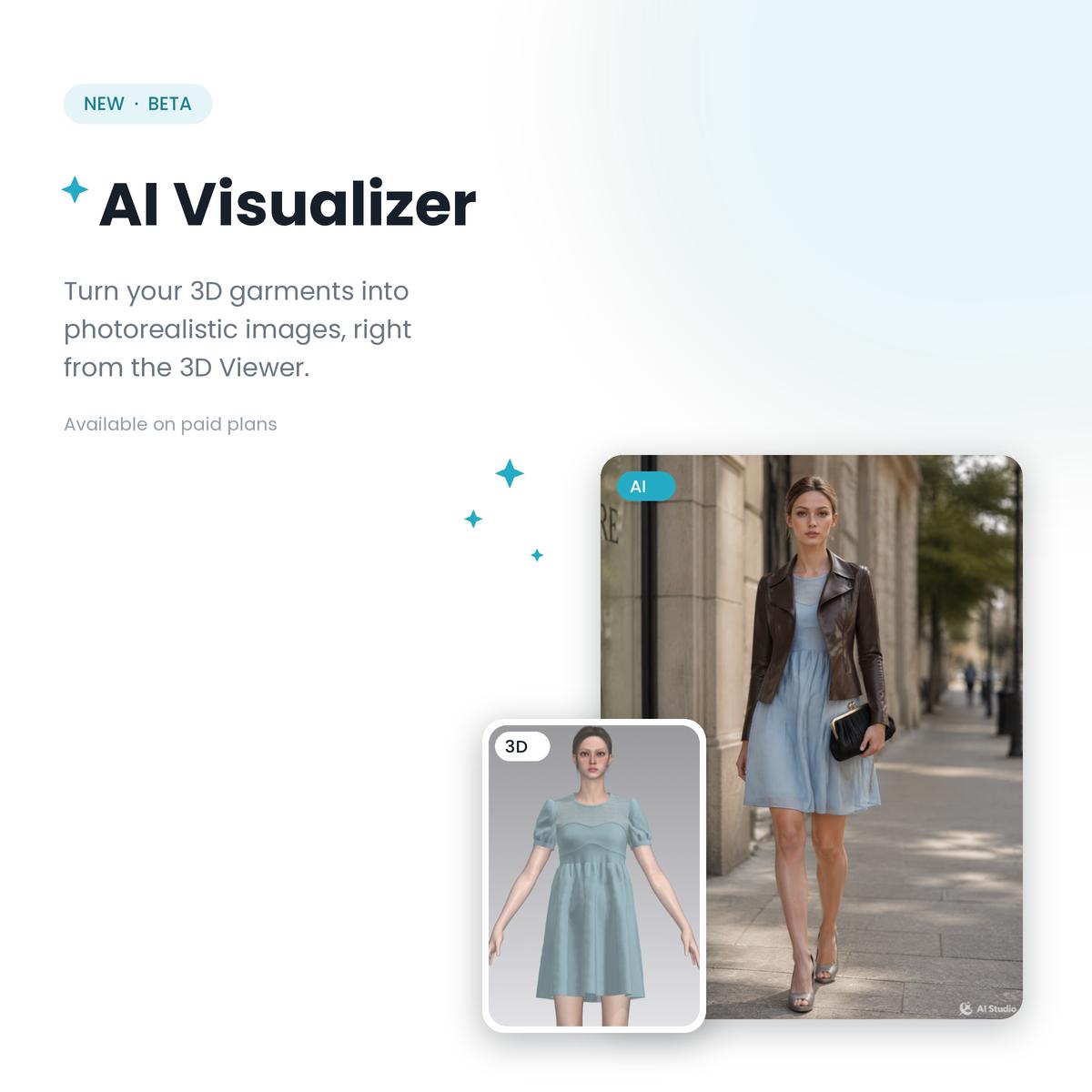
AI Visualizer, now in Beta on CLO-SET paid plans, closes that gap. It takes the 3D garment you already built and generates photorealistic images of it: on a model, in a scene, styled with pieces that may not even exist as 3D assets yet. The AI supplies the model, the light, and the street. The design still comes from you.
TL;DR
AI Visualizer generates photorealistic fashion images from the 3D garments in your CLO-SET workspace, straight form the 3D viewer.
Unlike AI image generators that create clothing from a text prompt alone, it starts from your actual garment, so the design in the image is yours.
Reference assets can join the shot: other 3D garments from your workspace, or plain photos of shoes, bags, and trims that have no 3D version yet.
It runs on GPT Image or Gemini, with style presets, an avatar face lock, and a transformation strength control for refining results step by step.
What is AI Visualizer?
AI Visualizer is an AI fashion image generation tool built into the CLO-SET 3D Viewer. Open any garment on its Content Page, click the AI Visualizer button, and the garment becomes the base of a photorealistic image: a street shot, a runway look, a cinematic scene, whatever you describe in the prompt or pick from the presets.
This is a different job from most AI fashion design tools. A text-to-image generator imagines a garment for you, which is where many teams start their ideation. AI Visualizer works from the other end: the garment is real, designed and simulated in 3D, and the AI builds the world around it. Your design decisions survive the trip.
How it works
Start from your garment. The 3D garment in the viewer becomes the Base image. Don’t stop at one look: colorways you built carry over, so each variant can get its own shoot.
Add what the shot needs. Up to 8 reference assets join the generation: a jacket pulled from your workspace as a 3D asset, or a simple photo of the shoes and bag the look will be styled with. This is the part teams will feel first, because the accessories that complete a look often exist only as supplier photos.
Describe it and generate. Pick an engine (GPT Image or Gemini), choose a preset like Street Fashion or Runway, or write your own prompt. Preserve avatar face keeps your model consistent across shots. Results land in a Generated panel, ready to save or download.
Refine instead of rerolling. Use current image as base turns any result into the next starting point, and AI Transformation Strength controls how far the AI moves from it: keep the structure and touch up details, or allow a stronger restyle.
Where it fits in your workflow
A styled, photorealistic image answers questions a gray-background viewer can’t: does this look sell as an outfit, does the colorway read at street distance, is this the story for the lookbook. Teams get to those answers before a sample is sewn or a photoshoot is booked, which is where AI Visualizer earns its place in a digital sample review.
None of this replaces your eye. It gives your eye more to look at, earlier.
It also sits deliberately alongside two features you may already use. Render stays the tool for images faithful to the garment exactly as simulated, and mix&match styles the 3D assets already in your workspace. AI Visualizer covers the exploratory step: how the style could look in the world, with pieces that are not 3D assets yet.
AI Visualizer is available now in Beta on paid plans. Open any garment’s 3D Viewer to try it, and see the Feature Manual for the full walkthrough.
FAQ
Can AI generate fashion images from a 3D garment?
Yes. AI Visualizer in CLO-SET uses the 3D garment as the base of the generated image, so the design, silhouette, and colorway in the result are the ones you built. The AI generates the model, scene, and styling around the garment.
How is this different from an AI fashion design generator?
Text-to-image fashion generators imagine new garments, which suits ideation and moodboarding. AI Visualizer does a different job: it photographs a product that already exists as a 3D asset, so the image can support decisions about that actual style.
Which AI engines does AI Visualizer use?
GPT Image or Gemini, selected per generation. Style presets, a custom prompt field, an avatar face lock, aspect ratio control, and a transformation strength setting shape the result.
Is AI Visualizer available on the free plan?
No. AI Visualizer is a Beta feature available on CLO-SET paid plans. Generated images are visible to the members of the group the content belongs to.
Keep reading
View allNew in CLO-SET: Meet CLOFAB, Your Built-In Fabric Digitization Tool
Accurate digital fabrics are the foundation of every reliable 3D garment — and building them should be simple for everyone in the supply chain, not just 3D specialists. Today we’re introducing CLOFAB in CLO-SET : a web-based fabric digitization tool that lets you create, register, and share digital fabric assets right in your browser. No separate software installation, and no CLO license
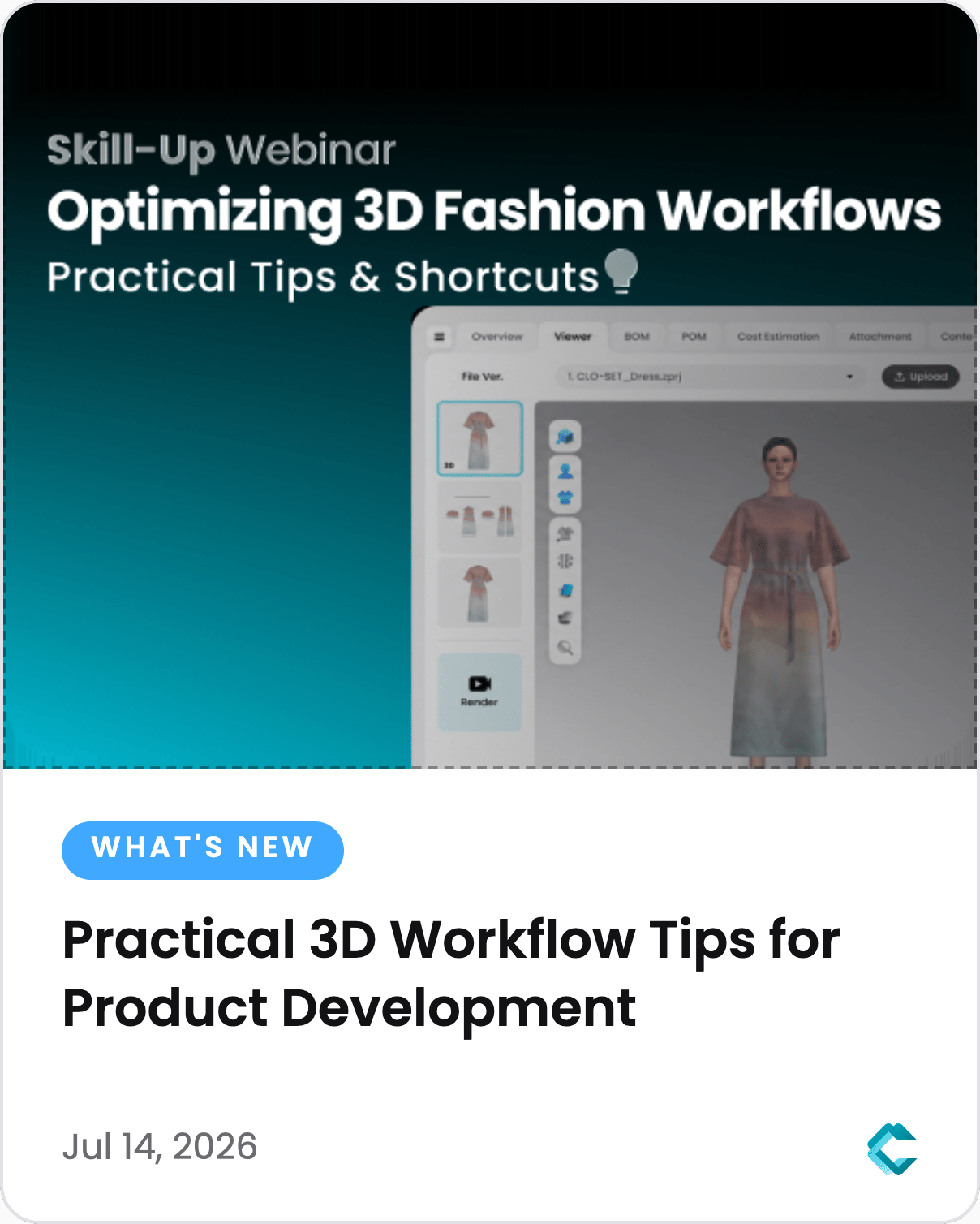
How to Optimize Fashion Product Development with Practical 3D Workflow Tips - 2026 CLO-SET Webinar
Fashion product development involves much more than creating 3D garments. Teams collaborate across design, development, merchandising, and production, and the workflow connecting them determines how much time goes to manual work instead of decisions. In our 10th CLO-SET Skill-up Webinar, we shared practical tips and productivity features for each stage of product development: organizing product
2026 Q2 Updates in CLO-SET: Better Product Reviews, Smarter Tech Packs
Q2 updates cover the full stretch between product reviews and production documentation: better vendor communication, more confident quality reviews, and more complete tech packs. Explore what's new in CLO-SET . [Product Review & Collaboration] Product reviews involve vendor communication, repeated revisions, and continuous quality checks. This quarter adds capabilities that reduce the