免费Tech Pack工艺单模板(Excel):可直接用于生产的格式、无需邮件
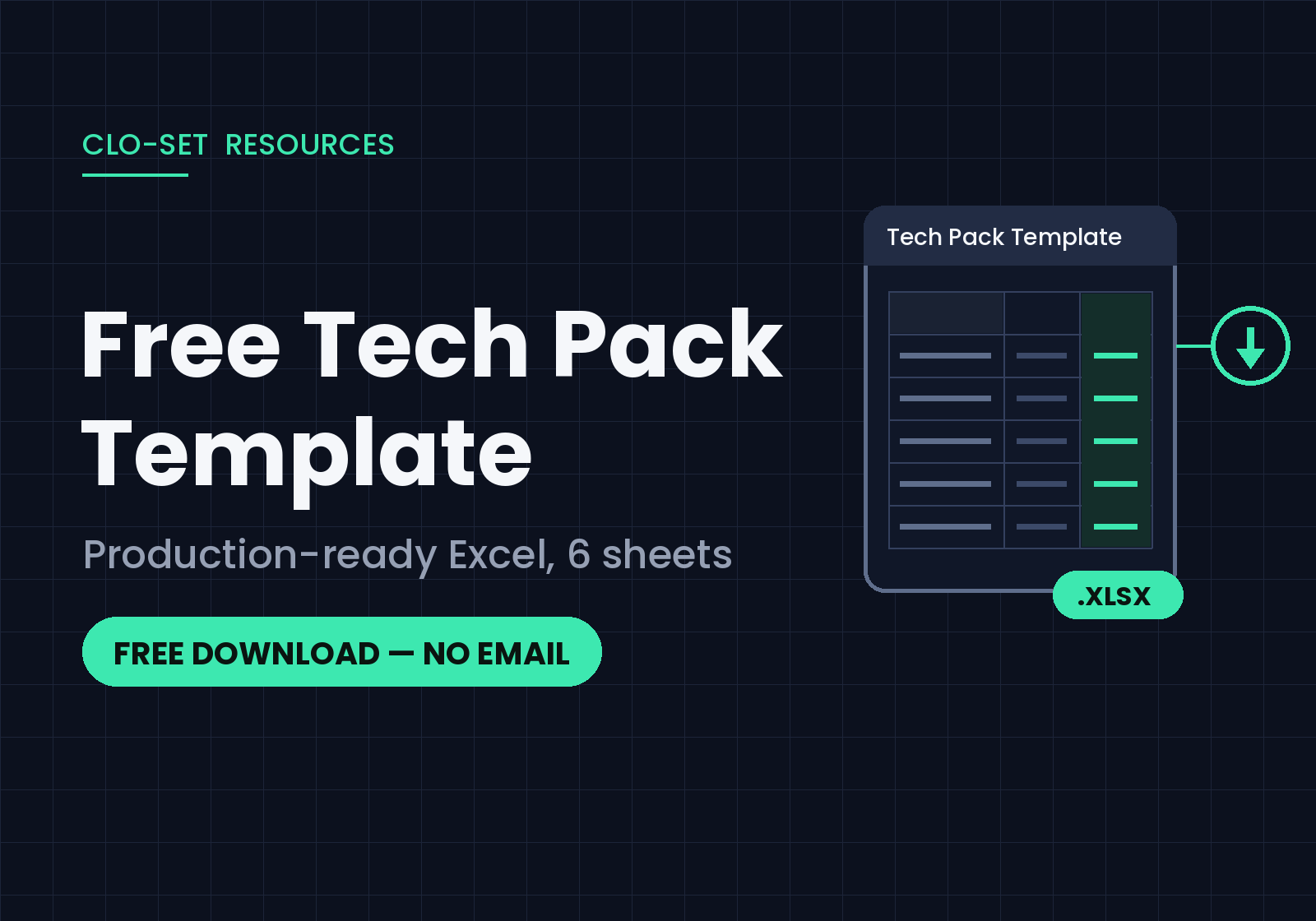
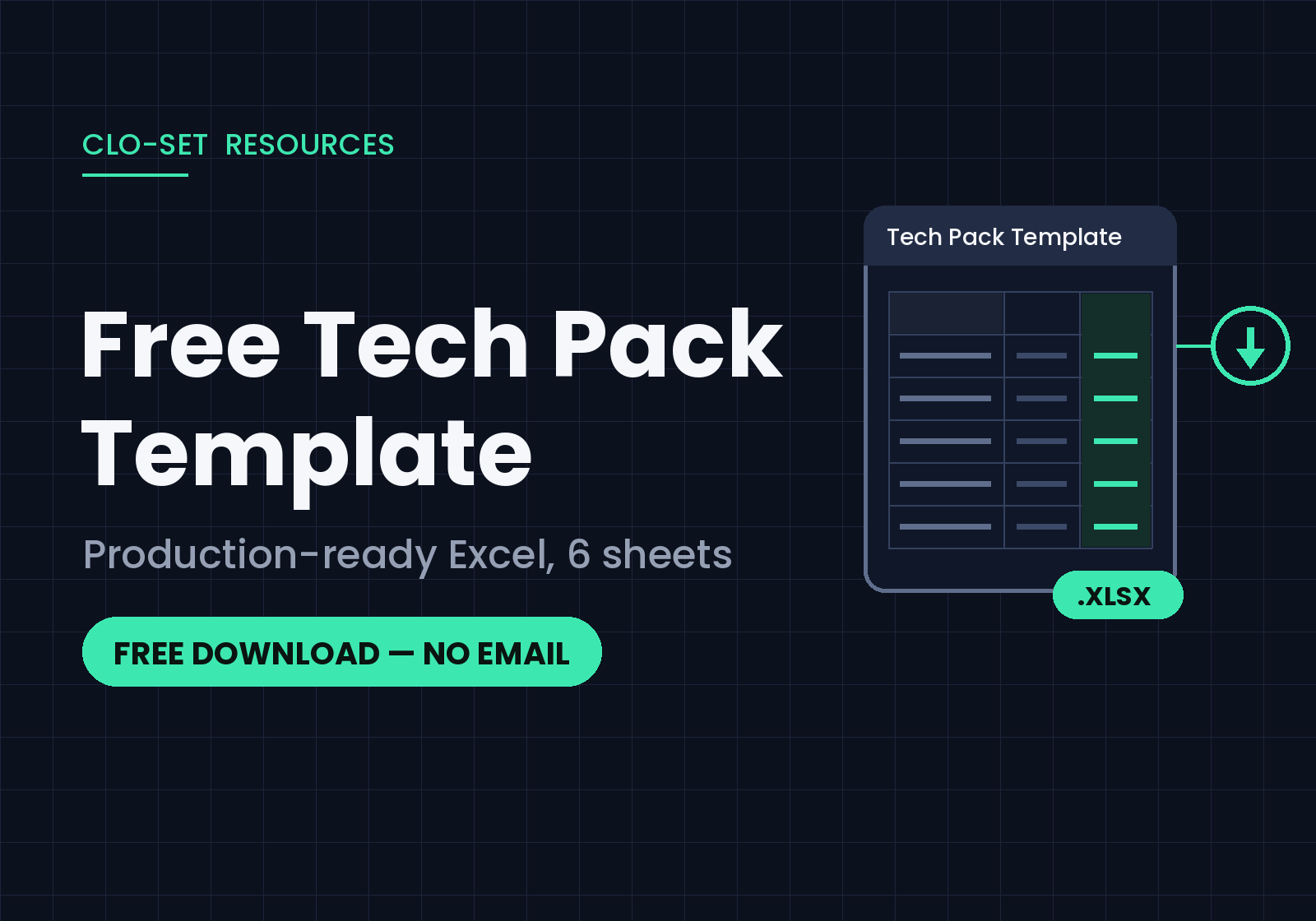
Tech Pack工艺单的存在是因为工厂无法缝制看不懂的款式图纸。它可将设计转化为生产说明——服装外观、各种尺寸测量方法、材料成分以及物流方式。如果收到的样品出现问题,原因几乎总是出在Tech Pack工艺单上:某个尺寸可能只存在于某成员的脑海中,某个辅料可能只是在沟通中讨论过却从未记录下来。所以一份好的Tech Pack工艺单能够确保所有这些信息都不会遗漏。
下方是一个免费的 Excel 模板,其结构与生产团队实际使用的相同——与工单流程一致。下载后可替换示例数据,然后使用。
里面包含什么内容
六种表格,按您工厂查阅顺序排列:
主要内容:款式信息一目了然——品牌、款号、开发季、齐色、尺码范围——以及平面款式图空间,以便任何打开文件的人都知道查看的是哪个款。
设计:详细的设计视图和工艺结构说明:接缝、缝线以及口头沟通无法涵盖的细节。
测量点(POM):涵盖您所有尺寸范围的测量点,以及允差——QC人员将使用数据表。
物料清单 (BOM):将面料、辅料、标签和包装信息都列在一个物料清单中,并留有放面料小样的空间和其供应商的详细信息。
包装和标签:洗涤标签、吊牌、折叠和包装袋说明——这是每个人都容易忘记的部分,可能导致发货出错。
数量:自动计算颜色 × 尺寸订货总量。
该文件包含完整的示例规范,因此您可在用自己的样式调整它之前,先了解每种表格的大致内容。
实话实说:模板制作也需要时间
模板可以提供大致结构,但实际工作量仍需您自己完成。
每项测量数据都需要手工录入、每个尺码都需要人工记录放码、每次修改都需要重新输入及发送——每次操作都有可能导致收到的样品出错。这并非模板的缺陷,而是人工制作Tech Pack工艺单会出现的。每季十款产品尚可应付,但若是五十款则令人不堪重负。
怎么让其更简单:CLO 和 CLO-SET
如果您的团队使用 CLO 进行 3D 设计,那么之前此模板要您输入的大部分信息都已存在——服装文件本身就包含尺寸、面料和齐色等信息。CLO-SET 会自动识别这些信息:3D服装模型会将数据导入您的工作区,团队和供应商可以在浏览器中进行审款,Tech Pack工艺单数据会直接从文件中提取,无需重新手动输入到表格中。CLO-SET 中Tech Pack工艺单的编辑功能也在不断增强,因此更多文档工作将直接在服装所在的位置可完成。
我们这里有关于其自动化工作原理的文章:自动生成Tech Pack工艺单。
以此模板为例——并观察对照
无需邮件、无需注册、没有水印——您可以免费使用此模板,用于客户项目、生产制造等任何用途。如果您觉得填写模板只是重复输入3D文件中已有的数据,那么是时候了解一下 CLO-SET 如何处理服装文件了。
下载链接 — Tech Pack Template_CLO-SET.xlsx
FAQ
Q:这个模板真的是免费的吗?
A:是的——无需邮箱、无需注册。下载后即可按需求使用。
Q:我需要什么软件?
A:可以使用 Microsoft Excel 或任何可以打开 .xlsx 文件的工具。Google Sheets 也可以——上传并转换;数量总数会保留。
Q:它适用于任何服装类别吗?
A:是的。示例数据仅展示了一件服装,但表格结构(规格、尺寸、材料、包装、数量)适用于任何类别。请将测量点和材料行换成您的产品数据。
Q:Tech Pack工艺单应该包含哪些内容?
A:至少包含:款式信息、带结构细节的设计视图、带允差的测量点 POM、物料清单 BOM、包装信息和标签说明以及订购数量。此模板中的每页都涵盖其中一项内容——如果您是第一次使用Tech Pack工艺单,可按顺序使用。
继续阅读
查看全部时尚品牌五大 3D 产品开发协作工具(2026)
如果你问一个时尚团队为什么需要3D协作工具,回答很少仅仅局限于3D建模本身。真正的挑战往往出现在多个团队和外部合作伙伴需要评审同一件服装、跟进修改,并确保审款反馈与正确的产品版本保持一致的时候。 3D协作平台解决这个问题的方式各不相同。有些专注于时尚产品开发,有些专注于产品系列协作,有些专注于3D资产管理和分销,还有一些专注于实时CAD审查。 本指南将介绍五款 3D 产品协作工具以及它们支持的工作流程。 TL;DR/ 核心速览 本指南涵盖的五款工具是: CLO-SET: 时尚产品开发工作空间,结合了基于浏览器的 3D 评审、版本管理、产品数据和网页工艺单的工作流程。 Browzwear Stylezone: 时尚协作平台,在 Browzwear 产品生态用于管理、审核和策划 系列产品。 Style3D Cloud: 用于管理、审核和分享数字时尚资产的云平台。 VNTANA:
3D样衣评审 vs 实物样流程:成本、开发周期以及什么时候仍需要实物
有些关于3D打样的宣传往往过于夸张。有人演示了一件衣服在浏览器中旋转的效果,然后得出的结论说“我们可以停止制作实样了”,但这并非事实,也让项目背负着无法兑现的承诺。更合理的论证方式是:有些样品制作环节是为了解答一些无需实际面料的问题。而3D打样技术正是在这些环节上发挥作用,节省了大部分的样衣迭代和浪费。 TL;DR/ 核心速览 3D 和实物样轮次解答的是不同的问题,从经济角度替换早期轮次,而不是替代最后轮次。 3D样评审的是个在浏览器中模拟好的服装,评审内容包括比例、款式设计、齐色、贴图位置和试身方向,过程只需几个小时,不含以往每轮消耗的材料费或运费。 实物样环节是对已缝好的服装进行评审,也是判断手感、用新面料的垂坠感、在基材上的真实颜色、洗涤和穿着性能以及工厂可生产性的唯一方法。 大多数团队会选择用混合模式:先在 3D
产前样评审:检查内容、审批人以及审核时间
当产前样到货时,真正有趣的决策环节已经结束了。廓形在头样阶段就已定型,试身也在两轮之前就确定了。剩下的是整个生产周期中最枯燥也最贵的问题:这家工厂的这条生产线和这些面料,能否每次正确地生产出这件衣服?一旦批准了,就要开始批量裁面料;如果草率地批准,那么最终阶段,到了出货样才会发现问题,那时已经没有机会进行任何修改了。 TL;DR/ 核心速览 产前样(通常简称为 PP 样)是批量生产前制作的最后一件样衣,PP 样评审决定是否批量裁面料。 必须由负责生产该订单的工厂,使用其设备,并采用经批准的面料和辅料进行缝制。其他工厂提供的优质样品则是另一个问题。 设计和试身在这时已经确定,所以这一轮不是设计评审。它只回答一个问题:这件衣服能否在这里按照规格正确且可重复地生产?