CLO-SET 新功能:AI Visualizer 可将您的 3D 服装转化为逼真的时尚图片(测试版)
每个 3D 设计师都遇到过这种情况:服装在查看器中看起来挺好了,但您需要说服的人却想看到它出现在街头、穿在身上、与配套的包袋放在一起的效果图。过去,这意味着需要创建渲染设置、照片拍摄,或者让他们自行想象。
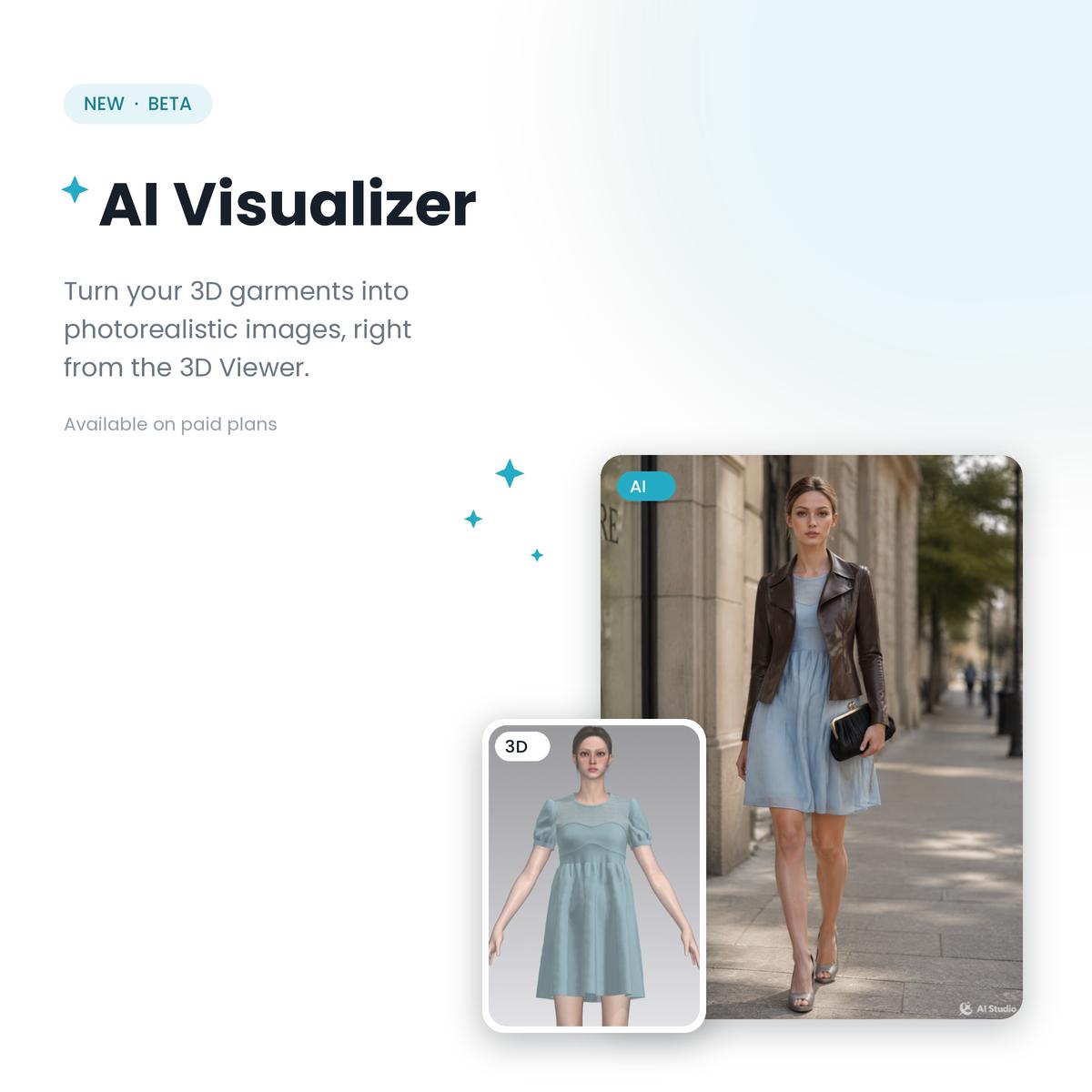
现在 CLO-SET 付费套餐中的 AI Visualizer(现已推出Beta版)就弥补了这一空白。它能获取您已创建的 3D 服装模型,并生成逼真的图像:模特穿着效果、场景布置,甚至搭配一些可能尚未以 3D 模型形式存在的配饰。AI 负责提供模特、打光和街道场景,而原服装设计仍然出自您之手。
TL;DR/ 核心速览
AI Visualizer 直接从 3D 查看器中,根据 CLO-SET 工作区中的 3D 服装生成逼真的时尚图像。
与仅根据文本提示词的 AI 服装图像生成器不同,它是从你实际的服装开始的,因此图像中的设计是您自己的。
参考素材可以添加到镜头中:工作区中的其他 3D 服装,或者还没有 3D 版本的鞋子、包包和装饰物等照片。
它基于 GPT Image 或 Gemini 运行,具有风格预设、模特面部锁定和变换强度控制,来逐步优化结果。
什么是 AI Visualizer?
AI Visualizer 是内置于 CLO-SET 3D 查看器 中的一款 AI 时尚图像生成工具。在内容页面打开任意一件服装,点击 AI Visualizer 按钮,这件服装就会成为一张逼真图像的基础参考:街拍、T台造型、电影场景,无论您在提示中描述什么,或者从预设选项中选择什么,它都能生成。
这与大多数 AI 服装设计工具的工作方式不同:大多数工具使用文本转图像生成器来为你构思服装,这也是许多团队构思的起点。而 AI Visualizer 则相反:服装是真实的,经过 3D 设计和模拟,AI 则围绕它来构建周围环境,使你的设计决策将最终得以保留。
怎么用
从您的服装开始。在查看器中显示的 3D 服装将成为基础参考图。不要只拍摄一种造型:你创建的齐色方案可以调用,因此每种变化都可以单独拍摄。
添加拍摄所需的素材。最多可添加 8 个参考素材:例如,从工作区导入的 3D 外套模型,或者想做造型搭配的鞋子和包包的简单照片。这是团队首先会关注的部分,因为构成完整造型的配饰通常只有供应商提供的照片。
描述并生成图像。选择一个引擎(GPT Image 或 Gemini),选择预设模式(例如街头时尚或T台风),或者编写您自己的提示词。保留模特面部可确保模型在不同图片中保持一致。结果将显示在“已生成”面板中,您可以保存或下载。
精修而非重来。使用当前图像作为基础,可以将任何结果转换为下一个起点;而“AI 变换强度”则控制 AI 偏离基础的程度:保留结构并润色细节,或允许更大幅度的重新设计。
它在工作流程中扮演什么角色?
一张搭配的、照片级的逼真图像能够解答灰色背景查看器无法解答的问题:这套造型是否适合作为成套服装出售?齐色在街景中是否脱颖而出?这是否符合产品画册的主题?团队可以在缝制样衣或安排拍摄之前就找到这些问题的答案,而这正是 AI可视化工具在数字样衣评审中发挥作用的地方。
这些都不能取代你的眼睛,而是让你的眼睛更早地看到更多东西。
它还特意与您可能已经使用的两个功能并列。渲染工具用于生成与服装模拟效果完全一致的图像,并可将您工作区中已有的 3D 素材进行混搭。AI Visualizer 则涵盖了探索性步骤:展示该款式在现实世界中的效果,即使这些元素尚未被建模为 3D 素材。
AI Visualizer 现已推出Beta测试版,付费用户即可体验。打开任意服装的 3D 查看器即可试用,完整操作步骤请参阅功能手册。
FAQ
AI 能否根据 3D 服装生成时尚图片?
能。CLO-SET 中的 AI Visualizer 以 3D 服装为基础生成图像,因此最终呈现的设计、轮廓和齐色方案都与您创建的一致。AI 会围绕服装生成模特、场景和造型。
这与 AI 时装设计生成器有何不同?
文本转图像的时尚生成器可以想象出新的服装,适用于创意构思和情绪板制作。AI Visualizer 则不同:它会参考拍摄已经存在的 3D 产品模型,这样生成的图像就可以辅助决策,帮助确定实际风格。
AI Visualizer 使用哪些 AI 引擎?
GPT Image 或 Gemini,每次生成选择一个。风格预设、自定义提示词字段、模特面容锁定、宽高比控制和变换强度设置共同塑造最终效果。
免费版是否提供 AI Visualizer?
没有。AI Visualizer 是 CLO-SET 付费套餐中的一项测试版功能。生成的图像仅对内容所属群组的成员可见。
继续阅读
查看全部CLO-SET 全新功能:CLOFAB,您的内置面料数字化工具
精准的数字面料是每一款可靠 3D 服装的基础——且在供应链中的每一个人都应该能轻松构建它们,而不仅仅是 3D 专家。 今天,我们在 CLO-SET 中正式推出 CLOFAB :这是一款基于网页的面料数字化工具,让您直接在浏览器中即可创建、注册并共享数字面料资产。无需安装额外软件,也无需 CLO 许可证。使用由 AI 驱动的 CLO zFab面料测量套件(CLO zFab Kit) 扫描实体样布,或者直接使用您现有的面料图像——无论哪种方式,CLOFAB 都能在几分钟内将其转化为可用于模拟的数字面料。 无论您是为买家构建数字资源库的面料厂、响应数字化需求的供应商,还是对当季材料进行数字化的品牌方,CLOFAB 都能在您团队已使用的平台内无缝运行。 为什么我们将 CLOFAB 内置于 CLO-SET
如何通过实用的 3D 工作流技巧优化时尚产品开发 - 2026 CLO-SET Webinar
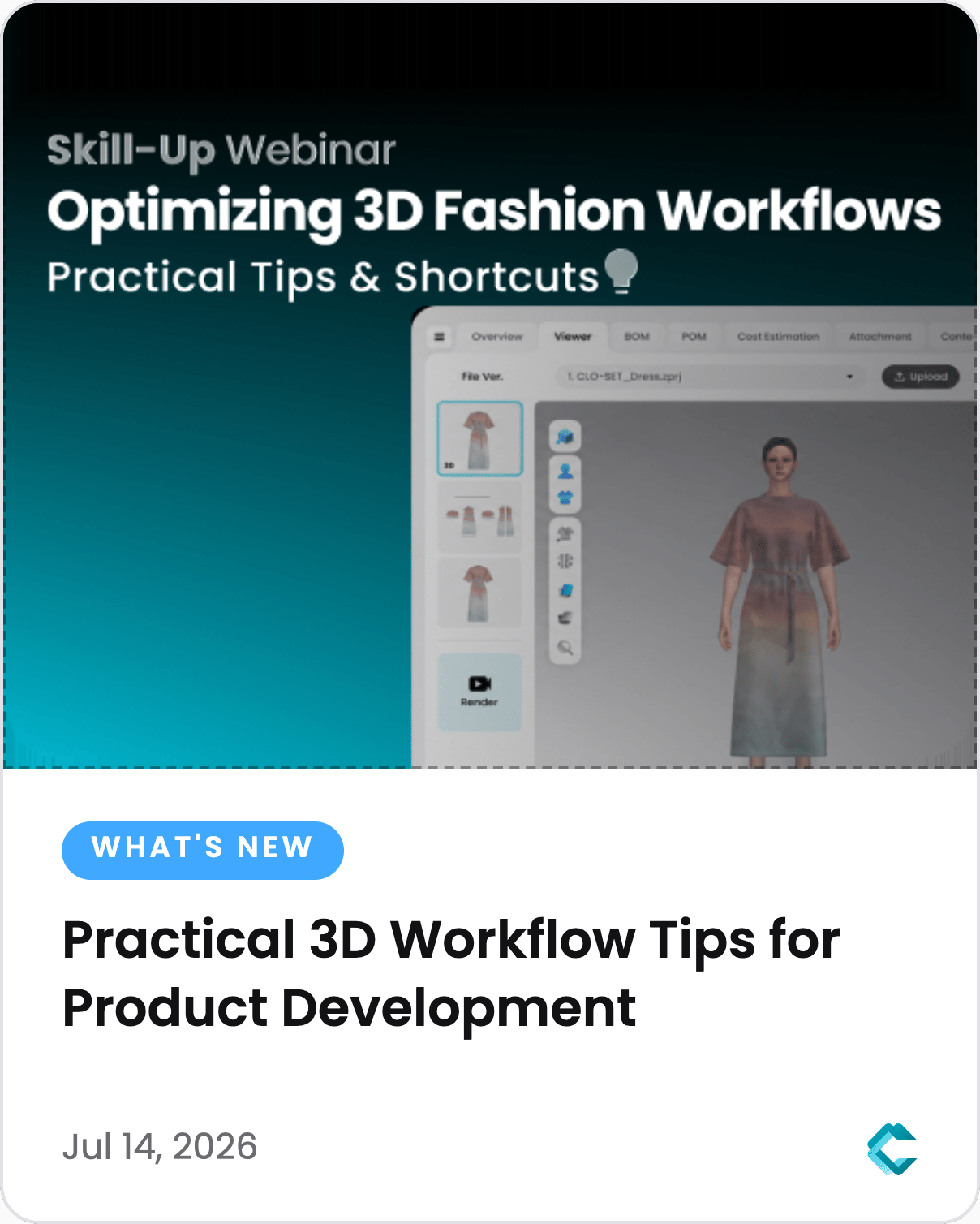
时尚产品开发不仅仅是创建 3D 服装。随着团队在设计、开发、商品企划和生产等环节的协作,高效的工作流对于减少手动操作和加速决策变得至关重要。 在我们的 第 10 期 CLO-SET 技能进阶在线讲座 中,我们探讨了有助于简化产品开发流程各个阶段的实用技巧和效率功能——从整理产品信息和创建样衣,到评审系列和衡量开发绩效。 在全球场次之后,我们还针对多个地区举办了本地化讲座,让用户能够以首选语言学习这些工作流。所有讲座的录像现已上传至 CLO-SET YouTube 频道 ,您可以随时回放并探索完整的演示内容。 以下是本系列讲座中涵盖的一些核心工作流优化亮点。 核心要点 在设计开始前建立结构化的产品基础 在创建样衣时更高效地查找和复用资产 利用 AI 驱动的协作工具加速样衣评审 标准化系列评审和商品企划工作流 通过切实可行的数据分析衡量产品开发绩效 1. 建立更好的产品基础
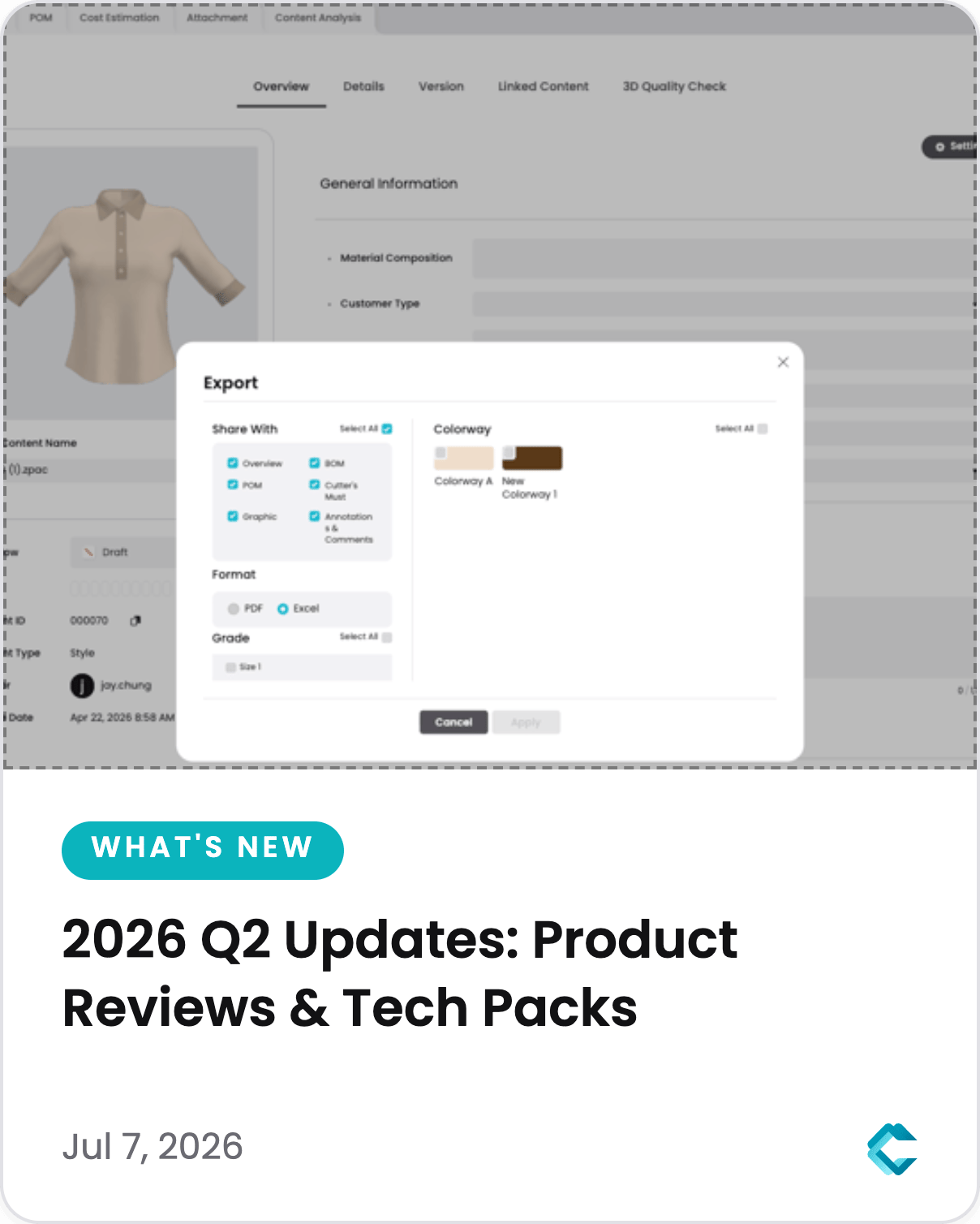
CLO-SET 2026年第二季度更新:更优的产品审阅,更智能的工艺单
从产品审阅到生产文档,第二季度的更新旨在帮助时尚团队更高效地沟通、更自信地审阅产品,并准备更完整的技术文档。 一起来探索 CLO-SET 的全新功能。 [产品评审与协作] 产品评审通常涉及与供应商的沟通、反复修改和持续的质量检查。本季度推出的新功能将帮助团队简化产品沟通和评审工作流程。 使用虚拟展厅简化产品请求 在整个产品开发流程中,虚拟展厅为您提供了一种更高效的方式,以便与供应商和业务合作伙伴进行沟通。 通过“ 添加到清单 ”与“ 发送邮件请求 ”功能,用户可以选择多个款式,并直接从虚拟展厅发送产品请求,从而能够更轻松地在单一工作区内集中管理产品沟通。 借助 AI QC Bot (测试版) 加速质量评审 跨多个产品评审质量结果通常非常耗时。 AI QC Bot (测试版) 能够自动分析检测到的质量控制数据,并总结 3D